The Best Photoshop Alternative for Recoloring Logos (2026)
An honest comparison of ICC Images and Adobe Photoshop for recoloring — features, pricing, skill level, and where each one genuinely wins over the other.
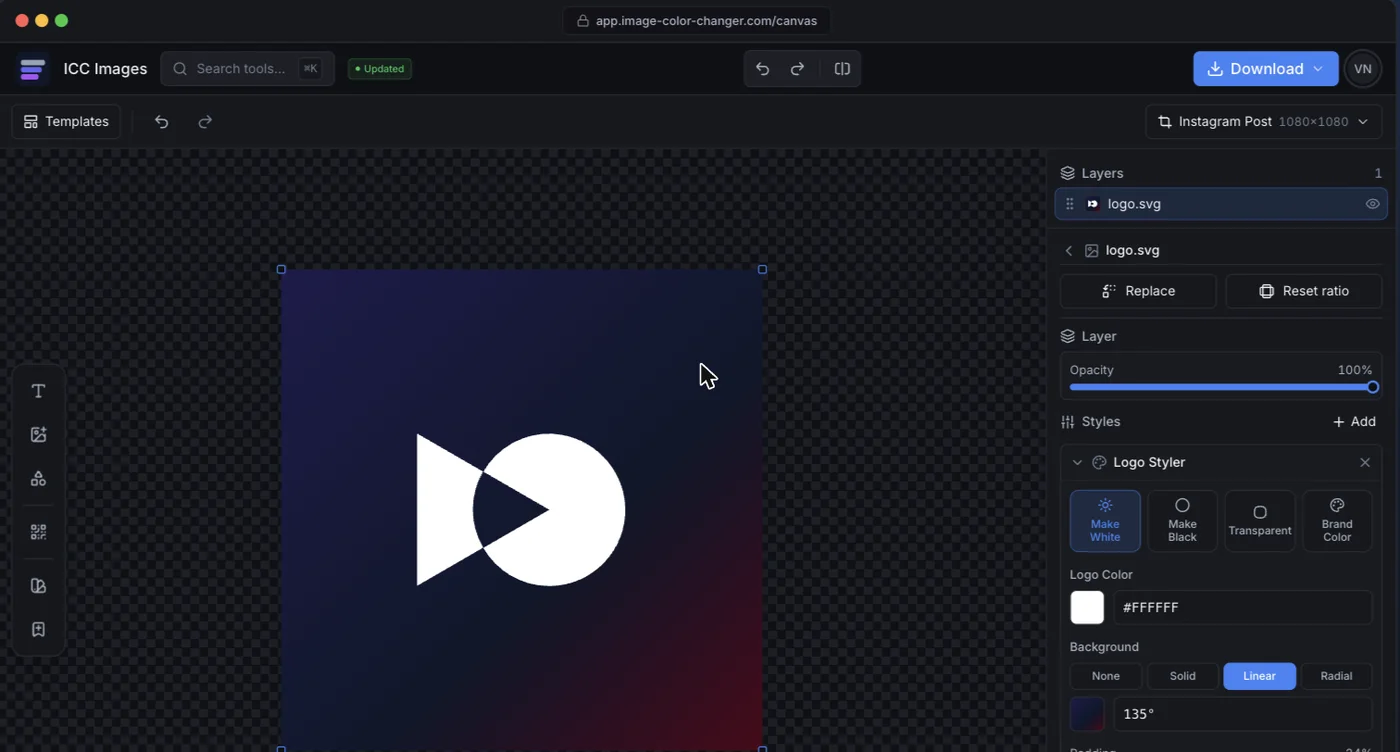
Adobe Photoshop is the most powerful raster image editor ever made. It is also a professional application with a steep learning curve, a subscription, and far more capability than most people need when the job is simply "make this logo white" or "swap this color." ICC Images takes the opposite approach: a focused, browser-based editor where every common logo and color task is a click or two, and every edit stays re-editable on one canvas.
This comparison is written by the team behind ICC Images, so treat it as informed but interested. We have tried to be fair — Photoshop wins decisively for anything that involves deep pixel work, and we say so below. The real question is not "which tool is better" but "which tool fits the task in front of you."
| At a glance | ICC Images | Photoshop |
|---|---|---|
| Pricing | Free to edit and preview; pay-as-you-go packs from €0.99; Pro (unlimited) €8.99/mo or €69/yr | Subscription from ~$9.99/mo (Photography plan) up to ~$22.99/mo (single app); free trial only, no permanent free tier |
| Best for | Fast logo recoloring, color swaps, background removal, exporting brand variants | Professional photo retouching, compositing, and detailed pixel-level editing |
| Skill level | Beginner — no learning curve, no manual required | Advanced — a genuine learning curve |
| Availability | Any browser + a Framer plugin. No install. | Desktop (Windows/macOS), iPad app, and a limited web version |
| One-line verdict | Best for quick, repeatable brand edits | Best when you need total pixel-level control |
Side-by-side features
Both tools can recolor a logo, replace a color, and remove a background. The difference is how much work it takes and how much else the tool is carrying.
| Capability | ICC Images | Photoshop |
|---|---|---|
| Recolor a logo to white, black, or any color | YesOne click, transparency preserved | YesPossible via layers, masks, and adjustment layers |
| Replace one specific color | YesEyedropper + tolerance slider | YesReplace Color / Hue-Saturation, more setup |
| AI background removal | YesUses credits; handles hair and edges | YesSelect Subject / Remove Background |
| Photo retouching & compositing | NoNot a photo-editing suite | YesIndustry standard |
| Full layer-based compositing | PartialRe-editable edits on one canvas, not full compositing | YesUnlimited layers, masks, blend modes |
| Runs in the browser, nothing to install | YesWorks on any device | PartialPhotoshop on the web is limited vs desktop |
| Start editing with no signup | YesEdit and preview free; sign in only to download | NoRequires an Adobe account |
| Free to use | YesEditing & previews free forever; exports are pay-per-use | No7-day trial only |
| Export brand variants (white/black/transparent/favicon/social) | YesRe-export every variant from one file | PartialManual export per size and format |
Pricing
ICC Images is credit-based. Editing and previewing — recoloring a logo, replacing a color, duotones — are free and need no signup, but downloading a full-resolution export requires a free account and spends credits (1 per HD export, 1 for an AI background removal; AI logos are free to generate and 1 credit to download). You buy one-time packs as you need them (3 for €0.99, 15 for €2.99, 50 for €6.99 — never expiring) or pick a plan: Starter (€4.99/mo, 150 credits) or Pro, unlimited (€8.99/mo, €69/yr). No lock-in and no monthly subscription required — you pay only for what you export.
Photoshop is subscription-only. At the time of writing, the cheapest realistic route is Adobe's Photography plan (around $9.99/month, bundled with Lightroom), while the single Photoshop app runs closer to $22.99/month. There is a free trial but no permanent free tier. For a professional who uses it daily, that is easy to justify. For someone who needs to recolor a logo twice a month, it is a lot of overhead.
Pros & cons
ICC Images
Pros
- No learning curve — most tasks are one or two clicks
- Free to try; pay-per-use credits, no subscription required
- Runs in any browser and as a Framer plugin, nothing to install
- Every edit stays re-editable; re-export brand variants anytime
Cons
- Not a photo-retouching or compositing suite
- AI operations (background removal) consume credits
- No native desktop or mobile app
Adobe Photoshop
Pros
- Unmatched depth for retouching, compositing, and pixel-level control
- Industry-standard, huge ecosystem of tutorials and plugins
- Full layer, mask, and blend-mode workflow
Cons
- Steep learning curve for simple tasks
- Subscription-only, no permanent free tier
- Heavy desktop install; overkill for quick logo edits
Who each tool is for
ICC Images is for people who need a result, not a workflow. Founders, marketers, freelancers, and agencies who want a white version of a logo, a transparent PNG, a recolored icon, or a clean cutout — fast, and without opening a professional application. No prior design knowledge is assumed.
Photoshop is for professionals doing pixel-level work. Photographers, retouchers, and designers composing complex images, masking hair strand by strand, or blending multiple exposures. If your job is the image itself — not just its color — Photoshop is the correct tool and nothing here replaces it.
Is it a real Photoshop alternative for recoloring?
For recoloring specifically: yes, and in several respects it is the better tool. For Photoshop as a whole: no, and anyone telling you otherwise is selling something.
Here is the honest boundary.
Where it genuinely replaces Photoshop. Making a logo white, black or an exact brand hex. Swapping one colour for another across a graphic. Producing the transparent PNG someone asked for. Generating the set of variants a brand needs. In Photoshop these are a Hue/Saturation layer with Colorize, or a Solid Color fill clipped to a mask, plus the export dance — perhaps two minutes each once you know the steps, and a tutorial the first time. Here they are a click, and the edit stays re-editable so the next variant does not mean redoing the work.
Where it does not. Anything that needs pixel-level judgement: masking hair strand by strand, compositing several exposures, frequency separation, retouching skin, or painting. Photoshop's selection tools have thirty years of refinement behind them and there is no browser tool that matches them. If the image itself is the job rather than its colour, stay in Photoshop.
The awkward middle. Recolouring a photograph convincingly — changing a car from red to blue with the reflections still reading correctly — is genuinely hard, and Photoshop with a careful mask wins. A hue shift gets you a believable colourway on a product shot in seconds, but it moves every colour in the frame, not just the one you meant.
The practical test: if you can name the colour you want, this is faster. If you would have to select something first, Photoshop is still the answer.
One thing worth flagging for anyone leaving Photoshop over cost — recolouring a whole folder at once needs an Action or a script in Photoshop, which is a real piece of setup. Here it is a single run over up to thirty files.
Availability & platforms
ICC Images runs entirely in the browser on any device, plus a Framer plugin that inserts edited images straight onto the Framer canvas. Color edits happen locally in your browser; only AI operations touch a server, and those images are not kept afterward. Signed-in projects are saved to your own account so you can return to them. You can start editing without an account — a free sign-in is only needed to download full-resolution exports.
Photoshop is primarily a desktop application (Windows and macOS), with an iPad app and a more limited web version. It requires an Adobe account and, beyond the trial, an active subscription. It works offline once installed — an advantage ICC does not offer.
If you already have Photoshop and want to do the color work there, we wrote a full walkthrough: how to change a logo color in Photoshop, covering all five methods and the export settings that quietly ruin the result.