The Best Canva Alternative for Logo Editing (2026)
An honest comparison of ICC Images and Canva for logo editing — features, pricing, skill level, and where each one genuinely wins over the other.
Canva made design approachable for millions of people: drag-and-drop templates for social posts, presentations, and marketing, backed by an enormous asset library. It is a broad tool that does a bit of everything. ICC Images is the opposite — narrow and deep. It does image and logo work: recoloring, color replacement, background removal, and exporting the brand variants you actually need, all in the browser — with no signup needed to start editing.
We make ICC Images, so this comparison is informed but not neutral. The honest take: Canva is the better content creation tool, and if you need templates and layouts, use it. But for precise image edits — and for removing backgrounds pay-per-use instead of behind a monthly Pro plan — ICC Images is cheaper for occasional work.
| At a glance | ICC Images | Canva |
|---|---|---|
| Pricing | Free to edit and preview; pay-as-you-go packs from €0.99; Pro (unlimited) €8.99/mo or €69/yr | Free plan; Canva Pro ~$12.99/month or ~$119.99/year per user |
| Best for | Precise logo and color edits, background removal, brand-variant exports | Templates, social graphics, presentations, all-round content design |
| Skill level | Beginner — single-purpose, nothing to learn | Beginner — template-driven and approachable |
| Availability | Any browser + a Framer plugin. No install. | Browser + desktop apps + mobile apps (iOS/Android) |
| One-line verdict | Best for focused image and logo edits | Best for template-based content creation |
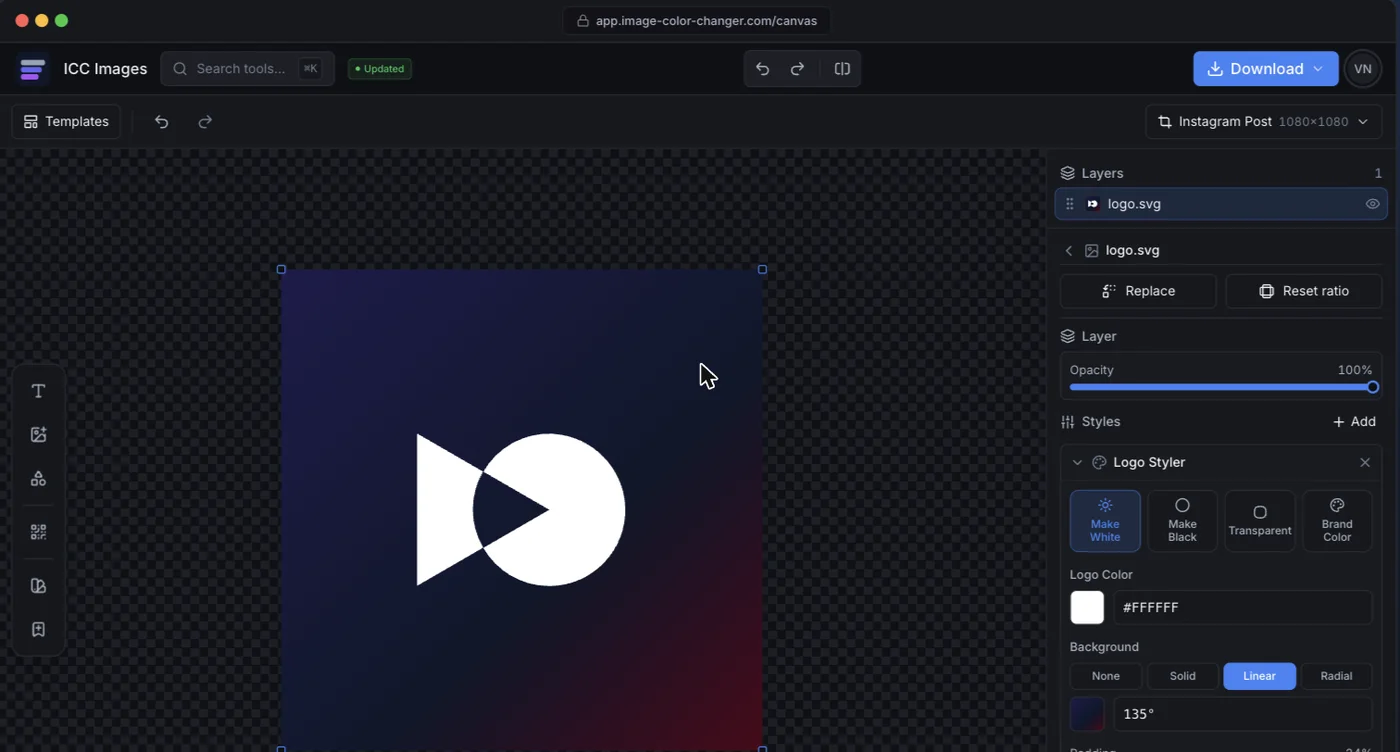
Side-by-side features
Canva is broad; ICC Images is focused. Canva wins anything template- or layout-driven. ICC wins the precise, image-level edits — and offers background removal pay-per-use, with no subscription.
| Capability | ICC Images | Canva |
|---|---|---|
| Recolor a logo to white, black, or any color | YesPrecise, one click, transparency kept | PartialWorks on elements; less precise on uploaded raster logos |
| Replace one specific color in a photo | YesEyedropper + tolerance slider | NoNo true targeted color-replace for photos |
| AI background removal | YesPay-per-use with credits; no subscription | PartialBackground Remover is Pro-only |
| Template-based design (social, presentations) | NoNot a template tool | YesCanva's core strength |
| Large stock & template library | NoYou bring your own image | YesMillions of templates and assets |
| Duotone & color effects | YesDedicated duotone tool with presets | PartialSome photo filters and effects |
| Branded QR code with your logo | YesLogo in the center, styles and colors | PartialBasic QR generation |
| Start editing with no signup | YesEdit and preview free; sign in only to download | NoRequires a Canva account |
| Export brand variants (white/black/transparent/favicon) | YesRe-export every variant from one file | PartialPossible, but manual per design |
Pricing
ICC Images is credit-based. Editing and previewing are free and need no signup, but downloading a full-resolution image requires a free account and spends credits — 1 credit per HD export and 1 for an AI background removal. You buy credits as you need them: one-time packs (3 for €0.99, 15 for €2.99, 50 for €6.99 — credits never expire) or subscribe (Starter €4.99/mo for 150 credits, Pro unlimited €8.99/mo or €69/yr). So it isn't that ICC is free — it's that background removal and exports are pay-per-use, with no monthly subscription required.
Canva has a strong free plan, and Canva Pro runs around $12.99/month or $119.99/year per user at the time of writing. Pro is where the Background Remover, Brand Kit, and premium content live. If you use Canva daily for content, Pro is worth it. If you mainly want to cut out a background or recolor a logo now and then, you would be paying a monthly subscription for features ICC gives you per-use.
Pros & cons
ICC Images
Pros
- Precise, one-click logo recoloring and color replacement
- Background removal is pay-per-use with credits, not locked behind a monthly subscription
- Free to edit and preview (no card); no signup to start editing; runs anywhere
- Re-editable edits and fast brand-variant exports
Cons
- No templates, layouts, or stock library
- Not built for presentations or multi-page documents
- AI operations consume credits
Canva
Pros
- Enormous template and asset library for any content type
- Great for social graphics, presentations, and marketing
- Beginner-friendly with a capable free plan
Cons
- Background Remover is Pro-only, and the full Brand Kit needs Pro
- Less precise for targeted raster logo and color edits
- Requires an account; broad rather than deep
Who each tool is for
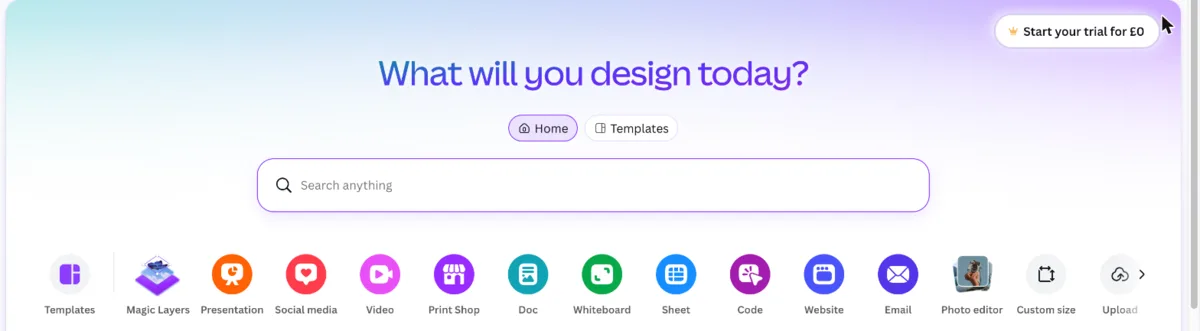
Canva is for content creators and marketers. If you are designing Instagram posts, a pitch deck, a flyer, or a marketing campaign from templates, Canva is the obvious choice and ICC Images is not trying to replace it.
ICC Images is for precise image and brand work. Recolor a logo exactly, replace a single color in a product photo, cut out a background pay-per-use (no monthly Pro), generate a branded QR code, and export every size and format your brand needs. It is the specialist you reach for when Canva's general-purpose editor is not precise enough.
Is it a real Canva alternative for logo editing?
For logo editing specifically: yes. As a replacement for everything Canva does: no — and the distinction is worth being precise about, because they are not really competing for the same job.
Where it genuinely replaces Canva. Anything where you already have a mark and need to change it. Canva's recolouring behaviour depends entirely on whether it decided your upload is vector: select the logo, and if a row of colour tiles appears you can recolour in two clicks. If it does not — which is what happens with every flat PNG — those tiles never appear no matter what you click, and you are pushed toward Duotone or a blend-mode workaround. That inconsistency is the single most common reason people go looking for something else, and it is the thing this tool does not have: you get exact hex control on a PNG and on an SVG alike, and an SVG comes back as an SVG.
Where it does not. Canva is a layout and template tool with a stock library, a brand kit, team sharing, presentations, video, print ordering and scheduling. If your actual need is "make me a social post from a template", Canva is the right tool and nothing here substitutes for it.
The honest cost comparison. Canva's relevant features — Background Remover, Brand Kit, Magic Resize — are Pro, which is a monthly subscription whether or not you use it that month. This is pay-per-use credits that do not expire. For someone editing logos a few times a month, that is meaningfully cheaper. For someone living in a design tool daily, Canva Pro earns its keep.
The practical test: if you are making a design, use Canva. If you are fixing or converting an asset you already have, this is faster and gives you more exact control.
One more difference worth naming: producing the same change across a whole folder of assets means opening each one in Canva. Here it is one batch run.
Availability & platforms
ICC Images runs in any browser plus a Framer plugin, with color edits processed locally, AI images discarded after use, and signed-in projects saved to your own account. You can start editing without an account — a free sign-in is only needed to download full-resolution exports.
Canva runs in the browser and as desktop and mobile apps (iOS and Android), which makes it convenient on the go. It requires an account, and its most useful editing features sit behind the Pro tier.