Convert JPG to PNG
Turn a JPG into a lossless PNG that is ready for editing, transparency work, and repeated saving without degrading. Runs entirely in your browser.
Free to edit and preview · HD download with a free account
Drop a JPG
PNG, JPG, WebP or SVG — up to 20 MB
Runs entirely in your browser. Your image is never uploaded.
What converting actually gives you
No further quality loss
Every time a JPG is opened, edited, and re-saved it is recompressed and loses a little more detail. PNG is lossless, so once converted you can edit and re-save as often as you like without the image slowly degrading. This is the main reason to convert before starting work.
A format that can hold transparency
JPG cannot store transparency at all. Converting to PNG gives you a file that can — which is the necessary first step before removing a background, knocking out a colour, or building a logo cutout. The conversion itself does not create transparency, it enables it.
It cannot undo JPG compression
Converting does not recover detail the JPG already discarded. Existing artefacts — blocky skies, halos around text — are carried across and preserved perfectly. You are stopping further loss, not repairing past loss, and it is worth being clear-eyed about that.
Expect a larger file
A lossless PNG of a photograph is typically several times larger than the JPG it came from. That is the correct trade for an editing master, but it makes PNG a poor choice for serving photographs on a web page — convert back, or to WebP, when you publish.
Local and private
The conversion runs in your browser on canvas. Nothing is uploaded, so there is no size limit imposed by a server and no copy of your file left behind.
Worth knowing before you convert
Convert first, edit second
If you plan to make several rounds of edits, convert to PNG before you start. Editing a JPG repeatedly recompresses it each time and the damage accumulates.
Converting does not repair a bad JPG
Blocky skies and halos around text are baked into the file. PNG preserves them faithfully rather than removing them.
Do not publish photos as PNG
A lossless photograph is a heavy download. Convert to PNG for editing, then back to JPG or WebP for the web.
PNG is the gateway to transparency
Background removal, colour knockout, and logo cleanup all need a format with an alpha channel. This is the first step.
How to convert JPG to PNG
Upload your JPG
Drop the file in — it is processed locally in your browser.
Confirm PNG is selected
PNG is preselected from this page. The quality slider is greyed out because PNG is lossless.
Download the PNG
Save the lossless file at full resolution, ready to edit.
What the JPG to PNG converter looks like
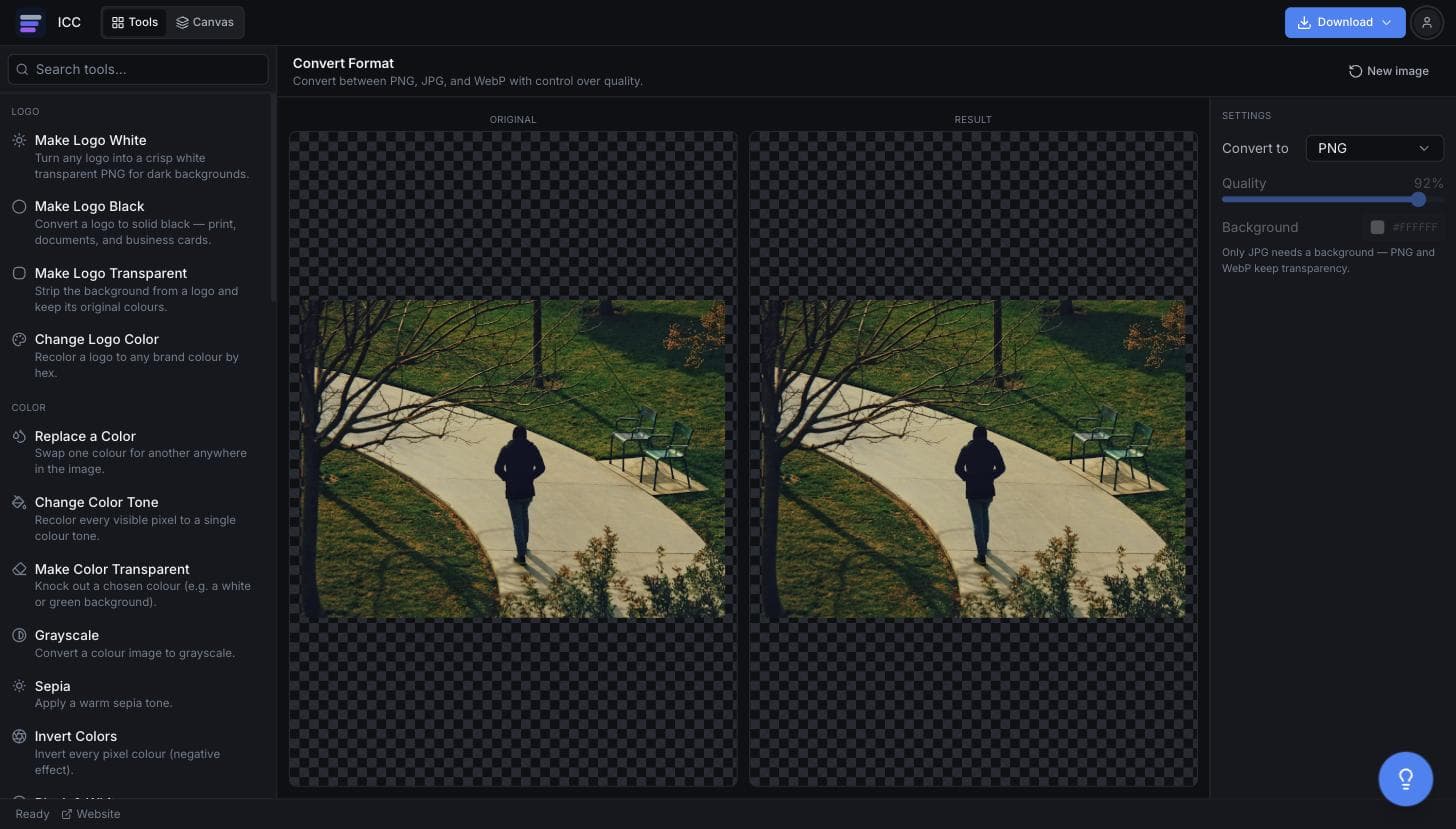
When you need a PNG instead of a JPG
Before removing a background
You need a format that can hold transparency first.
Editing masters
Work and re-save repeatedly without compounding compression loss.
Design and dev handoff
Plenty of pipelines expect PNG for interface assets.
Print artwork
Some printers ask for lossless files rather than JPG.
Logos rescued from JPG
A logo sent as JPG needs converting before it can be cleaned up.
Or just ask
Describe the edit in your own words
Type what you want changed and the assistant does it on the canvas — each step lands as a layer you can reopen, so nothing it does is baked in.
No edits yet.
Frequently Asked Questions
Related Tools
Guides worth reading
How to Fix Blurry or Fringed Edges on a Transparent PNG
Why your transparent PNG has a white halo, a grey fringe or soft edges — the four real causes, how to tell them apart in seconds, and the fix for each.
SVG vs PNG for Logos: Which File Do You Actually Need?
What SVG and PNG really are, where each one wins, why your developer keeps asking for the SVG, and the three files that cover almost every request.
Best Free Background Remover in 2026: 5 Tools Compared Honestly
remove.bg, Canva, Adobe Express, Photopea and Image Color Changer compared on what is actually free, output quality, privacy and price per image — including which one to use for logos.
Convert your JPG to PNG
Get a lossless file ready for editing.