Portrait Posts That Fill More of the Feed
The 4:5 format at 1080×1350, the tallest image Instagram shows uncropped in the feed. Start from a layout drawn for that shape and edit every layer.
Free preview · No signup · ~10 seconds
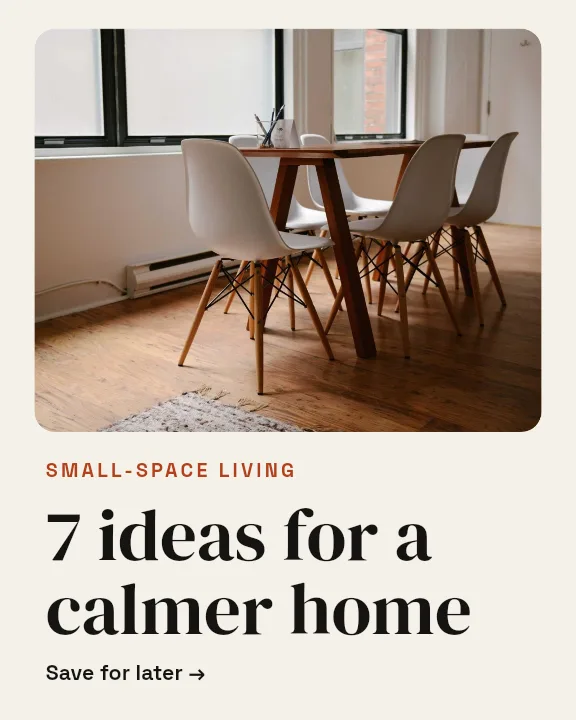
Portrait Posts That Fill More of the Feed — in the editor
The real editor, start to finish — no signup needed to try it yourself.
Free preview · No signup · ~10 seconds
Why 4:5 Earns Its Place
A quarter more height
At 1080×1350, a portrait post stands 25% taller than a square one in the feed. The extra height keeps it on screen longer while someone scrolls, which is the whole game in a busy feed.
How it sits in your grid
Instagram profile grids now show taller tiles than the old squares, so a portrait post keeps most of its frame there too. Keep the subject centred and nothing important is lost.
Layouts that use the height
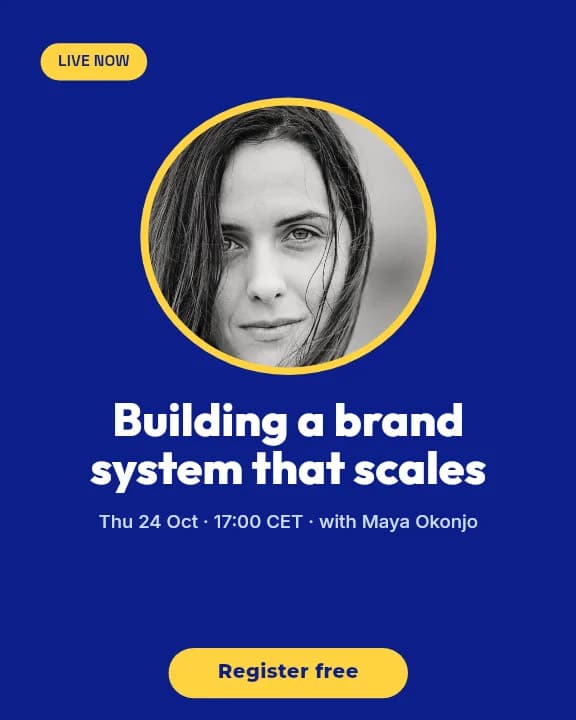
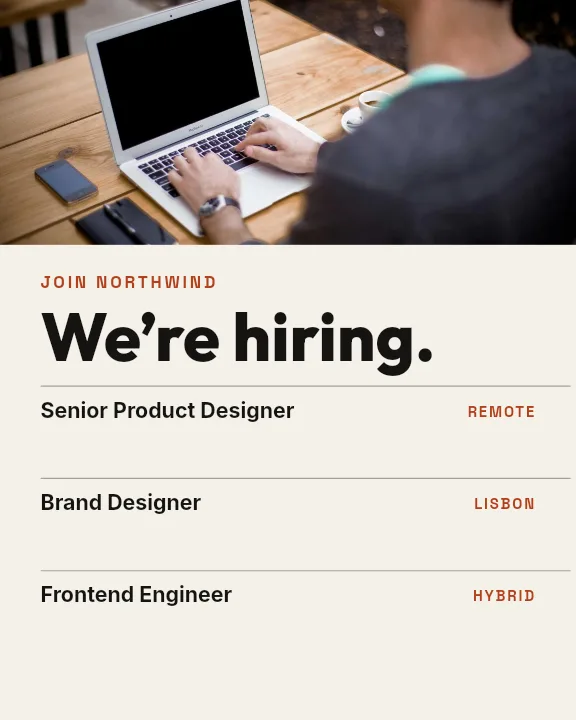
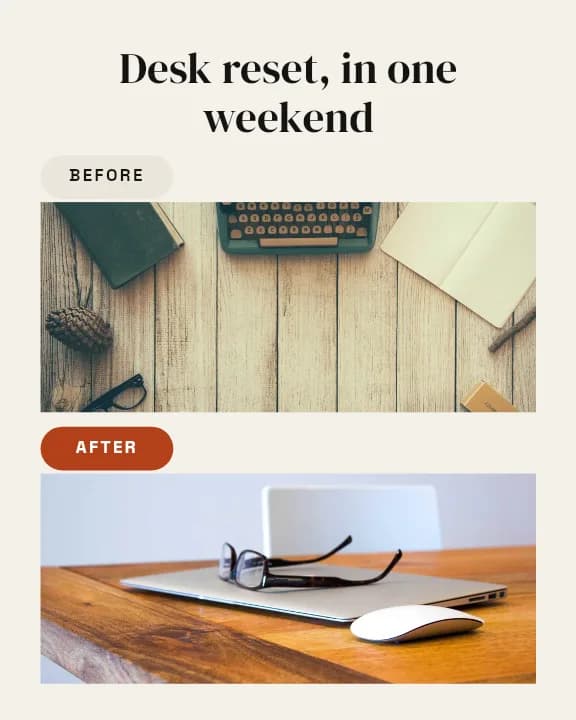
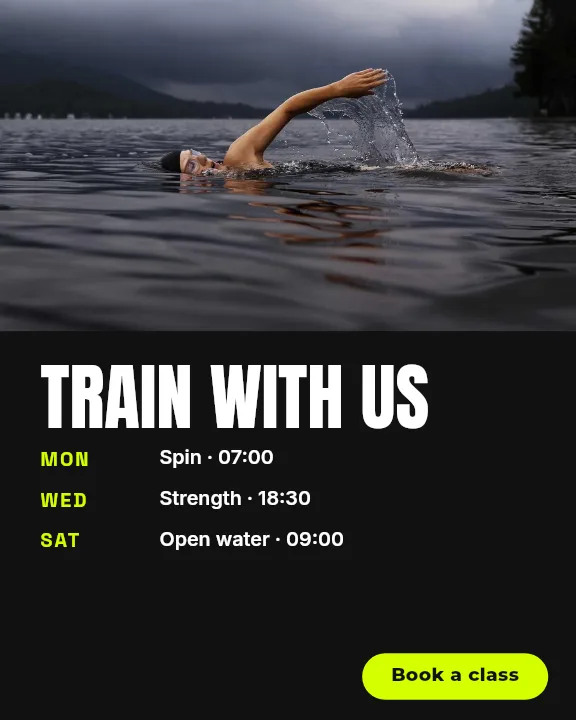
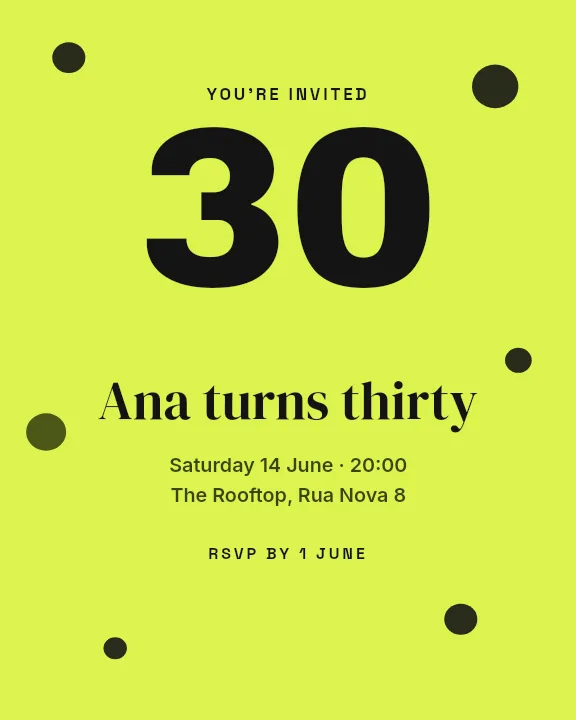
Pin Card, Webinar, and Before & After stack a headline above an image or split the frame top and bottom. A square layout stretched to 4:5 leaves dead space; these are drawn for the taller frame from the start.
Fully editable
Swap the photos, retype every line, and change the colours. Text, images, and shapes are separate layers you can move or remove.
Portrait Post Compared
Instagram Portrait Post
1080 × 1350
4:5, the maximum height the feed shows uncropped.
Instagram Square Post
1080 × 1080
The same width, 270px shorter.
Instagram Carousel Slide
1080 × 1350
Identical canvas, so portrait designs carry straight over.
How to Make a 4:5 Instagram Post
Open the portrait templates
The button opens Create on Instagram Portrait Post templates at 1080×1350. Pick one or choose Blank.
Add your content
Replace the headline and body text, drop in your photo, and recolour the shapes to match your brand.
Balance the frame
Use the extra height: give the image room, then size the headline so it reads at phone width.
Download
Look at a free low-resolution preview, then export the full-resolution post for Instagram.
What Works in Portrait
Product Photography
Bottles, clothing, and anything taller than it is wide.
Before and After
Two states stacked one above the other in one post.
Webinar Promos
Speaker photo, title, and date with room to breathe.
Portrait Photos
People shots that would lose their heads in a square crop.
Or just ask
Describe the edit in your own words
Type what you want changed and the assistant does it on the canvas — each step lands as a layer you can reopen, so nothing it does is baked in.
No edits yet.
Frequently Asked Questions
Related Tools
Guides worth reading
How to Make a Duotone Image in Figma (Building One From Blend Modes)
Figma has no duotone effect. You assemble one from a desaturated image and two blended rectangles — here is the layer stack, the order that matters, and an honest account of what it costs to maintain.
How to Make a Logo White in Photoshop (3 Methods, One of Them Non-Destructive)
Color Overlay, Lock Transparent Pixels, and why Hue/Saturation is the wrong tool even though Lightness looks like it works — plus the fringe that makes a white logo look dirty on a dark background, and how to remove it.
How to Replace a Color in Canva (What's Possible on Elements, and What Isn't on Uploads)
Canva can swap colors on vector elements one swatch at a time. On an uploaded photo or PNG there is no per-color control at all — here is the full picture, including the Duotone approximation and its limits.
Use the Full Height of the Feed
Portrait layouts drawn for 1080×1350, ready for your photos and words.