YouTube Templates for Your Whole Channel
Thumbnails for every upload and a banner for the channel page, designed to work as a set. Start from a layout, rework every layer, and export at YouTube's sizes.
Free preview · No signup · ~10 seconds
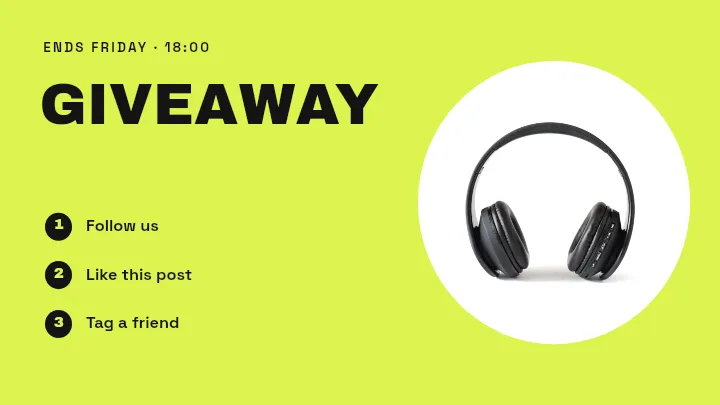
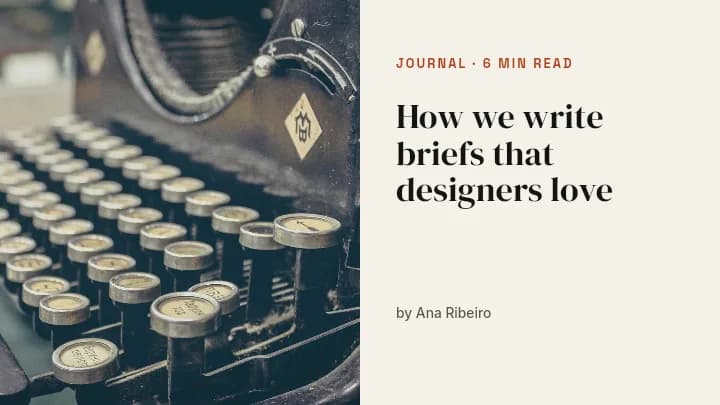
YouTube Templates for Your Whole Channel — in the editor
The real editor, start to finish — no signup needed to try it yourself.
Free preview · No signup · ~10 seconds
Channel Identity Starts With Two Images
Thumbnails at 1280×720
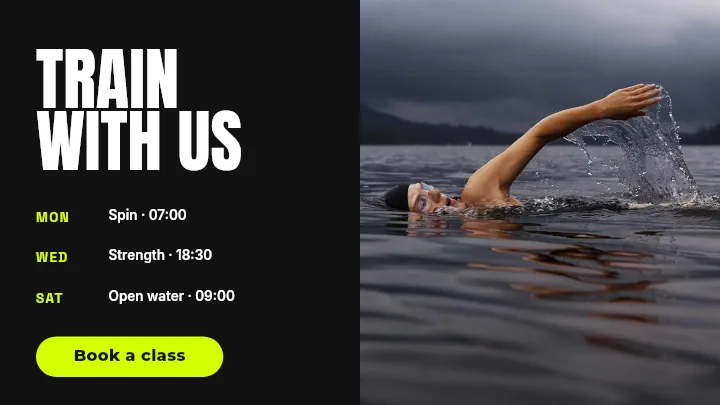
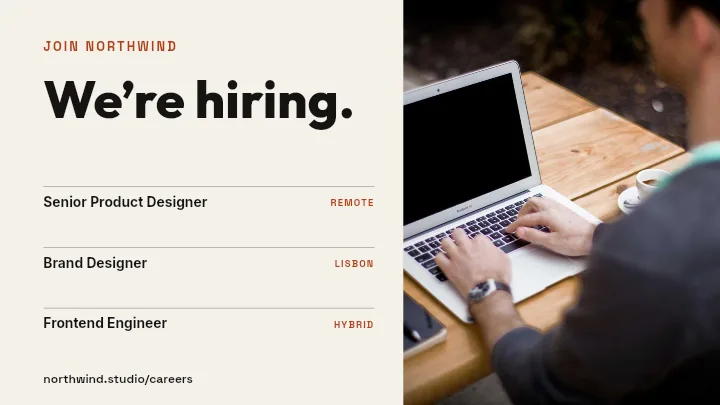
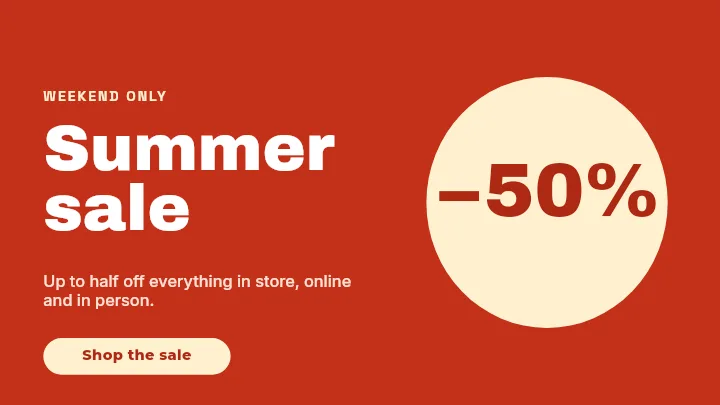
The thumbnail is the image people decide on, shown everywhere from the home feed to suggested videos. The app builds it at YouTube's recommended 1280×720, with layouts like Class Schedule and Product Split Dark built around one large focal element.
Channel banner at 2560×1440
The banner is uploaded large but most devices show only a strip through the middle. Templates for it keep names and taglines in that central band so they survive on phones, desktops, and TVs.
A recognisable series
Viewers spot a creator by repeated colours, type, and placement before they read a title. Reuse one thumbnail layout across a series and change only the words and the photo.
Edit, do not rebuild
Your face cut-out, the headline, the background, and any arrows or badges are layers. Next week's thumbnail is a copy of this week's with the text swapped.
YouTube Canvas Sizes in the App
Video Thumbnail
1280 × 720
The timestamp covers the bottom-right corner; keep text out of it.
Channel Banner
2560 × 1440
Only the centre 1546×423 is guaranteed on every device.
How to Make YouTube Graphics From a Template
Open the YouTube templates
The button opens Create with the YouTube formats ready. Choose thumbnail or channel banner, then a template or a blank canvas.
Swap in your video
Retype the title words, place a frame from your video or a photo of yourself, and set the colours to your channel's.
Push the contrast
Enlarge the main subject and the key words, move layers so nothing important sits in the corners, and drop anything that adds clutter.
Download for YouTube Studio
Preview it free at low resolution, then export the full-resolution image and upload it in YouTube Studio.
Who Uses YouTube Templates
Weekly Creators
A repeatable thumbnail format so each upload takes minutes, not an evening.
Course and Tutorial Channels
Numbered lessons with consistent titles that read as one curriculum.
Brand Channels
Product videos and webinars that match the company's other channels.
Channel Refreshes
A new banner and thumbnail style launched together.
Or just ask
Describe the edit in your own words
Type what you want changed and the assistant does it on the canvas — each step lands as a layer you can reopen, so nothing it does is baked in.
No edits yet.
Frequently Asked Questions
Related Tools
Guides worth reading
How to Make a Duotone Image in Figma (Building One From Blend Modes)
Figma has no duotone effect. You assemble one from a desaturated image and two blended rectangles — here is the layer stack, the order that matters, and an honest account of what it costs to maintain.
How to Make a Logo White in Photoshop (3 Methods, One of Them Non-Destructive)
Color Overlay, Lock Transparent Pixels, and why Hue/Saturation is the wrong tool even though Lightness looks like it works — plus the fringe that makes a white logo look dirty on a dark background, and how to remove it.
How to Replace a Color in Canva (What's Possible on Elements, and What Isn't on Uploads)
Canva can swap colors on vector elements one swatch at a time. On an uploaded photo or PNG there is no per-color control at all — here is the full picture, including the Duotone approximation and its limits.
Give Your Channel a Look Viewers Recognise
Thumbnails and channel art from matching layouts, edited layer by layer.