Carousel Slides People Swipe Through
Portrait 1080×1350 slide layouts, from a Carousel Cover that earns the first swipe to Tips List and Quote slides for the body. Edit each slide and download.
Free preview · No signup · ~10 seconds

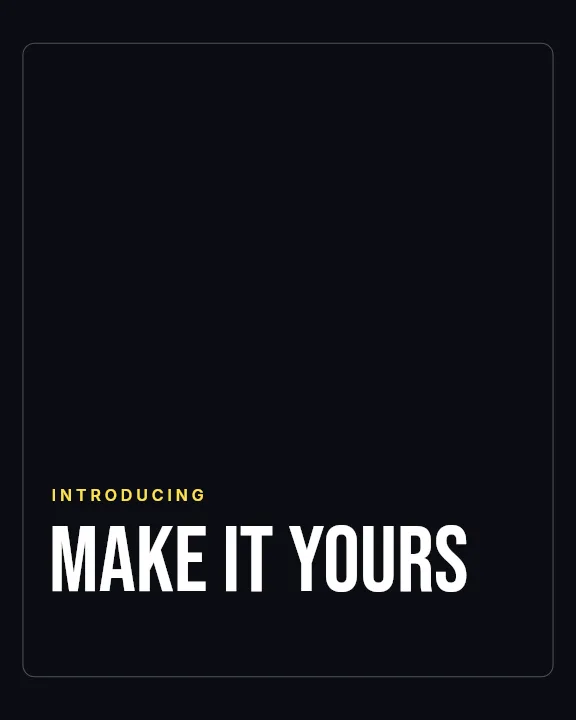
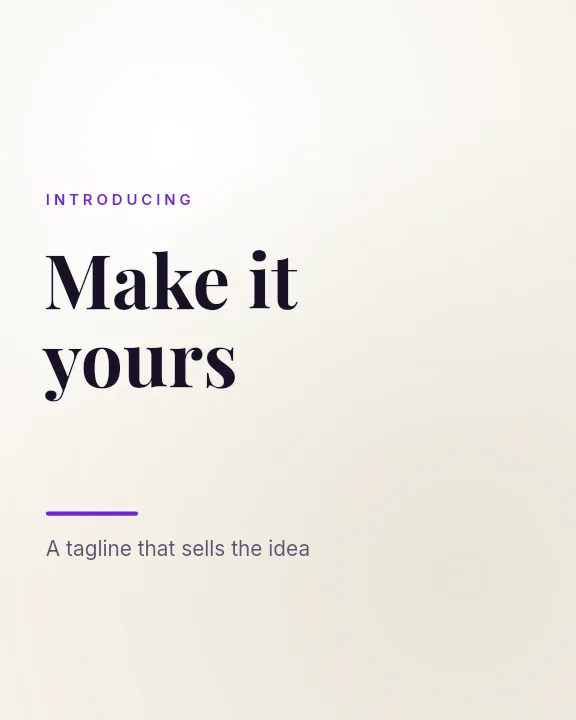

Carousel Slides People Swipe Through — in the editor
The real editor, start to finish — no signup needed to try it yourself.
Free preview · No signup · ~10 seconds
A Carousel Is a Short Story
The cover slide does the work
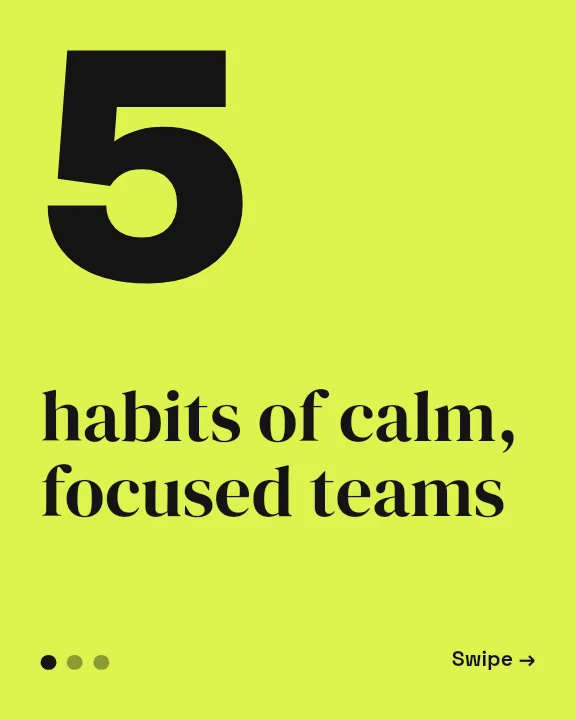
Only the first slide appears in the feed, so it has to promise something worth swiping for. The Carousel Cover layout is built around one large headline and a visual cue to keep going.
Every slide the same shape
Instagram crops all slides to the ratio of the first one. The app gives every carousel slide the same 1080×1350 portrait canvas, so nothing gets trimmed unexpectedly.
One point per slide
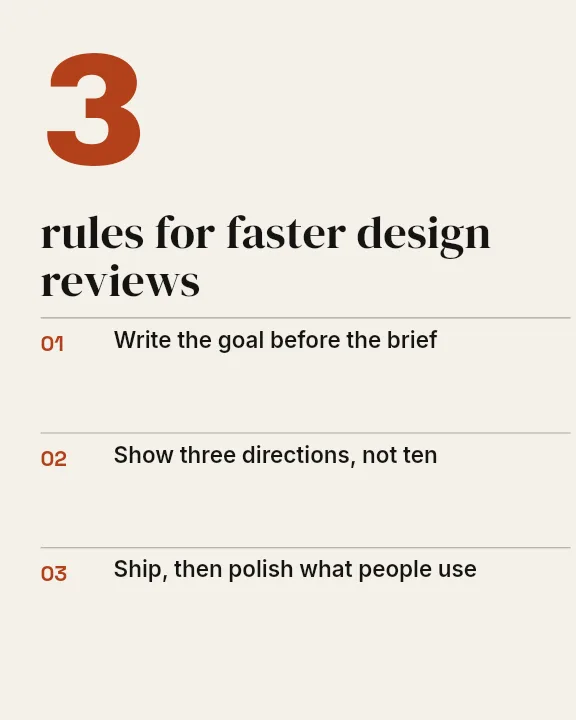
Instagram allows up to 20 slides, but readers drop off when slides are crowded. The Tips List and Minimal Mono layouts hold one point each, in type large enough to read without zooming.
Consistent by design
Keep the same background, fonts, and margins on each slide and change only the text and images. Each element is a layer, so swapping content does not disturb the layout.
Carousel Slide Sizes
Portrait Slide (App Default)
1080 × 1350
Maximum feed height; every slide inherits this ratio.
Square Slide
1080 × 1080
An option if your grid is all squares.
How to Make an Instagram Carousel
Open the carousel templates
The button opens Create on Instagram Carousel templates at 1080×1350. Pick a cover layout, or start from Blank.
Build the cover slide
Write a headline that promises what the carousel delivers, add your photo or logo, and set your colours.
Make the following slides
Keep the same layout and style, change the text and image for each point, and download each slide as you finish it.
Download and post
Check a free low-resolution preview of each slide, export the full-resolution files, and upload them in order as one carousel post.
Carousels People Save
Step-by-Step Guides
A process broken into one step per slide.
Listicles
Five mistakes, seven tools, ten tips, each on its own slide.
Product Collections
One product per slide with a price and a short note.
Case Studies
Problem, approach, and result told across a few slides.
Or just ask
Describe the edit in your own words
Type what you want changed and the assistant does it on the canvas — each step lands as a layer you can reopen, so nothing it does is baked in.
No edits yet.
Frequently Asked Questions
Related Tools
Guides worth reading
How to Make a Duotone Image in Figma (Building One From Blend Modes)
Figma has no duotone effect. You assemble one from a desaturated image and two blended rectangles — here is the layer stack, the order that matters, and an honest account of what it costs to maintain.
How to Make a Logo White in Photoshop (3 Methods, One of Them Non-Destructive)
Color Overlay, Lock Transparent Pixels, and why Hue/Saturation is the wrong tool even though Lightness looks like it works — plus the fringe that makes a white logo look dirty on a dark background, and how to remove it.
How to Replace a Color in Canva (What's Possible on Elements, and What Isn't on Uploads)
Canva can swap colors on vector elements one swatch at a time. On an uploaded photo or PNG there is no per-color control at all — here is the full picture, including the Duotone approximation and its limits.
Turn One Idea Into a Carousel
A cover slide that earns the swipe and body slides that stay consistent.