Downscale an Image by Percentage
Shrink any image by a percentage with clean resampling. Set 50% and both dimensions halve — proportions locked, file size down, nothing cropped. Ideal for web pages, email, and upload limits.
Free to edit and preview · HD download with a free account
Drop your images here
PNG, JPG, WebP or SVG — up to 20 MB
Drop several at once — you can edit them all together in the app.
Runs entirely in your browser. Your image is never uploaded.
Downscaling without turning detail to mush
Percentages beat guessing pixels
When you only know the image is "too big", a percentage is a far more natural control than a pixel field. Halve it, check the preview, halve it again if needed. You never have to calculate the matching dimension or risk distorting the picture by getting it wrong.
Smaller dimensions, smaller file
File size scales roughly with pixel count, so dropping to 50% removes about three quarters of the pixels and shrinks the file dramatically. That is usually the fastest fix for a page that loads slowly or an attachment that will not send.
Downscaling usually looks better, not worse
Unlike enlarging, shrinking discards information rather than inventing it, and averaging several source pixels into one tends to hide noise and compression artefacts. A downscaled image frequently looks cleaner and sharper than the original did at full size.
Serving images at the size they display
A 4000 px photo shown in a 800 px column still costs the visitor the full download. Shrinking to roughly the displayed size is one of the highest-impact things you can do for page speed, and it is also what Lighthouse means by "properly size images".
Local and private
The resize happens in your browser on canvas. There is no upload step, so no queue, no size ceiling from a server limit, and no copy of your file left anywhere once you close the tab.
Common target sizes
Blog body image
1600 × 900
Double an 800 px column so it stays sharp on retina screens.
Email attachment
1200 × 800
Comfortably under most mailbox limits while still looking good full-screen.
Profile avatar
400 × 400
Crop to square first, then downscale.
Thumbnail
300 × 200
Small enough to load instantly in a grid or list view.
Slide deck image
1920 × 1080
Matches a 1080p projector without wasting file size.
How to downscale an image by percentage
Upload the image
Drop in a PNG, JPG, WebP, or SVG. Everything is processed locally in your browser.
Choose how much smaller
Drag the scale slider from 95% down to 5%. The preview shows the true relative size as you go.
Download
Save the smaller image at its new dimensions as a PNG.
What the downscaler looks like
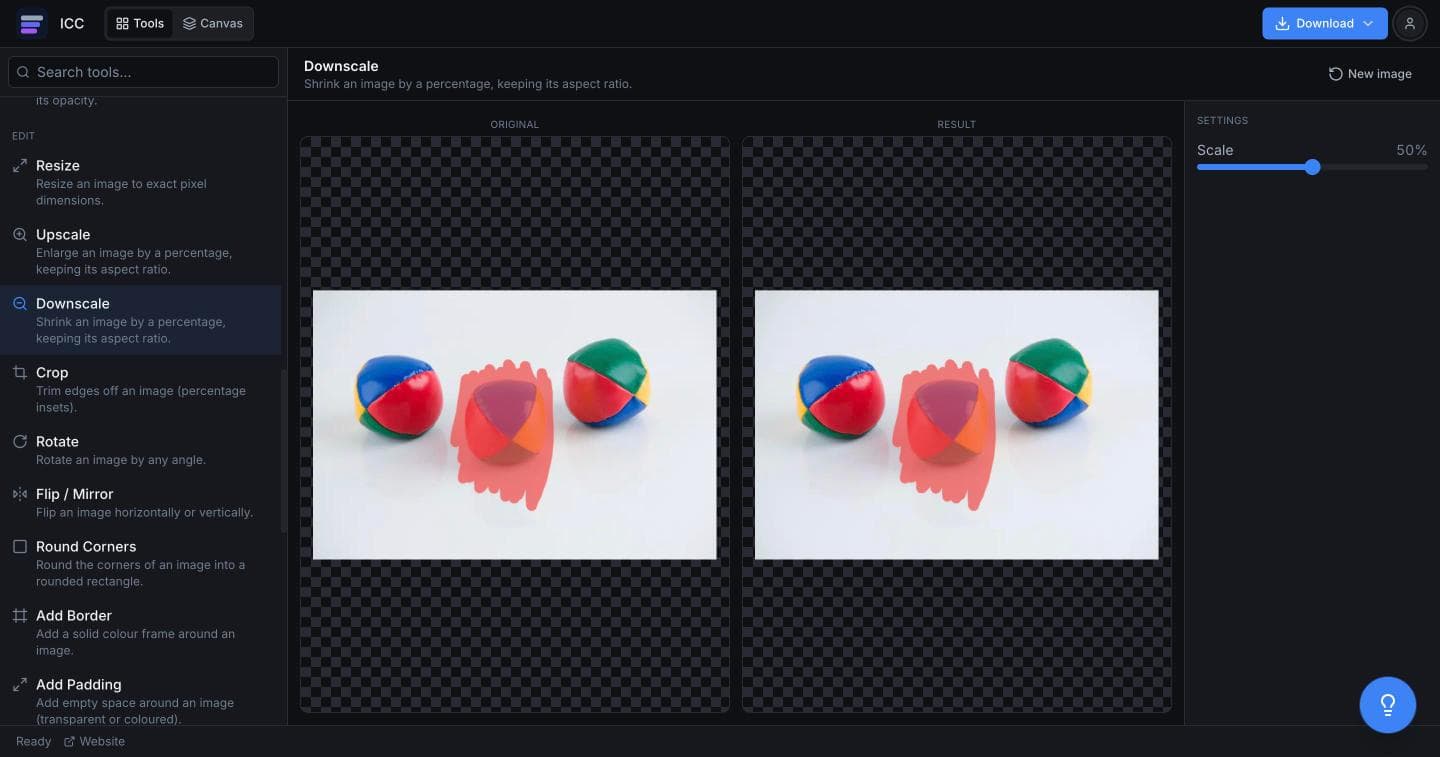
When smaller is the requirement
Faster pages
Stop shipping 4000 px photos into an 800 px layout.
Email attachments
Get under a mailbox size limit without deleting anything.
Upload limits
Forms, forums, and job portals that cap image dimensions or weight.
Avatars and thumbnails
Produce a small, tidy version for a profile or list view.
Documents and decks
Keep a PDF or presentation from ballooning because of full-size photos.
Or just ask
Describe the edit in your own words
Type what you want changed and the assistant does it on the canvas — each step lands as a layer you can reopen, so nothing it does is baked in.
No edits yet.
Frequently Asked Questions
Related Tools
Guides worth reading
Best Free Background Remover in 2026: 5 Tools Compared Honestly
remove.bg, Canva, Adobe Express, Photopea and Image Color Changer compared on what is actually free, output quality, privacy and price per image — including which one to use for logos.
Best Free Logo Color Changer (2026): 5 Options Compared
Which tool changes a logo's colour best — Image Color Changer, Canva, Figma, Photopea or onlinepngtools — compared on PNG vs SVG support, edge quality, transparency and price.
How to Make a Logo White: 5 Free Ways (2026)
Five ways to turn a logo white for dark backgrounds — online, in Canva, Figma, Photoshop and Photopea — plus how to put a logo on a white background instead, which is a different job.
Shrink your image
Pick a percentage and download the smaller version.