X Post Images That Stop the Scroll
Images at 1600×900 for posts on X, formerly Twitter. A 16:9 frame that shows in full in the timeline, with layouts made for stats, quotes, and announcements.
Free preview · No signup · ~10 seconds
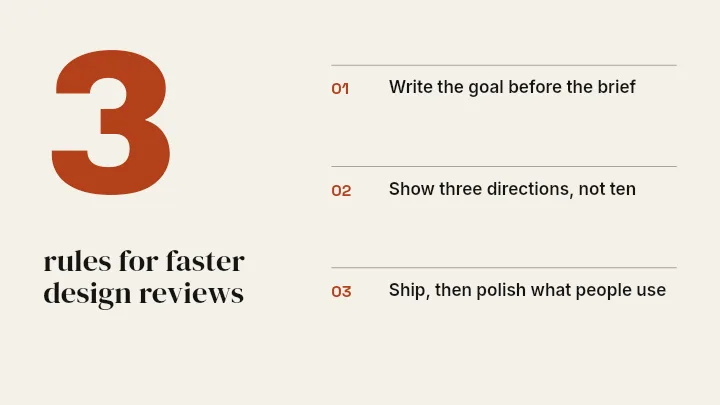
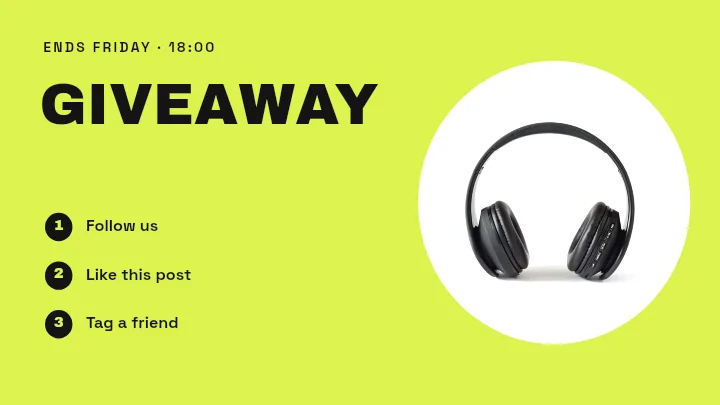
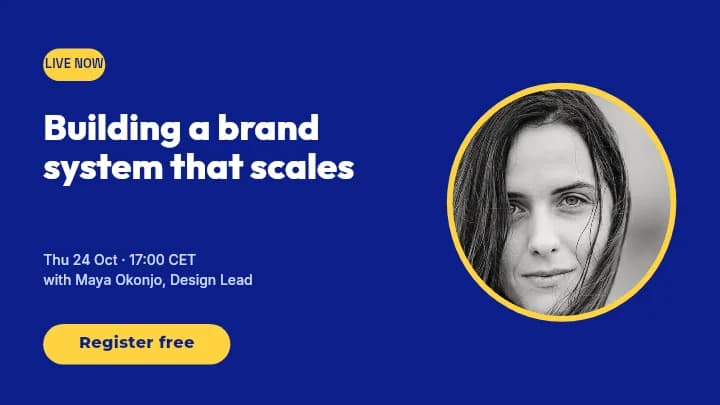
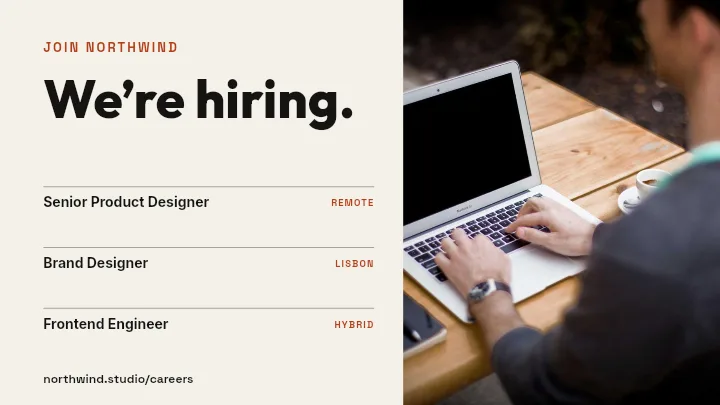
X Post Images That Stop the Scroll — in the editor
The real editor, start to finish — no signup needed to try it yourself.
Free preview · No signup · ~10 seconds
Built for the Timeline
16:9 shows in full
A single image at 1600×900 appears uncropped in the X timeline on desktop and mobile. Taller images get trimmed in the preview, so the most important part may be hidden.
Fast-reading layouts
Spec Strip, Feature Trio, and Product Split Dark are built for a quick read: one headline, a few labelled points, or a product image with a single claim.
Text that survives compression
X recompresses uploaded images. Bold type, flat colours, and generous spacing stay legible where fine detail and small text blur.
Repeatable formats
Changelog posts, weekly numbers, and quote cards all benefit from one familiar layout. Swap the text layer and post again.
X Image Sizes
Post Image
1600 × 900
16:9, uncropped in the timeline.
Profile Header
1500 × 500
For the profile page, not the timeline.
How to Make an Image for an X Post
Open the X post templates
The button opens Create on X Post templates at 1600×900. Pick a layout or start from Blank.
Add your message
Type the headline, add a screenshot, chart, or photo, and set your colours. Every element is a separate layer.
Simplify
Make the key line big and cut anything that would need zooming to read.
Download and attach
Check a free low-resolution preview, then export the full-resolution image and attach it to your post.
Posts That Deserve an Image
Product Changelogs
What shipped this week in three short points.
Thread Openers
A title image that sets up a long thread.
Quote Cards
A line from a talk or interview, attributed.
Data Highlights
One surprising number, explained in a sentence.
Or just ask
Describe the edit in your own words
Type what you want changed and the assistant does it on the canvas — each step lands as a layer you can reopen, so nothing it does is baked in.
No edits yet.
Frequently Asked Questions
Related Tools
Guides worth reading
How to Make a Duotone Image in Figma (Building One From Blend Modes)
Figma has no duotone effect. You assemble one from a desaturated image and two blended rectangles — here is the layer stack, the order that matters, and an honest account of what it costs to maintain.
How to Make a Logo White in Photoshop (3 Methods, One of Them Non-Destructive)
Color Overlay, Lock Transparent Pixels, and why Hue/Saturation is the wrong tool even though Lightness looks like it works — plus the fringe that makes a white logo look dirty on a dark background, and how to remove it.
How to Replace a Color in Canva (What's Possible on Elements, and What Isn't on Uploads)
Canva can swap colors on vector elements one swatch at a time. On an uploaded photo or PNG there is no per-color control at all — here is the full picture, including the Duotone approximation and its limits.
Give Your Next Post an Image
16:9 layouts at 1600×900 that read fast and show in full.