Convert WebP to PNG
You saved an image from the web and now nothing will open it. Convert WebP to PNG and it works everywhere — with transparency preserved. Runs in your browser.
Free to edit and preview · HD download with a free account
Drop a WebP
PNG, JPG, WebP or SVG — up to 20 MB
Runs entirely in your browser. Your image is never uploaded.
Why you probably ended up here
The file your software will not open
Most images saved from a modern website come down as WebP. Then the editor, the document tool, or the upload form refuses it — not because anything is wrong with the file, but because support outside the browser is still patchy. Converting to PNG solves it immediately.
Transparency comes across intact
Both formats support an alpha channel, so a transparent WebP becomes a transparent PNG with nothing lost. Cutouts, logos, and product shots keep their edges exactly as they were.
PNG opens absolutely everywhere
PNG has been universally supported for decades — every editor, every office suite, every upload form, every operating system preview. When compatibility is the whole problem you are trying to solve, it is the safest possible target.
The file will get bigger
WebP is compressed far more efficiently, so the PNG will usually be several times larger. That is unavoidable and generally fine, since you are converting for compatibility rather than for delivery. Convert back to WebP if you later publish it.
No upload required
The conversion runs on canvas in your browser, which also means it works on files you would rather not hand to a third-party service.
Getting this right
PNG is the safest target
If the whole problem is that something will not open the file, PNG is the format with the broadest support of any option available.
Expect a much larger file
WebP is far more efficient. A several-times-larger PNG is normal — fine for compatibility, wrong for publishing.
Choose JPG instead for photos going elsewhere
If it is a photograph with no transparency and you just need to send it, JPG is smaller and equally universal.
Convert back before publishing
Once you are done editing, re-encode to WebP so visitors get the small file rather than the heavy PNG.
How to convert WebP to PNG
Upload your WebP
Drop the file in. Your browser can already read WebP, which is what makes this work locally.
Confirm PNG is selected
PNG is preselected from this page, and the quality slider is greyed out because PNG is lossless.
Download the PNG
Save it — the file now opens in any application, transparency included.
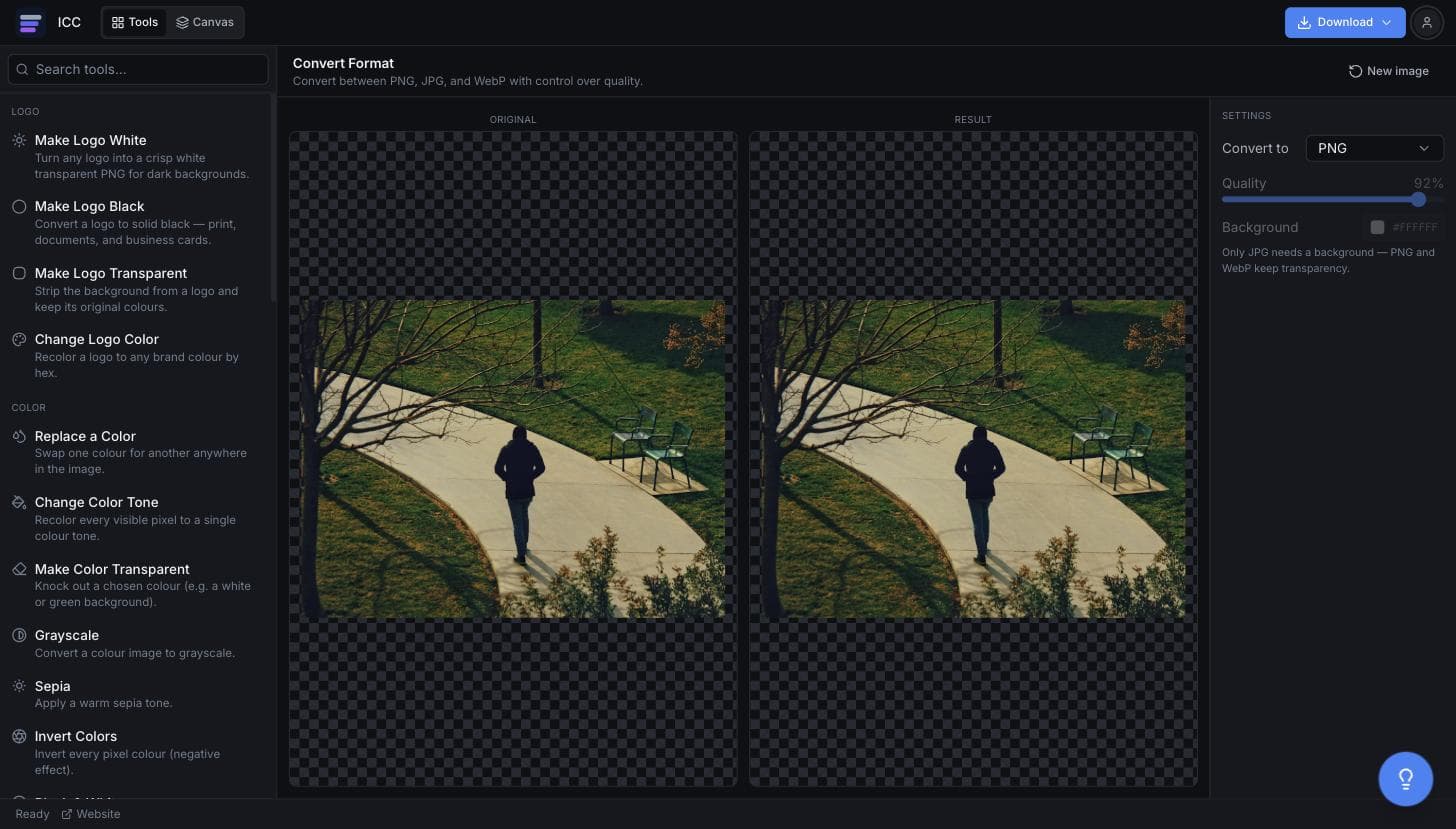
What the WebP to PNG converter looks like
When WebP has to become a PNG
Software that rejects WebP
Older editors and office suites often will not open it.
Upload forms
Plenty of portals accept PNG and JPG only.
Print workflows
Print shops frequently ask for PNG or TIFF, not WebP.
Slides and documents
Drop it into a deck without the placeholder icon.
Further editing
Get it into a format your editing pipeline actually accepts.
Or just ask
Describe the edit in your own words
Type what you want changed and the assistant does it on the canvas — each step lands as a layer you can reopen, so nothing it does is baked in.
No edits yet.
Frequently Asked Questions
Related Tools
Guides worth reading
How to Fix Blurry or Fringed Edges on a Transparent PNG
Why your transparent PNG has a white halo, a grey fringe or soft edges — the four real causes, how to tell them apart in seconds, and the fix for each.
SVG vs PNG for Logos: Which File Do You Actually Need?
What SVG and PNG really are, where each one wins, why your developer keeps asking for the SVG, and the three files that cover almost every request.
Best Free Background Remover in 2026: 5 Tools Compared Honestly
remove.bg, Canva, Adobe Express, Photopea and Image Color Changer compared on what is actually free, output quality, privacy and price per image — including which one to use for logos.
Convert your WebP to PNG
Get a file that opens anywhere.