Facebook Ads That Earn the Click
Square 1080×1080 ad creatives built around a single offer. Swap in your product, change the headline, and make variants to test, all without starting over.
Free preview · No signup · ~10 seconds
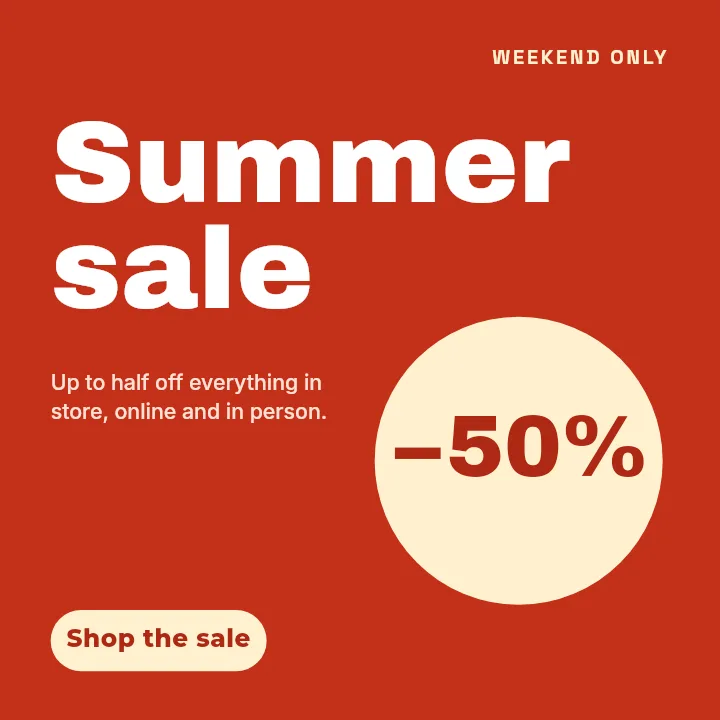
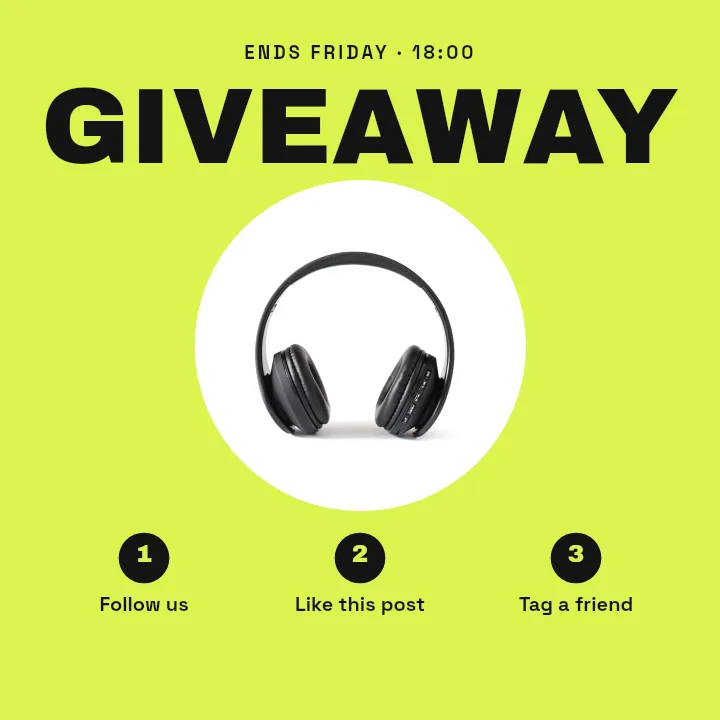
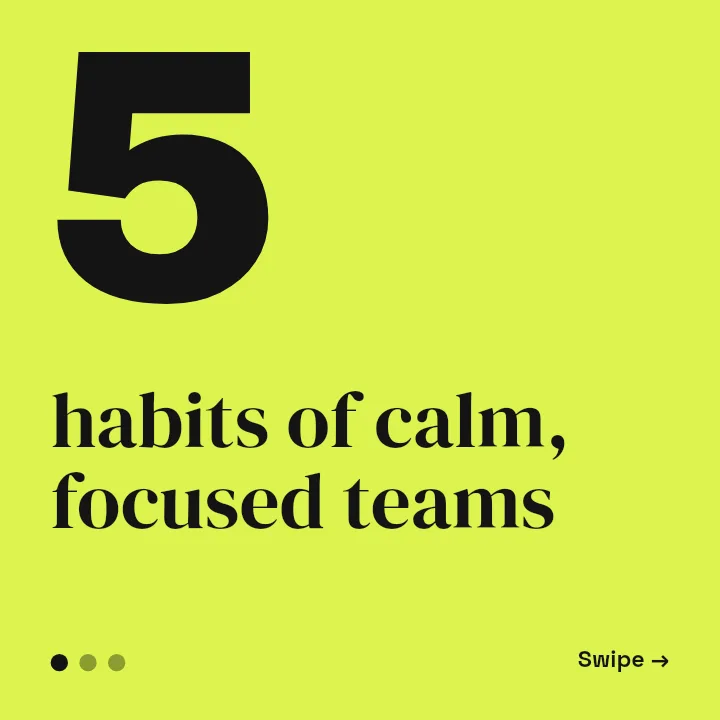
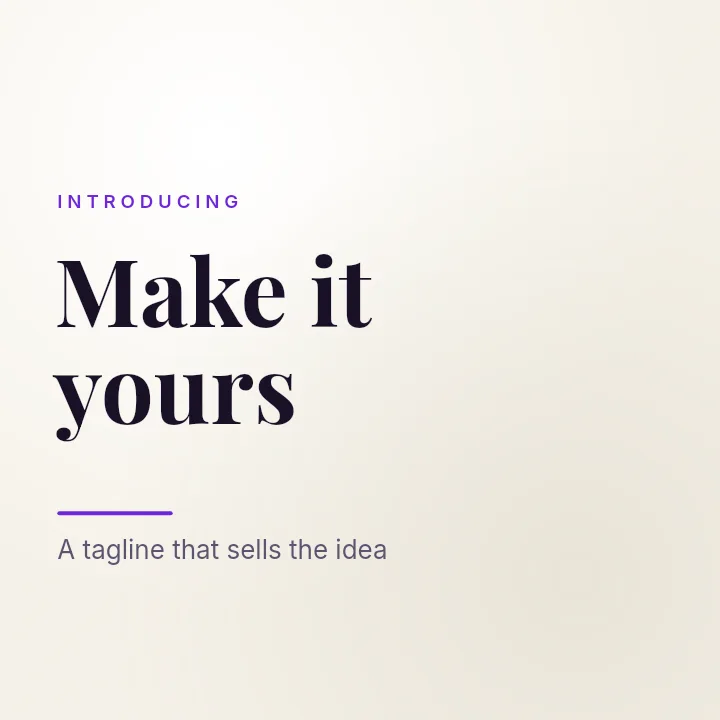
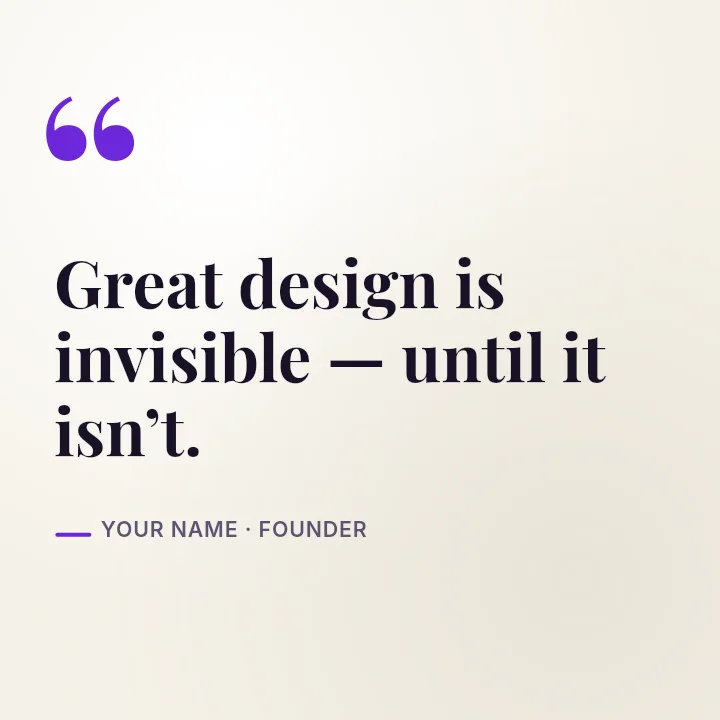
Facebook Ads That Earn the Click — in the editor
The real editor, start to finish — no signup needed to try it yourself.
Free preview · No signup · ~10 seconds
A Creative Built to Be Tested
Square travels furthest
A 1:1 creative at 1080×1080 runs in the Facebook and Instagram feeds without awkward cropping, which makes it the dependable default for a first campaign.
One offer, one action
An ad gets a fraction of a second. Layouts like Class Schedule and Minimal Mono hold one headline, one image, and room for a price or a short call to action.
Variants in minutes
Because headline, image, and background are separate layers, you can make a second version with a new headline or colour for testing without rebuilding the ad.
Keep the image light on text
Meta removed its strict 20% text rule, but its delivery still favours images with little text. Put the key words on the image and the rest in the primary text field.
Meta Ad Image Shapes
Feed Ad (Square)
1080 × 1080
The app's Facebook Ad canvas; safe across feeds.
Feed Ad (Vertical)
1080 × 1350
More screen in mobile feeds; use the Instagram Portrait canvas.
Story / Reels Ad
1080 × 1920
Keep text out of the top and bottom 250px.
How to Make a Facebook Ad
Open the ad templates
The button opens Create on Facebook Ad templates at 1080×1080. Choose a layout or start from Blank.
Add the offer
Put in your product photo, write a short headline, and add the price or benefit. Recolour to your brand.
Make a variant
Change one thing, the headline, the image, or the background colour, and export again so you have two versions to test.
Download for Ads Manager
Check a free low-resolution preview, then export the full-resolution creatives and upload them in Meta Ads Manager.
Ad Creatives You Can Build
Discount Campaigns
A bold percentage or price with the product beside it.
Event Sign-Ups
Date, title, and a reason to register.
Local Services
A clear offer for people in your area.
Retargeting
A reminder creative for people who already visited.
Or just ask
Describe the edit in your own words
Type what you want changed and the assistant does it on the canvas — each step lands as a layer you can reopen, so nothing it does is baked in.
No edits yet.
Frequently Asked Questions
Related Tools
Guides worth reading
How to Make a Duotone Image in Figma (Building One From Blend Modes)
Figma has no duotone effect. You assemble one from a desaturated image and two blended rectangles — here is the layer stack, the order that matters, and an honest account of what it costs to maintain.
How to Make a Logo White in Photoshop (3 Methods, One of Them Non-Destructive)
Color Overlay, Lock Transparent Pixels, and why Hue/Saturation is the wrong tool even though Lightness looks like it works — plus the fringe that makes a white logo look dirty on a dark background, and how to remove it.
How to Replace a Color in Canva (What's Possible on Elements, and What Isn't on Uploads)
Canva can swap colors on vector elements one swatch at a time. On an uploaded photo or PNG there is no per-color control at all — here is the full picture, including the Duotone approximation and its limits.
Build Your Next Ad Creative
Square ad layouts with every element editable, so testing a new angle takes minutes.