Convert Image Format
Convert between PNG, JPG, and WebP with the quality level and transparency handling under your control. One tool, three formats, no upload.
Free to edit and preview · HD download with a free account
Drop an image here
PNG, JPG, WebP or SVG — up to 20 MB
Runs entirely in your browser. Your image is never uploaded.
Picking the right format for the job
Three formats, one decision
PNG is lossless and keeps transparency. JPG is small but cannot store transparency at all. WebP is smaller than both and still keeps transparency, at the cost of some older software refusing it. Almost every conversion question comes down to those three trade-offs.
Quality you actually control
For JPG and WebP the quality slider decides how much detail is discarded. The control greys out for PNG because PNG is lossless — a quality setting there would be a slider that does nothing, which is worse than no slider at all.
Transparency is an explicit choice
Converting a transparent image to JPG forces a decision, because JPG has no alpha channel. Rather than silently defaulting to black — which is what a surprising number of converters do — the background colour is a control you set. It greys out for PNG and WebP, which keep transparency.
Nothing leaves your browser
The encode runs locally on canvas. There is no upload, so no queue, no server-imposed size limit, and no copy of your file anywhere afterwards — which matters for client work and unpublished artwork.
Choosing the right format
Serving it on a website? WebP
Smaller than both alternatives and it keeps transparency. Every current browser reads it.
Has transparency? Never JPG
JPG has no alpha channel. Transparent areas get flattened onto a solid colour and there is no way back.
Going to be edited? PNG
Lossless means you can save repeatedly without the image degrading a little more each time.
Handing it to someone else? JPG or PNG
WebP is still rejected by some desktop software and upload forms. Play it safe when the destination is out of your hands.
How to convert image format
Upload your image
Drop in a PNG, JPG, WebP, or SVG. It is read locally in your browser.
Choose the output format
Pick PNG, JPG, or WebP. The other controls enable or grey out to match what that format can actually do.
Set quality and background
For JPG and WebP, choose a quality level. For JPG, choose the colour that replaces transparency.
Download
Save the converted file — the extension follows the format you picked.
What the format converter looks like
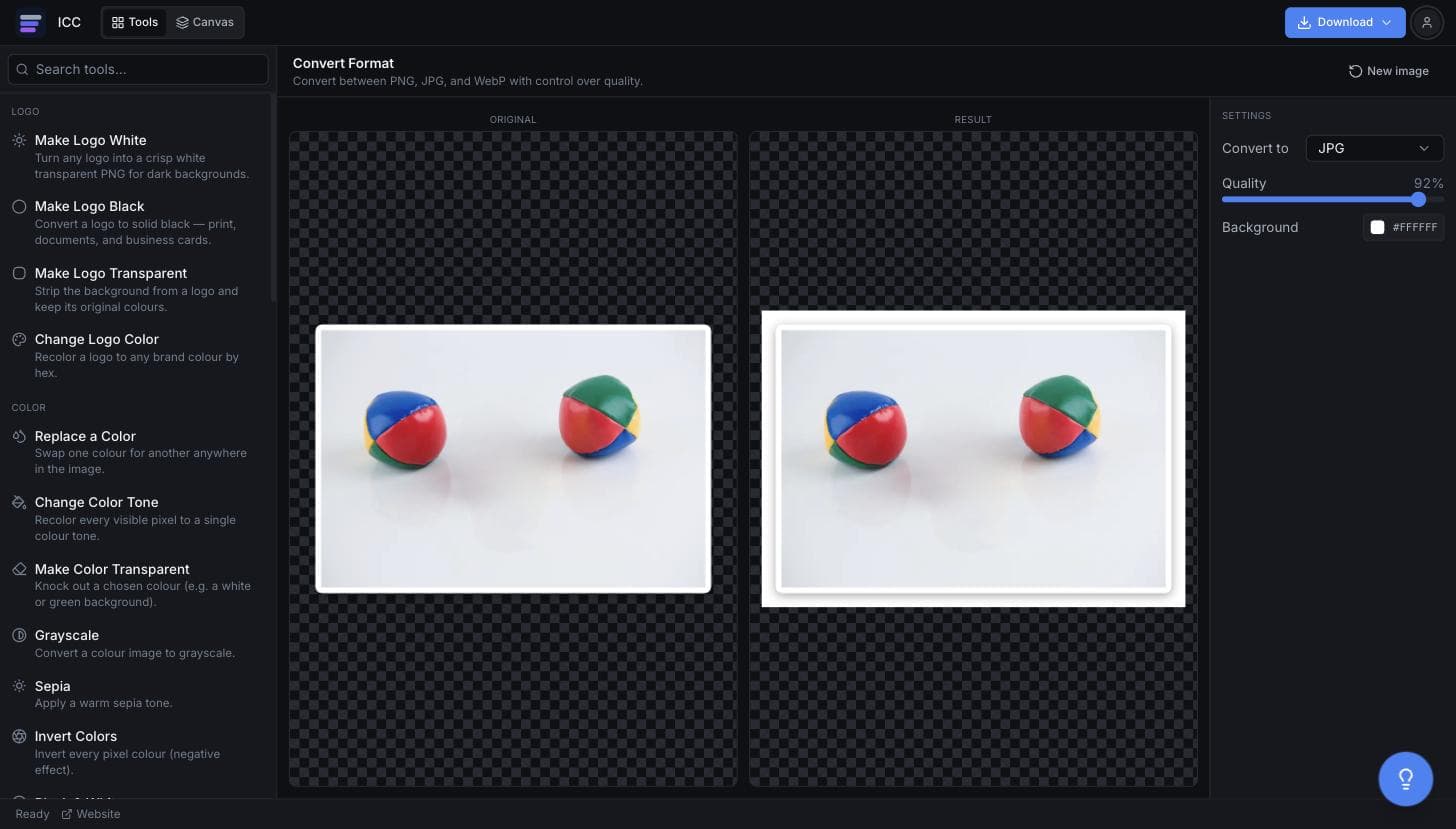
When a format change is the fix
Page speed
Move photographs off PNG and onto WebP or JPG.
Preparing to edit
Convert to PNG before background removal or colour work.
Upload requirements
Match whatever format a form or portal insists on.
Opening stubborn files
Turn a WebP into something your software will actually read.
Sending files
Get a large image down to an attachable size.
Or just ask
Describe the edit in your own words
Type what you want changed and the assistant does it on the canvas — each step lands as a layer you can reopen, so nothing it does is baked in.
No edits yet.
Frequently Asked Questions
Related Tools
Guides worth reading
How to Fix Blurry or Fringed Edges on a Transparent PNG
Why your transparent PNG has a white halo, a grey fringe or soft edges — the four real causes, how to tell them apart in seconds, and the fix for each.
SVG vs PNG for Logos: Which File Do You Actually Need?
What SVG and PNG really are, where each one wins, why your developer keeps asking for the SVG, and the three files that cover almost every request.
Best Free Background Remover in 2026: 5 Tools Compared Honestly
remove.bg, Canva, Adobe Express, Photopea and Image Color Changer compared on what is actually free, output quality, privacy and price per image — including which one to use for logos.
Convert your image
Pick a format and download.