Image to SVG
Trace a PNG or JPG into a real SVG with editable paths. Control how many colours survive and how much speckle gets cleaned away, preview the trace live, and download a file that scales to any size.
Free to edit and preview · HD download with a free account
What tracing a raster into vectors can and cannot do
Real paths, not a PNG in a wrapper
Some converters simply embed your bitmap inside an SVG file: the extension changes and nothing else does. This traces the image into actual filled paths, so the result scales to a billboard without softening and can be opened and edited in Figma, Illustrator, or Inkscape.
How the tracing works
The image is quantised down to a set number of flat colours, then each region of one colour is outlined as a path. That is why the Colors control matters so much: it decides how many distinct regions the tracer is even allowed to see before it starts drawing outlines around them.
Two controls that do the work
Colors sets how many flat tones the trace keeps, from 2 for a stark silhouette up to 32 for artwork with real shading. Clean up discards paths below a size in pixels, which is what removes the confetti of tiny specks that anti-aliased edges leave behind.
Flat artwork traces best
Logos, icons, line art, and screenshots of flat UI vectorize cleanly because their colour regions have hard edges. Photographs do not: a face or a landscape has thousands of subtle gradients, and tracing turns those into stacked blobs. Convert graphics; keep photos as raster.
Start from the biggest file you have
Tracing reads pixels, so the input resolution sets the ceiling on the output quality. A 200px screenshot of a logo traces into wobbly edges no setting can rescue, while the same mark at 1000px or more gives the tracer enough definition to find clean curves. Upload an SVG and it passes straight through untouched, because it is already vector.
Getting a clean trace
Upload the largest version you have
Tracing reads pixels, so resolution is the ceiling. A 200px screenshot traces into wobbly edges; the same mark at 1000px or more traces into clean curves.
Fewer colours, cleaner shapes
A two-colour logo does not need 16 tones. Dropping Colors to 4 or 6 collapses anti-aliasing noise into solid regions and cuts the file size hard.
Photos are the wrong input
Faces, skies, and textures have no hard colour boundaries, so the tracer invents them. The result is a poster effect, not a faithful vector.
Speckles mean raise Clean up
Confetti of tiny paths around the edges is anti-aliasing being traced literally. Raising Clean up discards anything below that size in pixels.
How to convert an image to SVG
Upload your image
Drop in a PNG, JPG, or WebP. The original appears on the left and the traced result on the right straight away.
Tune the trace
Lower Colors for a flat, poster-like result or raise it to keep shading. Raise Clean up if the result has speckles around the edges.
Download the SVG
Check the result panel, then download. The file contains real vector paths you can edit in any design tool.
What the vector tracer looks like
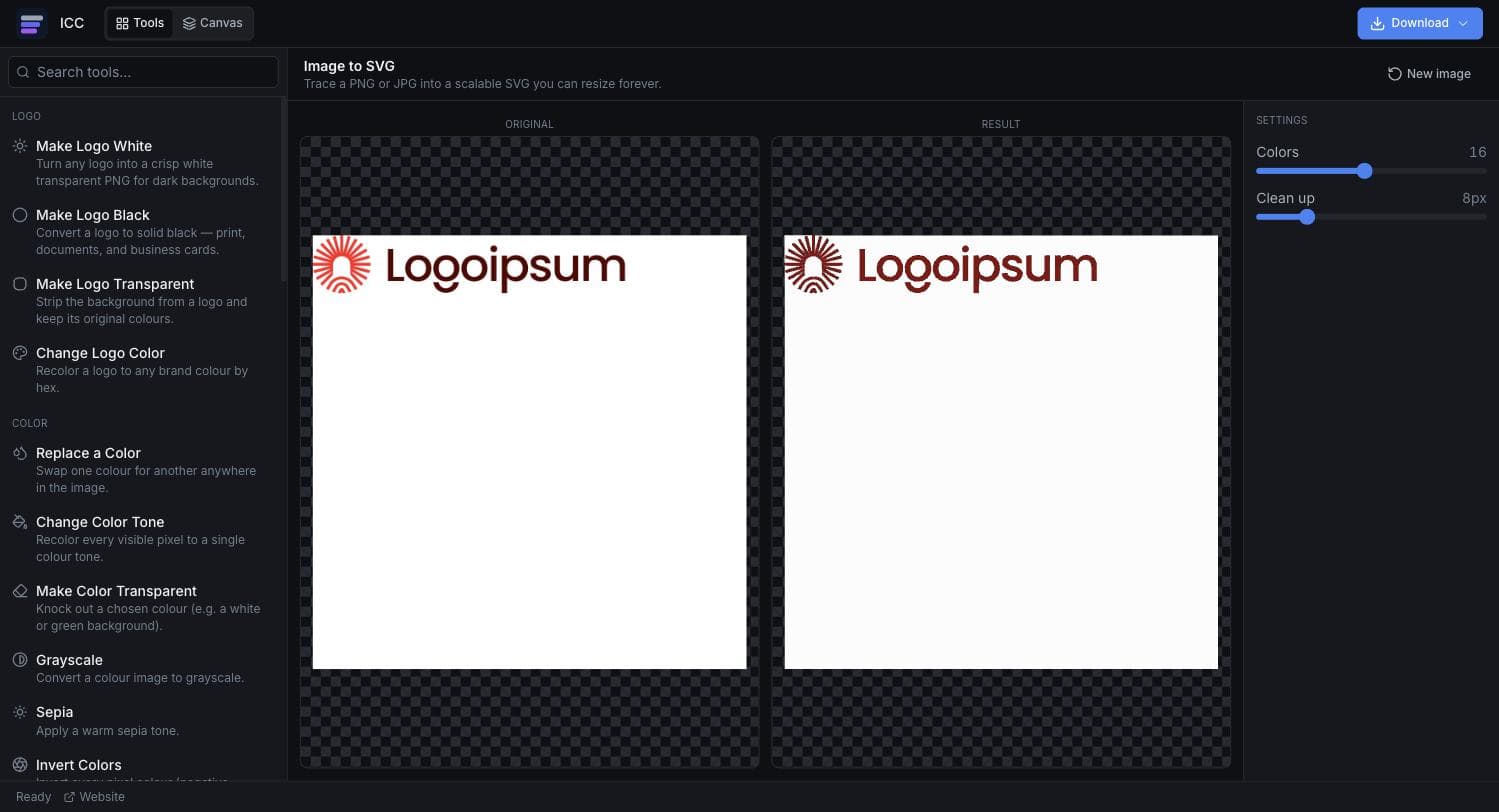
Where you need a vector, not a PNG
Logos at any size
Turn a PNG logo into a file that stays sharp on a business card and a billboard.
Icons and line art
Vectorize flat illustrations so they can be recoloured and resized freely.
Print work
Printers ask for vector artwork — a trace gets a raster-only logo ready to send.
Cutting and engraving
Vinyl cutters, laser engravers, and embroidery software all need paths, not pixels.
Lighter web assets
A simple traced mark is often far smaller than the PNG it came from, and never blurs on a retina screen.
Or just ask
Describe the edit in your own words
Type what you want changed and the assistant does it on the canvas — each step lands as a layer you can reopen, so nothing it does is baked in.
No edits yet.
Frequently Asked Questions
Related Tools
Guides worth reading
How to Make a Vector Logo (and When You Actually Need One)
What vector really means, the three honest routes from where you are now, when auto-tracing works, and how to check the result is genuinely vector.
SVG vs PNG for Logos: Which File Do You Actually Need?
What SVG and PNG really are, where each one wins, why your developer keeps asking for the SVG, and the three files that cover almost every request.
What Your Developer Actually Needs From Your Logo
The handoff spec nobody writes down: which logo file goes in which slot, why the 4 MB PNG breaks the header, what an OG image is, and the five files that end the back-and-forth.
Vectorize your image now
Trace it, tune the colours, and download a real SVG.