Upscale an Image by Percentage
Enlarge any image by a percentage with high-quality resampling, keeping the aspect ratio exactly. Set 200% and every dimension doubles — no cropping, no stretching, no maths on your part.
Free to edit and preview · HD download with a free account
Drop your images here
PNG, JPG, WebP or SVG — up to 20 MB
Drop several at once — you can edit them all together in the app.
Runs entirely in your browser. Your image is never uploaded.
What upscaling by percentage really does
Scale by percent, not pixels
Typing exact pixel dimensions means working out the second number yourself, and getting it slightly wrong squashes the image. A percentage sidesteps that entirely: 150% multiplies both width and height by 1.5, so the proportions are mathematically guaranteed to hold.
Smooth resampling, not nearest-neighbour
Enlarging uses the browser's high-quality image smoothing, which interpolates between existing pixels rather than duplicating them into visible blocks. Edges and gradients stay smooth, which is the difference between an enlargement that looks intentional and one that looks like a mistake.
What upscaling can and cannot do
Enlarging cannot invent detail that was never captured. A 200 px logo scaled to 800 px will be smooth but softer than a native 800 px original — the information simply is not in the file. Upscaling is the right tool for meeting a minimum size requirement, not for rescuing a low-resolution photo.
Vectors are the exception
If your source is an SVG, it has no fixed resolution, so rendering it larger produces genuinely crisp output at any size. Whenever you have the vector version of a logo, upscale from that rather than from an exported PNG — the result is sharp rather than merely smooth.
Processed in your browser
The resize runs locally on canvas. Nothing is uploaded, so there is no queue, no file-size ceiling imposed by an upload limit, and no copy of your artwork sitting on someone else's server after you close the tab.
Getting the best result
Start from the largest original you have
Upscaling a 2000 px export to 3000 px looks far better than upscaling a 500 px thumbnail to the same target. Always go back to the biggest version of the file before enlarging.
Use the SVG when one exists
Vectors render sharp at any size. If the logo exists as an SVG, upload that instead of a PNG export and the softness problem disappears entirely.
Upscaling does not restore lost detail
If the original is blurry, compressed, or heavily cropped, enlarging it makes those flaws bigger too. No amount of resampling recovers information the file never contained.
Flat graphics scale better than photos
Logos, icons, and illustrations with solid colours hold up well past 200%. Photographs with fine texture start showing softness much sooner.
How to upscale an image by percentage
Upload the image
Drop in a PNG, JPG, WebP, or SVG. It is read locally — nothing is sent to a server.
Set the percentage
Drag the scale slider anywhere from 110% to 400%. The preview updates as you move it.
Check the edges
Look at the preview at full size. If edges have gone soft, try starting from a larger original or the SVG.
Download
Save the enlarged image at full resolution as a PNG.
What the upscaler looks like
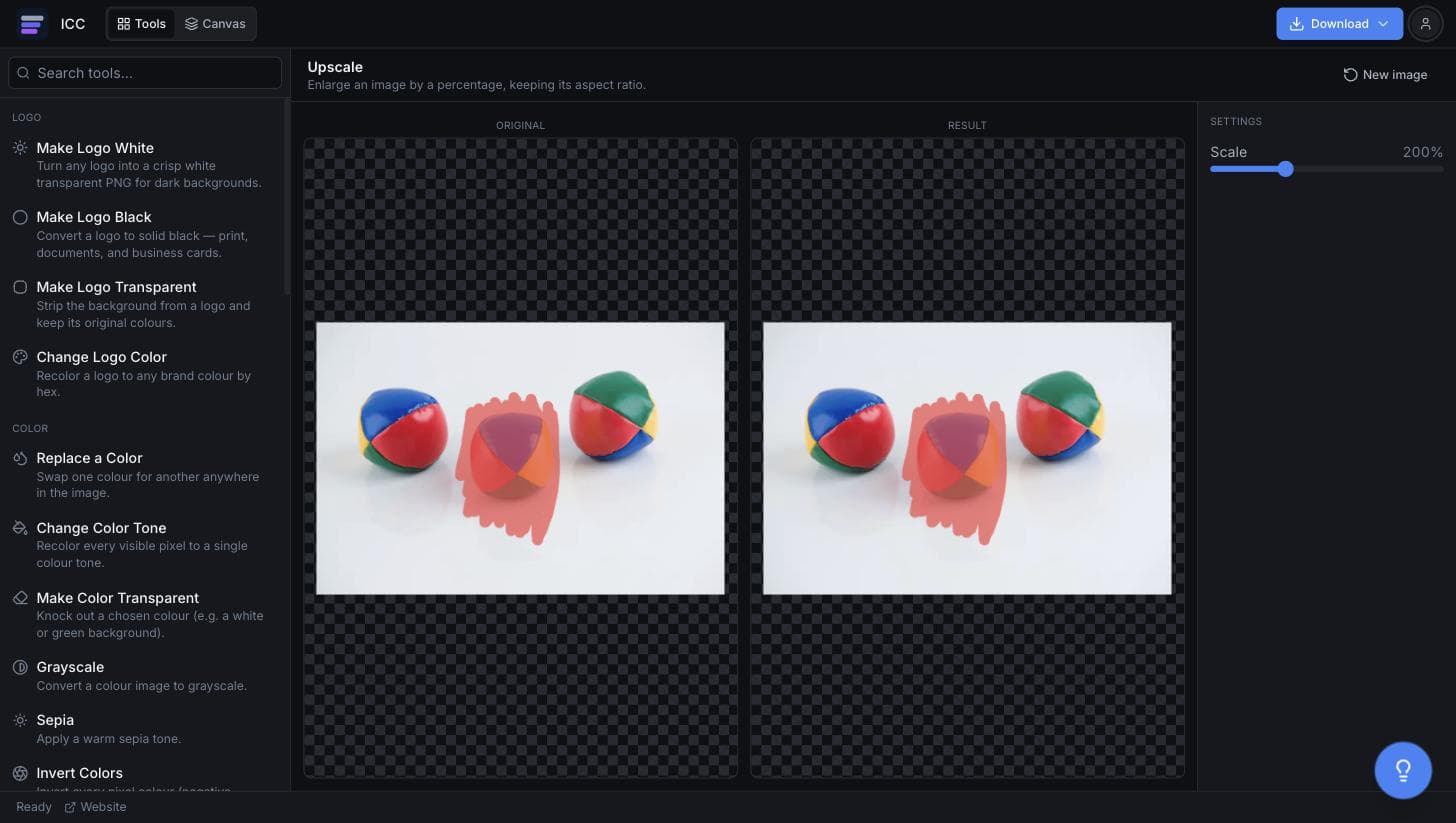
When you need a bigger image
Meeting a print minimum
A printer asks for larger dimensions than your export happens to be.
Retina and 2x assets
Produce the @2x variant of an interface asset from the base size.
Slides and posters
Fill a large slide or banner without the image sitting small in the middle.
Stickers and merch
Print-on-demand services often reject files below a set pixel size.
Marketplace requirements
Storefronts and app directories frequently enforce a minimum image size.
Or just ask
Describe the edit in your own words
Type what you want changed and the assistant does it on the canvas — each step lands as a layer you can reopen, so nothing it does is baked in.
No edits yet.
Frequently Asked Questions
Related Tools
Guides worth reading
Best Free Background Remover in 2026: 5 Tools Compared Honestly
remove.bg, Canva, Adobe Express, Photopea and Image Color Changer compared on what is actually free, output quality, privacy and price per image — including which one to use for logos.
Best Free Logo Color Changer (2026): 5 Options Compared
Which tool changes a logo's colour best — Image Color Changer, Canva, Figma, Photopea or onlinepngtools — compared on PNG vs SVG support, edge quality, transparency and price.
How to Make a Logo White: 5 Free Ways (2026)
Five ways to turn a logo white for dark backgrounds — online, in Canva, Figma, Photoshop and Photopea — plus how to put a logo on a white background instead, which is a different job.
Make your image bigger
Pick a percentage and download the enlarged version.