Facebook Posts Your Followers Notice
Landscape 1200×630 post templates for page updates, offers, and announcements. Replace the text and photos, recolour, and download a feed-ready image.
Free preview · No signup · ~10 seconds
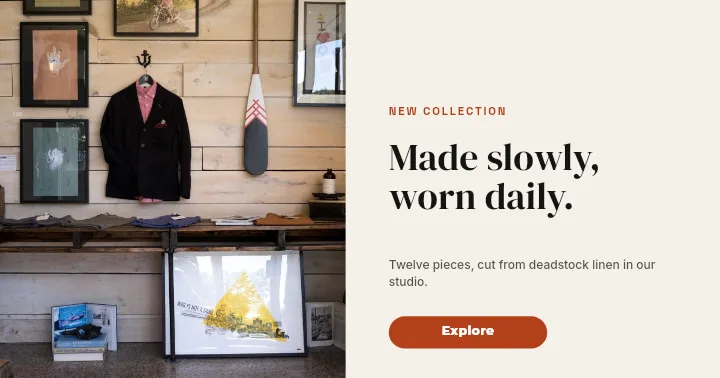
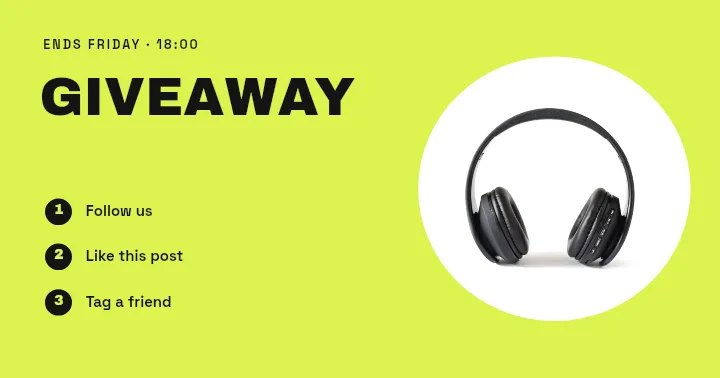
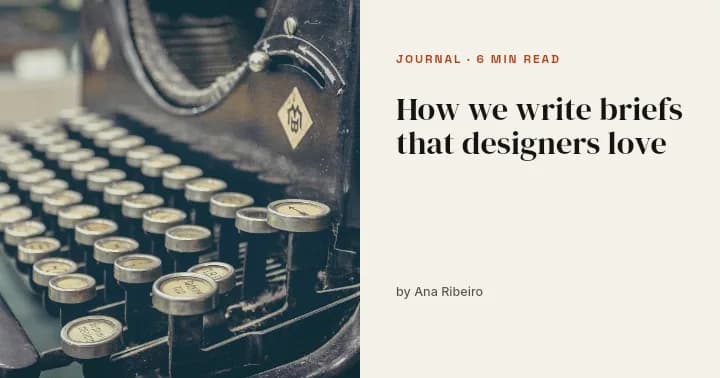
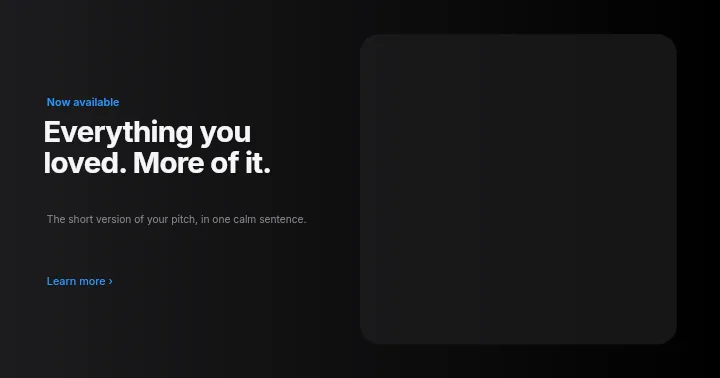
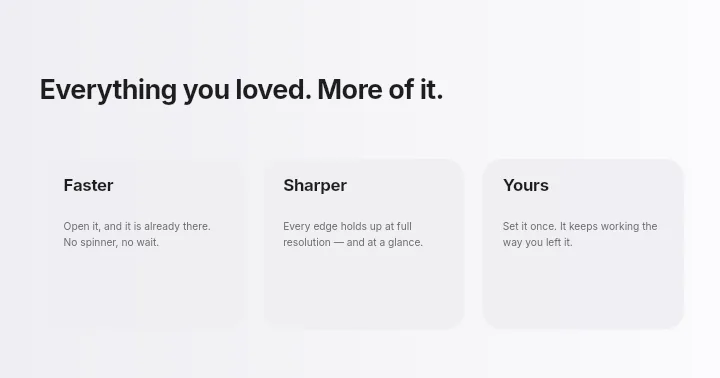
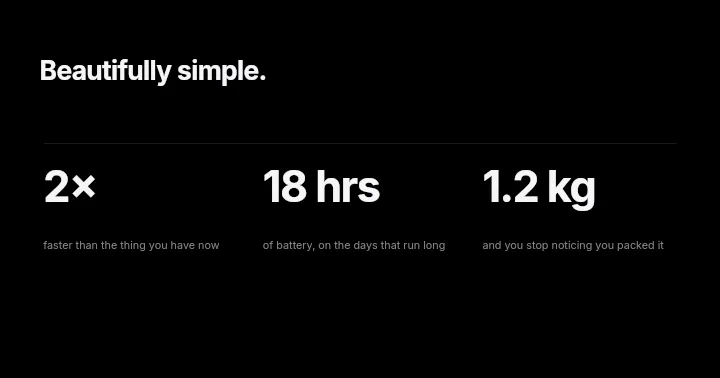
Facebook Posts Your Followers Notice — in the editor
The real editor, start to finish — no signup needed to try it yourself.
Free preview · No signup · ~10 seconds
Landscape Posts for the Facebook Feed
Why 1200×630
This 1.91:1 landscape shape is the one Facebook uses for link previews, so a post image at this size sits naturally beside shared articles and shows in full on desktop and mobile.
Layouts for page updates
Blog Header, Feature Trio, and Spec Strip arrange a headline, a short supporting line, and an image across the wide frame, the shape most page updates actually need.
Headline on the image, detail in the post
Facebook shows your caption right above the image. Put the hook in the graphic and leave dates, prices, and links for the text so the image stays clean.
Reuse a layout every week
Weekly specials, new arrivals, and event reminders work best in a recognisable style. Change the words and photo on the same layout and keep everything else.
Facebook Feed Image Shapes
Feed Post (Landscape)
1200 × 630
Matches link previews, shows uncropped.
Square Creative
1080 × 1080
The app's Facebook Ad size; also fine as a post.
Story
1080 × 1920
For the stories row, not the feed.
How to Make a Facebook Post
Open the post templates
The button opens Create on Facebook Post templates at 1200×630. Pick a layout, or begin on a blank canvas.
Write the hook
Retype the headline with your message, add a photo or logo, and switch the colours to your page's.
Arrange the layers
Move, resize, and restack elements so the headline is the first thing the eye lands on.
Download and post
Preview free at low resolution, then export the full-resolution image and attach it to your post.
Posts Pages Publish Every Week
Shop Updates
New stock, changed hours, and holiday closures.
Weekly Offers
A Sale Badge layout refreshed with this week's deal.
Blog Promotion
An image that sells the article before the link preview loads.
Customer Shout-Outs
Reviews and thank-yous in a branded card.
Or just ask
Describe the edit in your own words
Type what you want changed and the assistant does it on the canvas — each step lands as a layer you can reopen, so nothing it does is baked in.
No edits yet.
Frequently Asked Questions
Related Tools
Guides worth reading
How to Make a Duotone Image in Figma (Building One From Blend Modes)
Figma has no duotone effect. You assemble one from a desaturated image and two blended rectangles — here is the layer stack, the order that matters, and an honest account of what it costs to maintain.
How to Make a Logo White in Photoshop (3 Methods, One of Them Non-Destructive)
Color Overlay, Lock Transparent Pixels, and why Hue/Saturation is the wrong tool even though Lightness looks like it works — plus the fringe that makes a white logo look dirty on a dark background, and how to remove it.
How to Replace a Color in Canva (What's Possible on Elements, and What Isn't on Uploads)
Canva can swap colors on vector elements one swatch at a time. On an uploaded photo or PNG there is no per-color control at all — here is the full picture, including the Duotone approximation and its limits.
Post Something Worth Stopping For
Landscape feed layouts that you can turn into this week's update in minutes.