Remove Image Backgrounds in One Click
Upload any photo and let AI erase the background automatically. Download a clean transparent PNG ready for stores, presentations, and designs.
Free preview · No signup · ~10 seconds
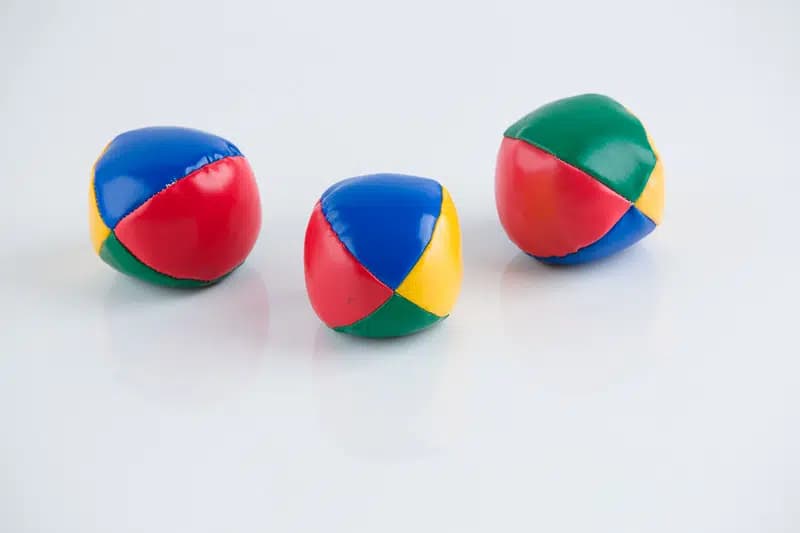
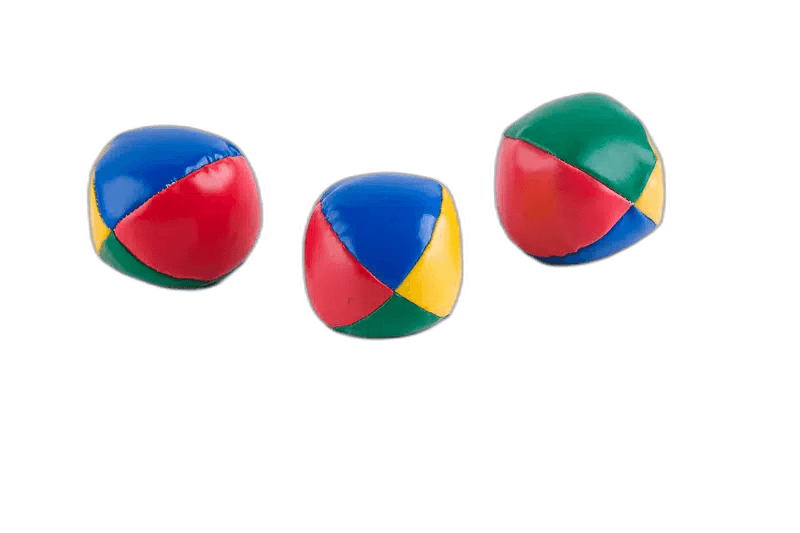
AI detects the subject contour and removes the background — download a clean transparent PNG.
Where Transparent Backgrounds Are Needed
AI traces the contour — you do nothing
The model analyzes every pixel at the subject boundary, detecting hair strands, product edges, and complex shapes at once. No manual masking, no lasso tool, no tutorial to sit through. Upload and the clean cut is done in seconds.
Product photos for stores
Shopify, Amazon, Etsy, and most listing platforms require products on a white or transparent background. A transparent PNG drops cleanly onto any store backdrop without a visible box around the product.
Subjects on any design background
A person over a gradient, a product on a colored panel, a logo on dark — none of this works without a clean cutout. The transparent PNG is the layer you drop into thumbnails, social posts, presentations, and ads.
Step one for every downstream workflow
Transparent PNG is the raw ingredient. Bring it to Logo Styler to recolor, to the Sticker Maker for a die-cut outline, or drop it as an image layer in the banner studio. The background-removed file rarely ships as-is — it feeds everything else.
Transparency you can trust
The cutout is saved as true alpha transparency, not a white fill pretending to be empty. That means the subject drops onto any color — dark, gradient, or patterned — with no faint box or halo. Preview the result against both a light and a dark background before exporting, so any stray edge pixels are easy to spot and the cut looks clean everywhere.
Getting Clean Cutouts
High contrast = clean edges
The cleaner the separation between subject and background in the original, the more precise the cutout. Studio shots on white outperform outdoor or busy backgrounds every time.
Check thin logo strokes
Very fine elements — lines under 2px, serifs, hairline borders — occasionally merge with the background at the edge. Zoom in and check those areas before exporting.
The transparent PNG is step one
Background removal is the raw ingredient. Bring the transparent cutout to Logo Styler to recolor, or to the Sticker Maker to add a die-cut outline.
Remove background before recoloring
Trying to make a logo white when it still has a white background converts both the logo and the background. Remove background first, then change the color.
How to Remove a Background
Upload your image
Drag and drop a photo in PNG, JPG, or WebP format.
Select Remove Background
Choose the Remove Background tool. The AI detects the subject and removes everything behind it.
Review the cutout
Check the edges against a transparent or colored background to confirm a clean result.
Download the PNG
Export a transparent PNG, ready to place on any background or inside the Social Banners studio.
Remove Image Backgrounds in One Click — in the editor
The real editor, start to finish — no signup needed to try it yourself.
Free preview · No signup · ~10 seconds
Where Cutouts Help
Product Photos
Clean white or transparent product shots for stores and listings.
Portraits
Cut out people for thumbnails, team pages, and graphics.
Presentations
Place subjects on any slide background without a box around them.
Design Assets
Build reusable transparent assets for banners and posts.
Or just ask
Describe the edit in your own words
Type what you want changed and the assistant does it on the canvas — each step lands as a layer you can reopen, so nothing it does is baked in.
No edits yet.
Frequently Asked Questions
Related Tools
Guides worth reading
How to Remove a Background in Photoshop (5 Methods, Ranked by What You're Cutting)
Remove Background, Select Subject, Select and Mask, the Pen tool and the Channels trick — which one suits hair, which suits a hard-edged logo, and how to kill the halo the automatic methods leave behind.
How to Remove a Background in Canva (And What the Free Plan Actually Gives You)
Canva's BG Remover is a paid feature — and so is downloading the result with transparency. Here is what works on a free account, what the two separate paywalls are, and how to get a clean cut-out either way.
How to Remove a Background in Figma (There Is No Built-In Way — Here Is What Works)
Figma has no background removal feature. The honest options are a third-party plugin that uploads your image to its vendor, or a hand-drawn vector mask — plus when each is actually the right call.
Ready for a Clean Cutout?
Upload an image, let AI remove the background, and download a transparent PNG in seconds. Start free.