Recolor logos and remove backgrounds inside Framer
ICC Images is four native Framer plugins. Edit colors, cut out backgrounds, generate a logo or upscale a photo, then drop the finished image straight onto your canvas — without switching apps or breaking your design flow.
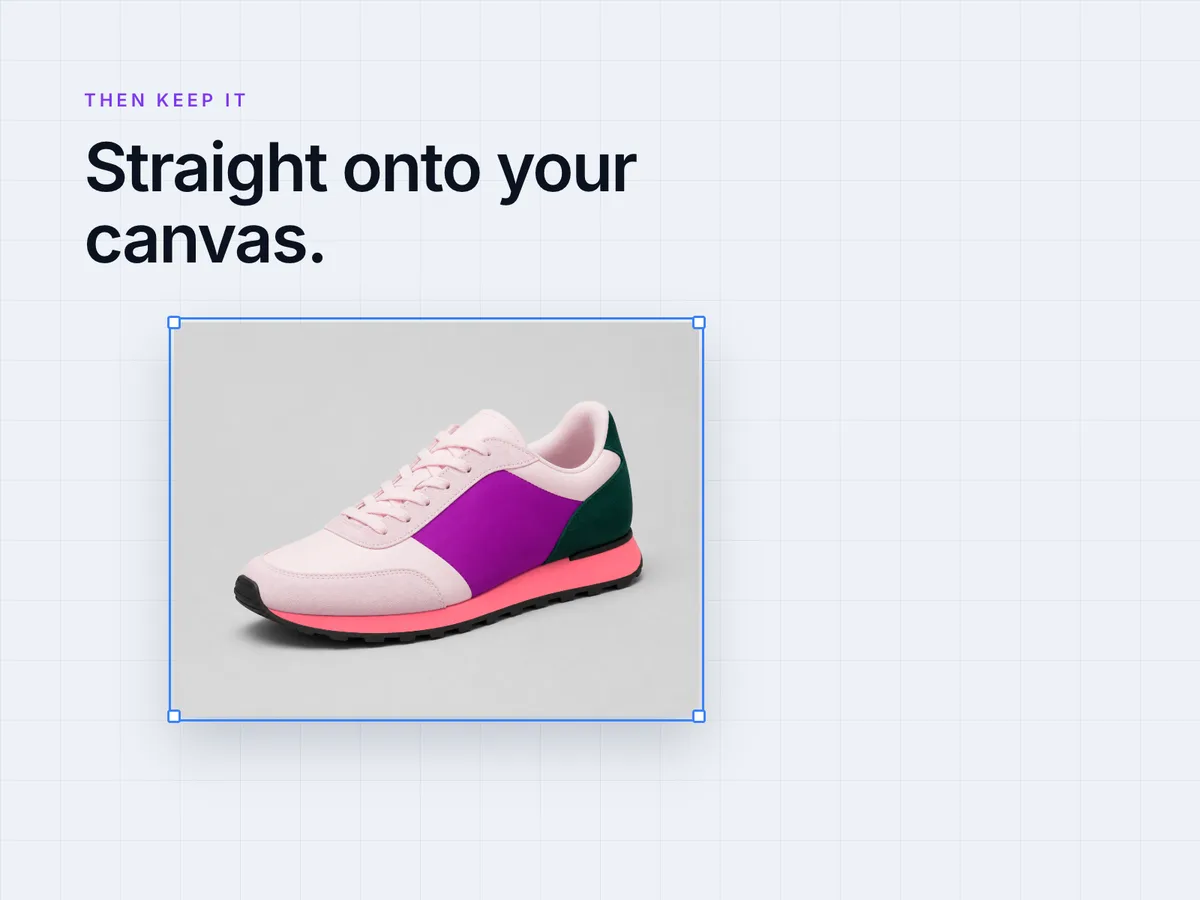
Works seamlessly inside Framer
Native Plugin
Works directly inside Framer — no need to leave your design environment.
One-Click Insert
Edit your image and insert it straight onto your canvas instantly.
Real-Time Preview
See color changes live as you work on your Framer projects.
Four plugins, one account
We publish four listings on the Framer Marketplace. They share the same account and the same credit balance, so installing more than one costs nothing extra.
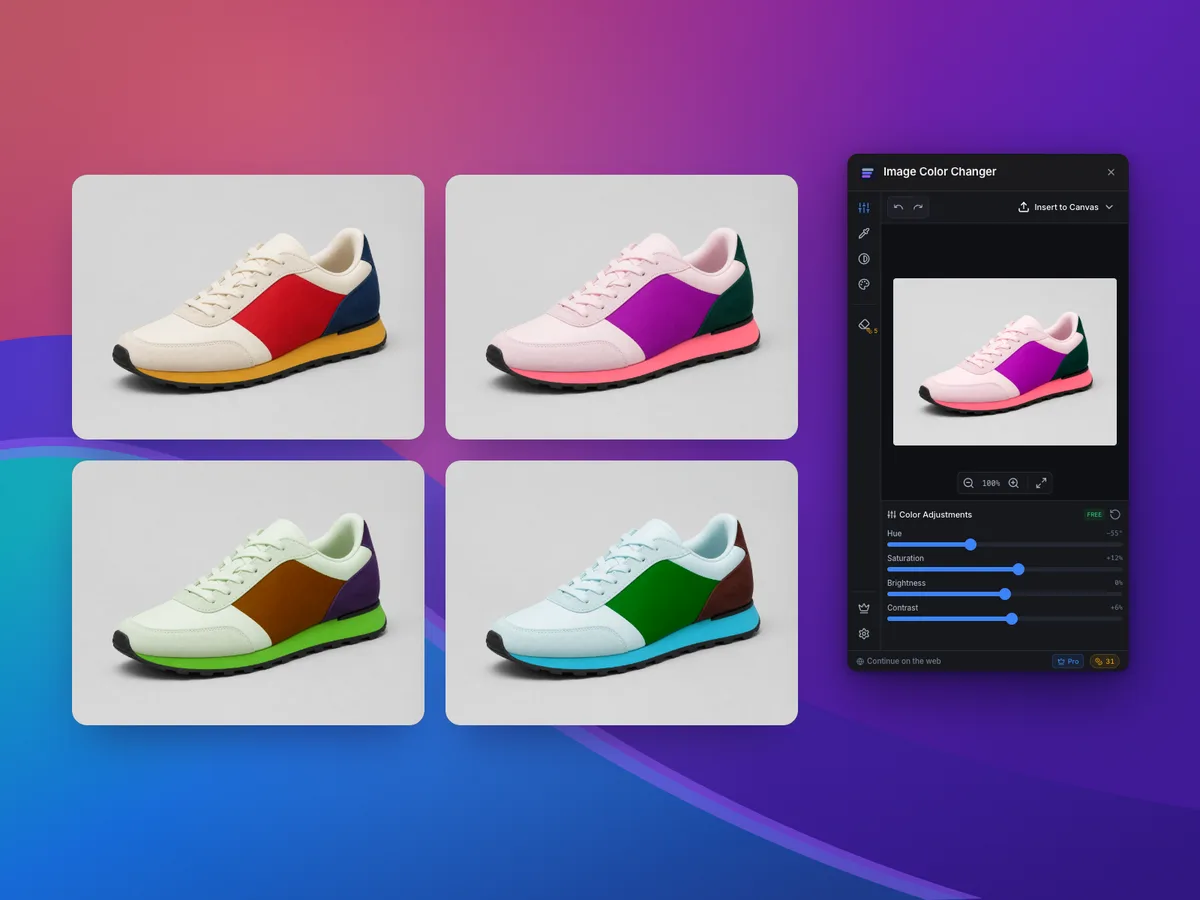
Image Color Changer
The full color toolkit
Recolor logos to any brand hex, replace a single color, apply duotone, and remove backgrounds — then insert the result straight onto the canvas.
View on the Marketplace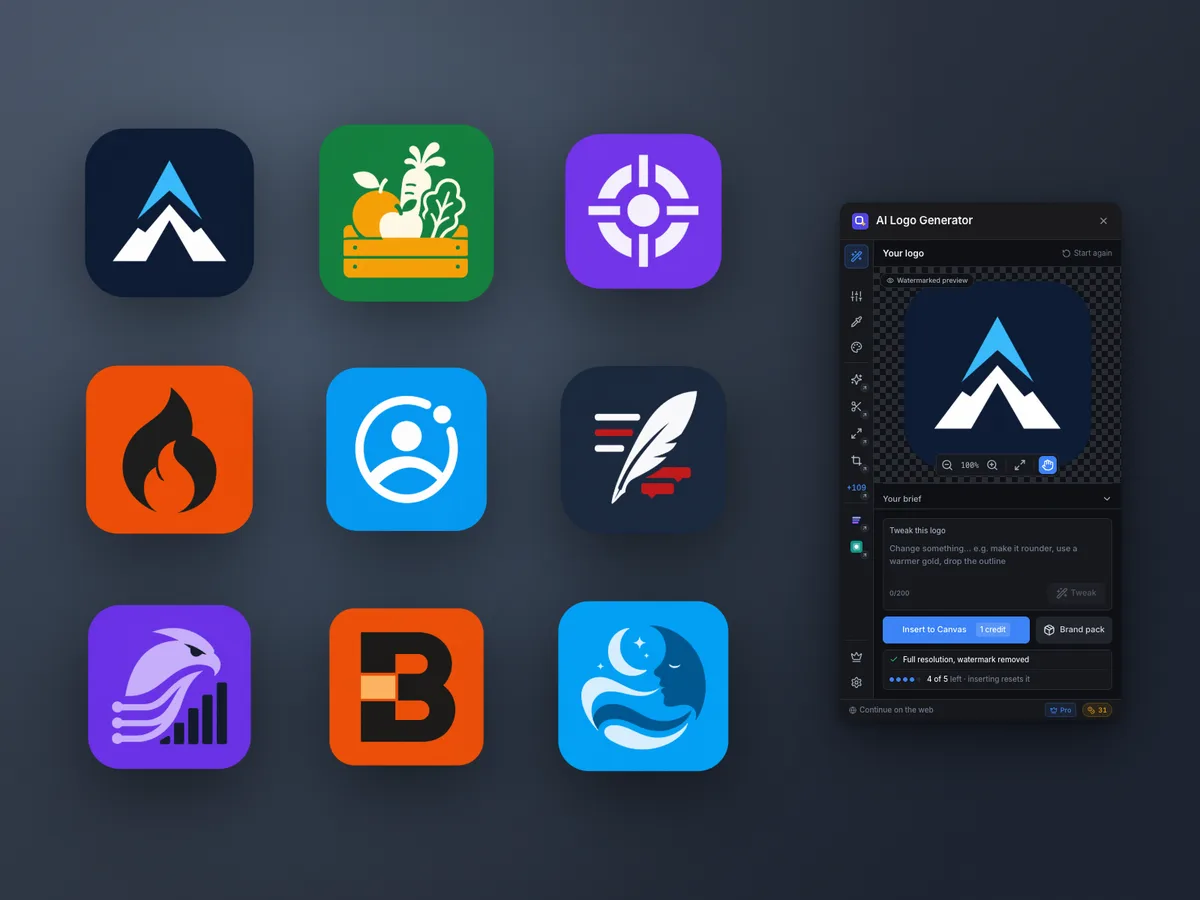
AI Logo Generator
Start from nothing
Answer a short brief and generate a finished logo built to work as both a site header and an app icon, plus the color tools to adjust it afterwards.
View on the Marketplace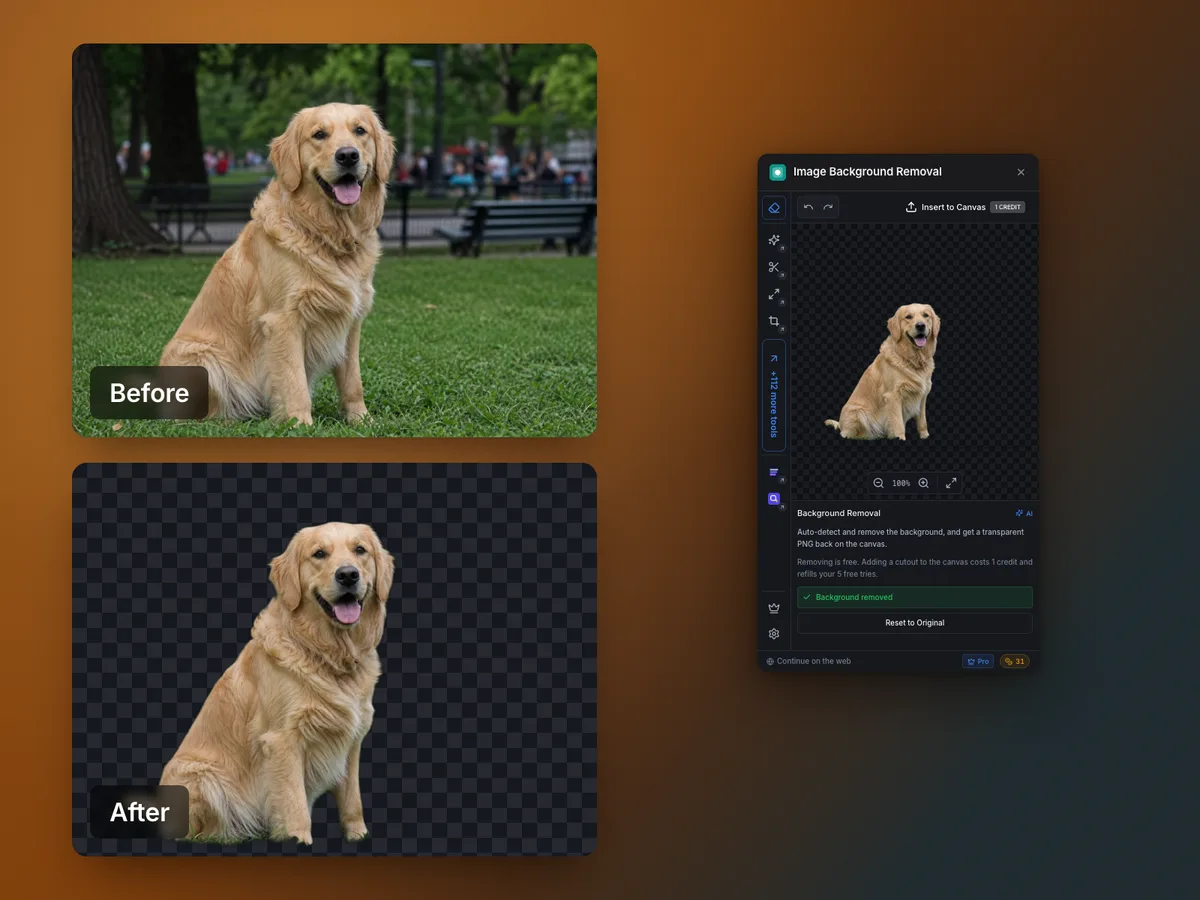
Image Background Removal
One job, done fast
A focused cutout plugin: drop in a photo or a product shot and get a clean transparent PNG back on the canvas. The lighter pick if all you need is the background gone.
View on the Marketplace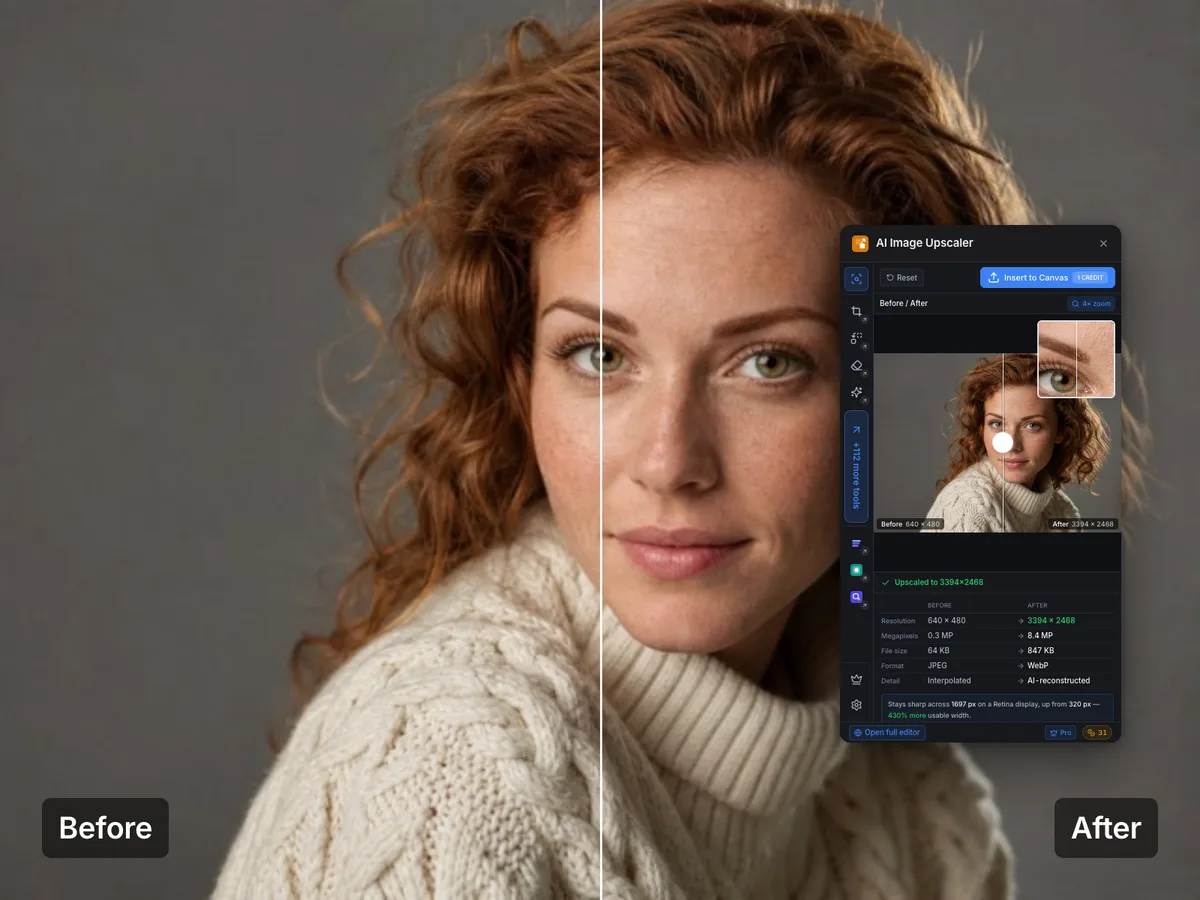
AI Image Upscaler
Bigger, not blurrier
Enlarge an image up to 8 megapixels and get real detail back in hair, fabric and type — not a stretch or a sharpen filter. Compare before and after, then keep it.
View on the MarketplaceHow to install the plugin
Two minutes, no configuration.
- 1
Open the Framer Marketplace
Inside your Framer project, open the Plugins menu and choose Browse Plugins to open the Framer Marketplace.
- 2
Install the one you need
Search for Image Color Changer — or any of the four ICC listings — and click Install. The plugin is added to your Framer account and available in every project.
- 3
Edit and insert
Open the plugin from the Plugins menu, upload or pick an image, recolor it or remove its background, then insert the result straight onto your canvas.
What you can do in Framer
Every ICC Images tool is available inside the plugin.
Recolor a logo
Make a client logo white, black, or any brand color before it lands on the canvas.
Remove a background
Turn a product or portrait shot into a clean transparent PNG in seconds.
Replace a single color
Swap one color in an image for another and keep everything else untouched.
Export the right format
Get transparent PNG, WebP, or favicon-ready sizes without a round trip to another app.
Used by marketers and founders at















Framer plugin questions
Everything designers ask before installing.
- How much does the Framer plugin cost?
- Every plugin is free to install and the account is free to create. Running a tool is free — what costs a credit is keeping the result. Background removal is free to run, five tries at a time, and costs 1 credit when you add the cutout to your canvas, which refills the five. AI logos work the same way: five free attempts, 1 credit to insert. Upscaling gives you twenty-five free runs and 1 credit to keep a result. Color edits, duotone and previews never cost anything. Credit packs start at €0.99 for 3 and the unlimited Pro plan is €8.99/month (€69/year).
- Do I need an ICC Images account to use it in Framer?
- You can open the plugin and experiment straight away. A free account is needed for the AI tools — logo generation, background removal and upscaling all run on our servers — and credits only when you insert a full-resolution image onto the canvas. That is what consumes them.
- Does the plugin work on the free Framer plan?
- Yes. Plugins are available on every Framer plan, including the free tier. Nothing about ICC Images requires a paid Framer subscription.
- Where does the edited image end up?
- Right on your canvas. The plugin inserts the finished image as a regular Framer image layer, so you can position, resize, and style it like any other asset.
- Is my image uploaded anywhere?
- Color edits run locally in the plugin. AI operations — background removal, logo generation and upscaling — send the image to our servers for processing. Removal and logo results are not kept once the edit is returned; upscaled results are held in private storage only your account can reach, and are deleted automatically after 30 days.
- Which ICC plugin should I install in Framer?
- There are four listings. Image Color Changer is the full color tool — recolor, replace a color, duotone and background removal in one plugin, and the right choice if you are not sure. AI Logo Generator is for creating a mark from a brief rather than editing one you already have. Image Background Removal does just the cutout, if that is the only step you need. AI Image Upscaler is for the opposite problem — an image that is too small or too soft for the space it has to fill. All four share the same account and credit balance, so installing more than one costs nothing extra.
- Can I use the same account on the web editor?
- Yes. The plugin and the web editor at app.image-color-changer.com share one account and one credit balance, so you can start a job in Framer and finish it in the browser.
Bookmark it. You'll need it again next week.
Logos, banners, backgrounds, favicons, file conversions — the image jobs that come with running a business, all in one place. Editing and previews are free and unlimited; a credit is only spent on a full-quality download, and packs start at €0.99 with no subscription.