Image Color Changer vs Figma: Which One Fits Your Workflow?
An honest comparison of ICC Images and Figma — features, pricing, target users and skill level — to choose between a focused editor and a design platform.
Figma is a superb design platform — vector-first, collaborative, and the default home for interface design. But it is built to design things, not to edit images. When the task is recoloring a raster logo, swapping a color in a photo, or removing a background, Figma leans on plugins and manual work. ICC Images is purpose-built for exactly those raster jobs, in the browser, with no signup needed to start editing.
We build ICC Images, so this is an informed but interested comparison. The honest summary up front: these tools barely overlap. Figma is where teams design interfaces; ICC Images is where you quickly fix, recolor, and export brand images. Many people use both.
| At a glance | ICC Images | Figma |
|---|---|---|
| Pricing | Free to edit and preview; pay-as-you-go packs from €0.99; Pro (unlimited) €8.99/mo or €69/yr | Free Starter plan; paid seats from ~$12–16 per editor/month (billed annually) |
| Best for | Recoloring logos and photos, background removal, exporting brand variants | UI/UX design, vector work, prototyping, and real-time team collaboration |
| Skill level | Beginner — no design background needed | Intermediate — built for designers |
| Availability | Any browser + a Framer plugin. No install. | Browser + desktop app (Windows/macOS) + mobile companion |
| One-line verdict | Best for quick raster logo & color edits | Best for designing interfaces with a team |
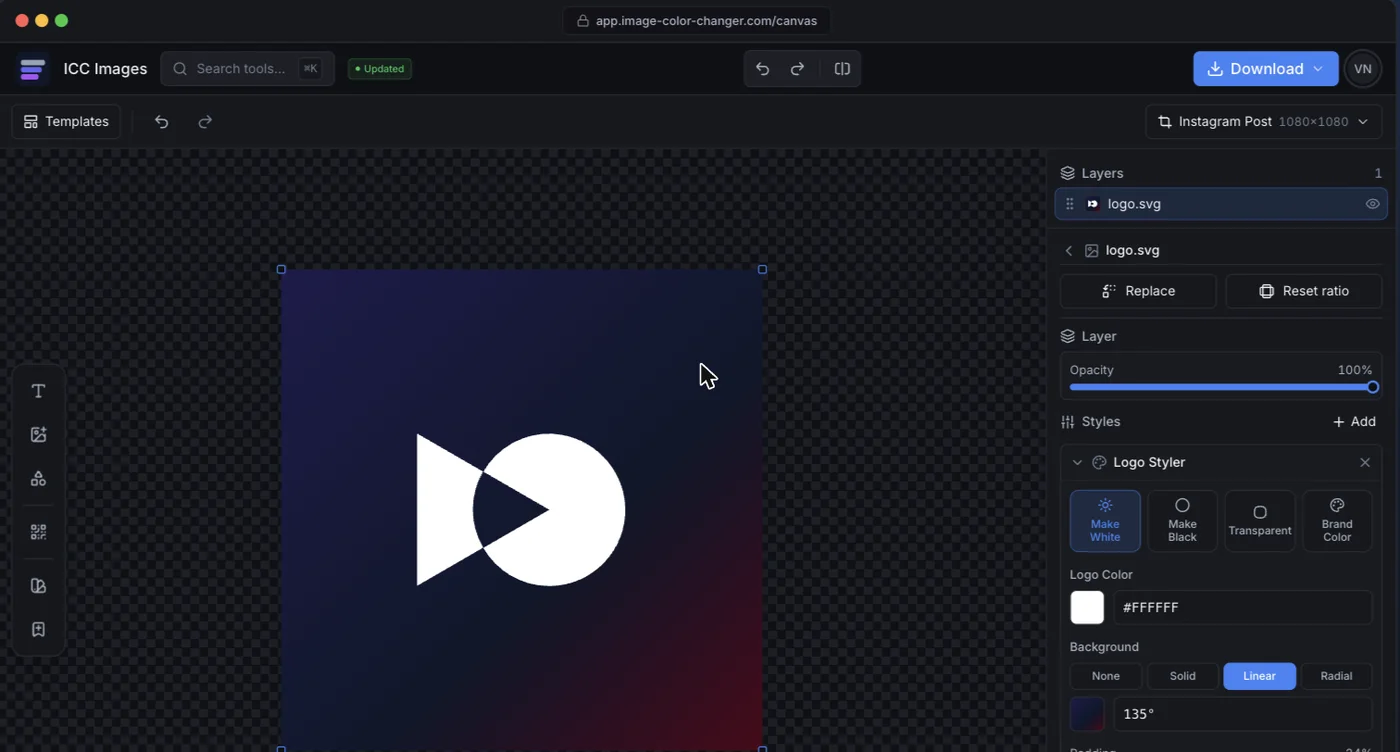
Side-by-side features
Figma is unbeatable at vector design and collaboration. ICC Images is faster for the raster, pixel-based edits Figma was never meant to do.
| Capability | ICC Images | Figma |
|---|---|---|
| Recolor a raster / PNG logo to any color | YesOne click on any image, transparency kept | PartialStraightforward for vectors, awkward for raster images |
| Recolor a vector / SVG | YesImports SVG, exports SVG | YesNative vector editing |
| Replace one color in a photo | YesEyedropper + tolerance slider | NoNot a photo editor |
| AI background removal | YesBuilt in; uses credits | PartialOnly via third-party plugins |
| Real-time team collaboration | NoSingle-user editing | YesMultiplayer editing is Figma's core strength |
| Interface design & prototyping | NoNot a UI design tool | YesIndustry standard for product design |
| Start editing with no signup | YesEdit and preview free; sign in only to download | NoRequires a Figma account |
| Export brand variants (white/black/transparent/favicon) | YesRe-export every variant from one file | PartialExport presets exist but setup is manual |
Pricing
ICC Images is credit-based. Editing and previewing are free and need no signup; downloading a full-resolution image requires a free account and spends credits (1 per HD export, and 1 for an AI background removal). You buy credits as you need them: one-time packs (3 for €0.99, 15 for €2.99, 50 for €6.99 — never expiring) or subscribe (Starter €4.99/mo for 150 credits, Pro unlimited €8.99/mo or €69/yr). See the full pricing page.
Figma has a genuinely useful Free Starter plan, with paid editor seats starting around $12–16 per editor per month (billed annually; monthly is higher) at the time of writing. That price buys collaboration, unlimited files, and team features — value that only matters if you are actually designing interfaces with a team. For one-off image recoloring, most of it goes unused.
Pros & cons
ICC Images
Pros
- Purpose-built for raster logo and color edits Figma handles awkwardly
- Background removal and color replace are built in, no plugins
- Free to edit and preview (no card); no signup to start editing; runs anywhere
- Re-editable edits and one-click brand-variant exports
Cons
- No real-time collaboration or multiplayer editing
- Not a UI/UX design or prototyping tool
- AI operations consume credits
Figma
Pros
- Best-in-class vector design and prototyping
- Real-time collaboration built for teams
- Generous free tier and a huge plugin ecosystem
Cons
- Not designed for raster photo or logo recoloring
- Background removal and color replace need third-party plugins
- Requires an account; more tool than needed for quick edits
Who each tool is for
Figma is for designers and teams building interfaces. If you are wireframing an app, designing a website, running a shared design system, or prototyping flows with collaborators, Figma is the right home and ICC Images is not competing for that.
ICC Images is for anyone who needs a quick raster edit. Recolor a downloaded logo, make it white for a dark background, cut out a product photo, replace a brand color, and export the sizes you need — no plugins, no setup (a free sign-in and a credit or two cover the download). It is the tool you open around a design workflow, not the one you design in.
Availability & platforms
ICC Images runs in any browser and ships a Framer plugin that drops edited images onto the Framer canvas. Color edits run locally; only AI calls hit a server, and those images are discarded afterward. Signed-in projects are saved to your own account so you can return to them.
Figma runs in the browser and as a desktop app (Windows and macOS), with mobile companion apps for viewing and mirroring. It requires an account and is built around always-on collaboration, so it is inherently cloud-based.