TikTok Covers That Organise Your Profile
Vertical 9:16 cover templates at 1080×1920. Give each video a readable title so profile visitors know what to watch next.
Free preview · No signup · ~10 seconds

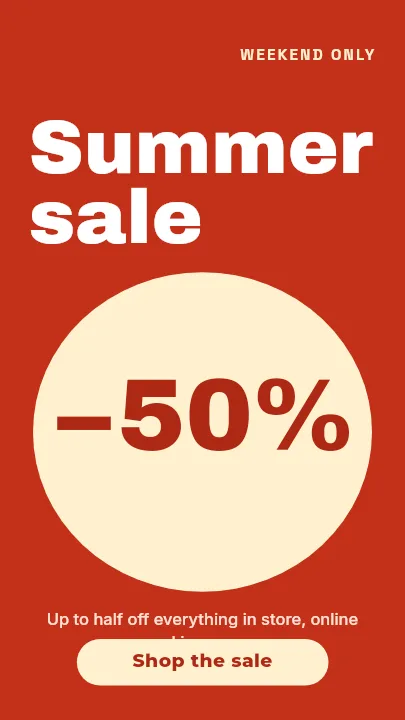

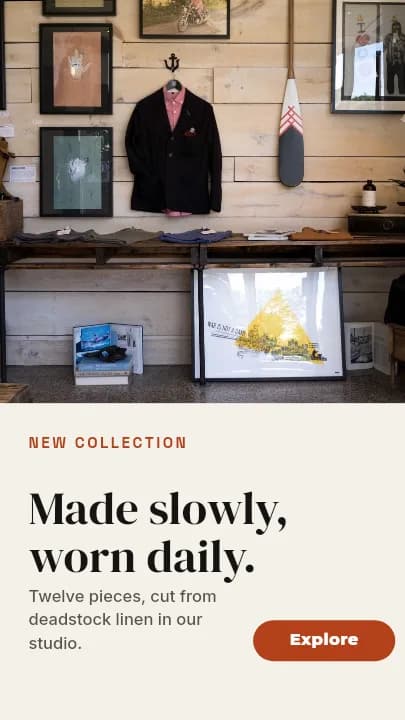
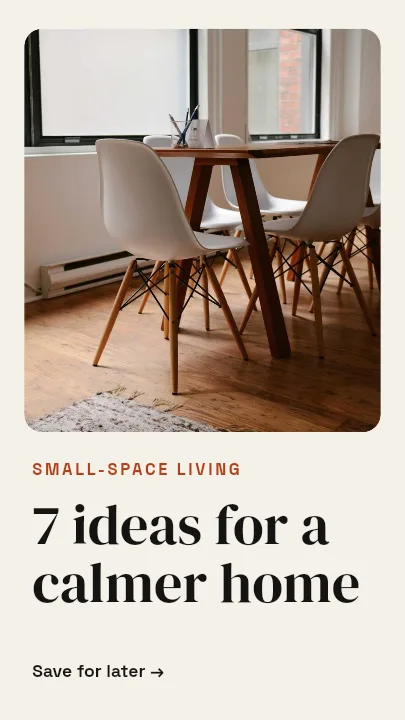
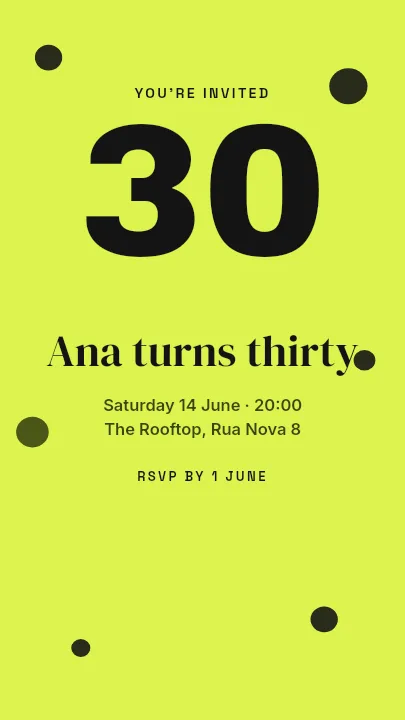
TikTok Covers That Organise Your Profile — in the editor
The real editor, start to finish — no signup needed to try it yourself.
Free preview · No signup · ~10 seconds
Your Profile Grid Is a Menu
Covers sell the back catalogue
Someone who likes one video visits your profile to see what else you have made. Titled covers turn a wall of random frames into a list they can choose from.
Full 9:16 canvas
The app builds TikTok covers at 1080×1920. The profile grid shows a shorter crop of the cover, so titles belong in the middle of the frame.
Watch the overlays
When the cover appears in the feed, the caption covers the bottom and the like, comment, and share buttons run down the right edge. Keep text left of centre and well above the bottom.
Series at a glance
Templates like Class Schedule and Hello work as a series format: same colours, same type, a new title each time. Every part is an editable layer.
Vertical Cover Sizes
TikTok Video Cover
1080 × 1920
The app's TikTok cover canvas.
Profile Grid Crop
1080 × 1440
Approximately the centred section visible in a 3:4 grid tile.
Instagram Reel Cover
1080 × 1920
Same canvas, different overlays.
How to Make a TikTok Cover
Open the TikTok cover templates
The button opens Create on TikTok Video Cover templates at 1080×1920. Pick a layout or start Blank.
Title the video
Type a short title, add a still or photo of yourself, and set the colours. Each element is its own layer.
Avoid the buttons
Keep the title in the centre band, away from the right-side buttons and the bottom caption area.
Download and use
Preview free at low resolution, export the full-resolution cover, and add it when you set the cover for your video in TikTok.
TikTok Accounts That Need Covers
Educational Creators
Each lesson titled so the profile reads as a course.
Recipe Accounts
Dish names on every cover for quick browsing.
Shops on TikTok
Product names and prices on product videos.
Multi-Part Stories
Part 1, Part 2, Part 3, findable in order.
Or just ask
Describe the edit in your own words
Type what you want changed and the assistant does it on the canvas — each step lands as a layer you can reopen, so nothing it does is baked in.
No edits yet.
Frequently Asked Questions
Related Tools
Guides worth reading
How to Make a Duotone Image in Figma (Building One From Blend Modes)
Figma has no duotone effect. You assemble one from a desaturated image and two blended rectangles — here is the layer stack, the order that matters, and an honest account of what it costs to maintain.
How to Make a Logo White in Photoshop (3 Methods, One of Them Non-Destructive)
Color Overlay, Lock Transparent Pixels, and why Hue/Saturation is the wrong tool even though Lightness looks like it works — plus the fringe that makes a white logo look dirty on a dark background, and how to remove it.
How to Replace a Color in Canva (What's Possible on Elements, and What Isn't on Uploads)
Canva can swap colors on vector elements one swatch at a time. On an uploaded photo or PNG there is no per-color control at all — here is the full picture, including the Duotone approximation and its limits.
Turn Your Profile Into a Menu
Titled 9:16 covers that stay readable in the grid and clear of the buttons.