Pinterest Pins People Save and Click
Tall 2:3 pins at 1000×1500, the ratio Pinterest recommends. Start from a layout like Pin Card or Quote, add your photo and title, and download.
Free preview · No signup · ~10 seconds
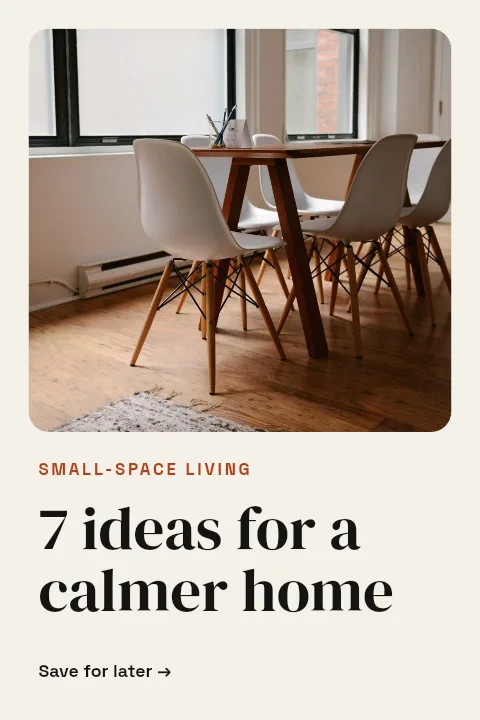
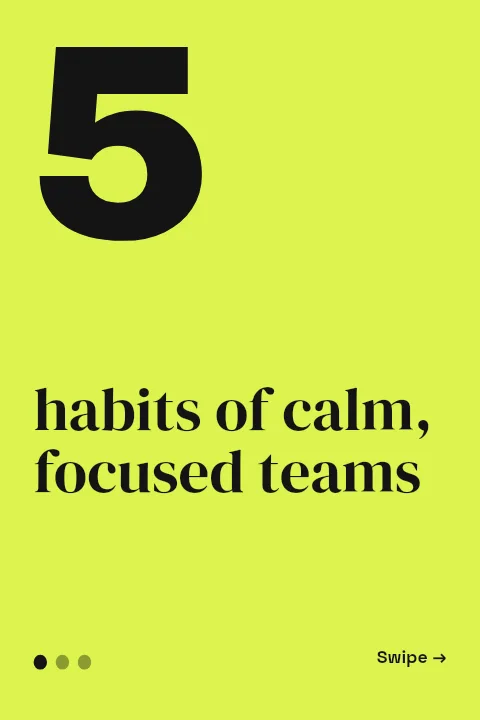
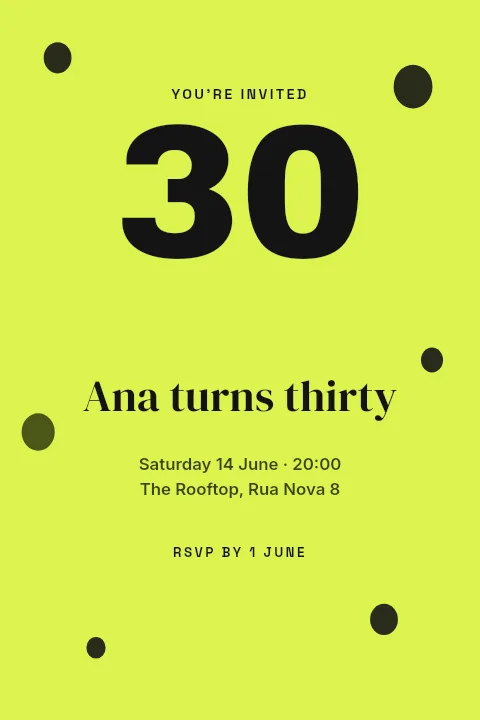
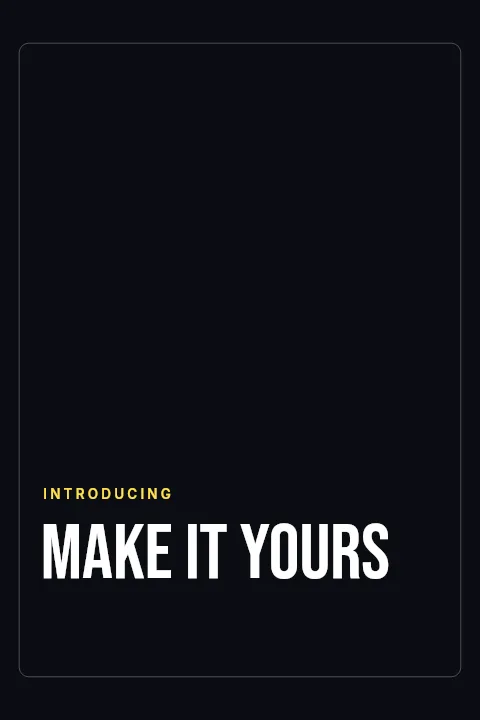
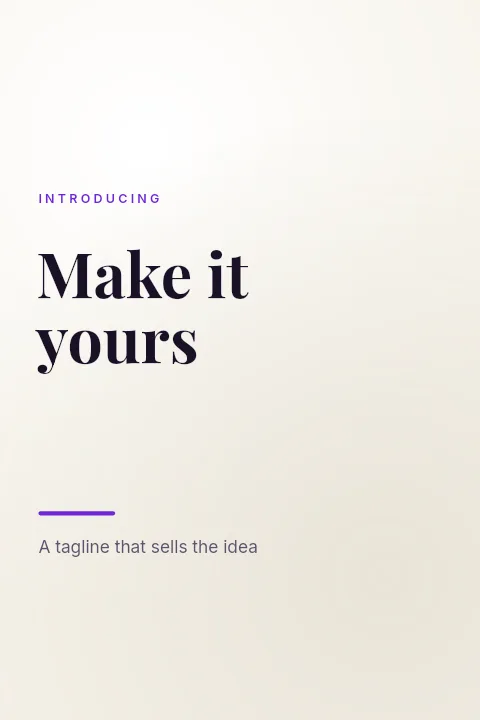
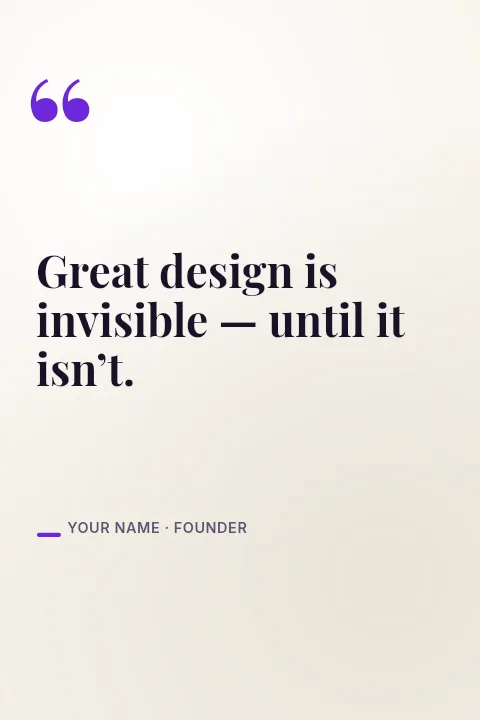
Pinterest Pins People Save and Click — in the editor
The real editor, start to finish — no signup needed to try it yourself.
Free preview · No signup · ~10 seconds
Pins Work Differently From Posts
The 2:3 ratio
Pinterest recommends a 2:3 aspect ratio, and 1000×1500 is the standard size. Pins much taller than that may be cut off in the feed.
Pins send traffic
Unlike most social posts, a pin links out. A clear title overlay telling people what they will find, a recipe, a guide, a product, is what earns the click.
Pins last
A good pin can keep being found through search for months. That makes it worth the few minutes it takes to design one properly instead of pinning a plain photo.
Several pins per idea
It is common to publish a few different pins for the same page. Keep the photo, change the title layer or the colours, and export another.
Pin Size Compared
Pinterest Pin
1000 × 1500
The recommended 2:3 shape.
Instagram Portrait Post
1080 × 1350
Shorter 4:5, so it fills less of a pin column.
How to Make a Pinterest Pin
Open the pin templates
The button opens Create on Pinterest Pin templates at 1000×1500. Choose one or start from Blank.
Add photo and title
Place your photo, write a descriptive title, and set the colours. Each element is a layer you can edit.
Make it readable small
Pins show narrow in a multi-column feed, so enlarge the title and keep contrast high.
Download and pin
Preview free at low resolution, export the full-resolution pin, and upload it to Pinterest with your link.
What People Pin
Blog Posts
A title pin that sends readers to the article.
Product Pins
A product photo with its name and the shop link.
Inspiration Boards
Quote and mood pins for themed boards.
Recipes and DIY
The finished result with the project name on top.
Or just ask
Describe the edit in your own words
Type what you want changed and the assistant does it on the canvas — each step lands as a layer you can reopen, so nothing it does is baked in.
No edits yet.
Frequently Asked Questions
Related Tools
Guides worth reading
How to Make a Duotone Image in Figma (Building One From Blend Modes)
Figma has no duotone effect. You assemble one from a desaturated image and two blended rectangles — here is the layer stack, the order that matters, and an honest account of what it costs to maintain.
How to Make a Logo White in Photoshop (3 Methods, One of Them Non-Destructive)
Color Overlay, Lock Transparent Pixels, and why Hue/Saturation is the wrong tool even though Lightness looks like it works — plus the fringe that makes a white logo look dirty on a dark background, and how to remove it.
How to Replace a Color in Canva (What's Possible on Elements, and What Isn't on Uploads)
Canva can swap colors on vector elements one swatch at a time. On an uploaded photo or PNG there is no per-color control at all — here is the full picture, including the Duotone approximation and its limits.
Design Pins That Keep Getting Found
Tall 2:3 layouts at 1000×1500 with room for a photo and a clear title.