Templates for X Posts and Headers
Images that hold their own in a fast timeline, plus a profile header to match. Pick a layout, edit every layer, and export at the sizes X displays.
Free preview · No signup · ~10 seconds
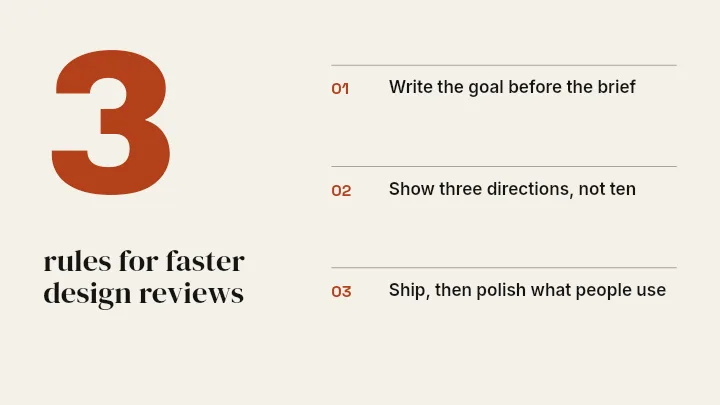

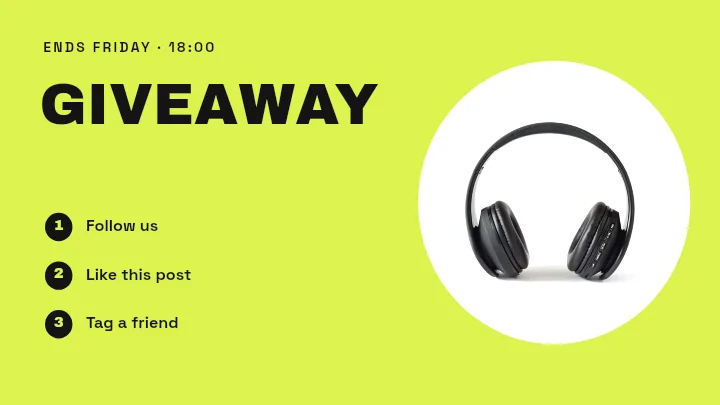



Templates for X Posts and Headers — in the editor
The real editor, start to finish — no signup needed to try it yourself.
Free preview · No signup · ~10 seconds
Two Formats, One Profile
Post images at 1600×900
A 16:9 image fills the width of the timeline without being cropped into a preview. Layouts such as Blog Header and Spec Strip suit announcements, threads, and data you want people to stop on.
Header at 1500×500
The header is the widest piece of real estate on your profile. Header layouts keep the lower left loose, because your round profile photo overlaps that corner.
Made for a fast timeline
Posts on X scroll past quickly, so the layouts lean on one bold statement and high contrast rather than detail. A single number or a short line is often enough.
Reuse without repeating
Keep one layout for recurring posts, such as a weekly stat or a release note, and change only the words. Every element is a separate layer you can edit.
X Canvas Sizes in the App
Post Image
1600 × 900
16:9 shows in full in the timeline.
Profile Header
1500 × 500
Leave the lower left for your profile photo.
How to Design for X With a Template
Open the X templates
The button opens Create on the X formats. Choose a post or a header, then pick a template or Blank.
Write the message
Replace the placeholder text with your headline, add a screenshot, chart, or photo, and set your colours.
Check the crop zones
For a header, move key layers away from the lower-left photo area. For a post, keep text inside the frame margins.
Download and post
Look over a free low-resolution preview, then export the full-resolution image and attach it to your post or profile.
Good Fits for X Templates
Launch Threads
An opening image that tells people what the thread is about.
Stat Cards
One figure, big, with a short line of context underneath.
Personal Profiles
A header that says what you do in a few words.
Event Promotion
Matching post image and header for a conference or launch week.
Or just ask
Describe the edit in your own words
Type what you want changed and the assistant does it on the canvas — each step lands as a layer you can reopen, so nothing it does is baked in.
No edits yet.
Frequently Asked Questions
Related Tools
Guides worth reading
How to Make a Duotone Image in Figma (Building One From Blend Modes)
Figma has no duotone effect. You assemble one from a desaturated image and two blended rectangles — here is the layer stack, the order that matters, and an honest account of what it costs to maintain.
How to Make a Logo White in Photoshop (3 Methods, One of Them Non-Destructive)
Color Overlay, Lock Transparent Pixels, and why Hue/Saturation is the wrong tool even though Lightness looks like it works — plus the fringe that makes a white logo look dirty on a dark background, and how to remove it.
How to Replace a Color in Canva (What's Possible on Elements, and What Isn't on Uploads)
Canva can swap colors on vector elements one swatch at a time. On an uploaded photo or PNG there is no per-color control at all — here is the full picture, including the Duotone approximation and its limits.
Post Images and a Header That Belong Together
Layouts for the timeline and the profile, edited however you like.