Convert PNG to WebP
Get a much smaller file that still keeps full transparency — the main reason WebP exists. Choose your quality level and convert entirely in your browser.
Free to edit and preview · HD download with a free account
Drop a PNG
PNG, JPG, WebP or SVG — up to 20 MB
Runs entirely in your browser. Your image is never uploaded.
Why WebP is usually the right answer
Smaller than PNG and JPG
WebP typically produces files 25–35% smaller than an equivalent JPG and dramatically smaller than a PNG photograph. For a site serving many images that is one of the largest page-speed wins available, and it needs no change to how the images are used.
Transparency survives
This is the part JPG cannot do. WebP supports a full alpha channel while still compressing lossily, so a transparent logo or product cutout stays transparent and still gets small. It is the only mainstream format that gives you both.
Lossy or near-lossless, your call
The quality slider works the same way as JPG. High settings are visually indistinguishable from the PNG while still saving substantial size; lower settings trade fidelity for further savings. Flat graphics tolerate high compression especially well.
Where WebP still trips people up
Every current browser supports it, but some older desktop software, a few print workflows, and certain upload forms still reject WebP. Use it for the web with confidence; keep a PNG or JPG copy when handing files to someone else.
Converted locally
The encode happens in your browser. Nothing is uploaded, so there is no file-size ceiling from a server and no copy of your artwork left anywhere.
How WebP compares
WebP
The modern default
- Smallest of the three in most cases
- Full transparency support
- Rejected by some older software
Everything you serve on a website
Files you hand to someone on legacy tools
PNG
The editing master
- Lossless — nothing discarded
- Full transparency support
- Very large for photographs
Editing, archiving, universal compatibility
Serving photographs to visitors
JPG
The safe fallback
- Small for photographs
- No transparency whatsoever
- Opens absolutely everywhere
Photos going to unknown software
Logos, screenshots, or cutouts
How to convert PNG to WebP
Upload your PNG
Drop the file in — everything is processed locally.
Check the quality
WebP is preselected. 92% keeps the image visually identical while still cutting the size substantially.
Download the WebP
Save the file — transparency is preserved automatically.
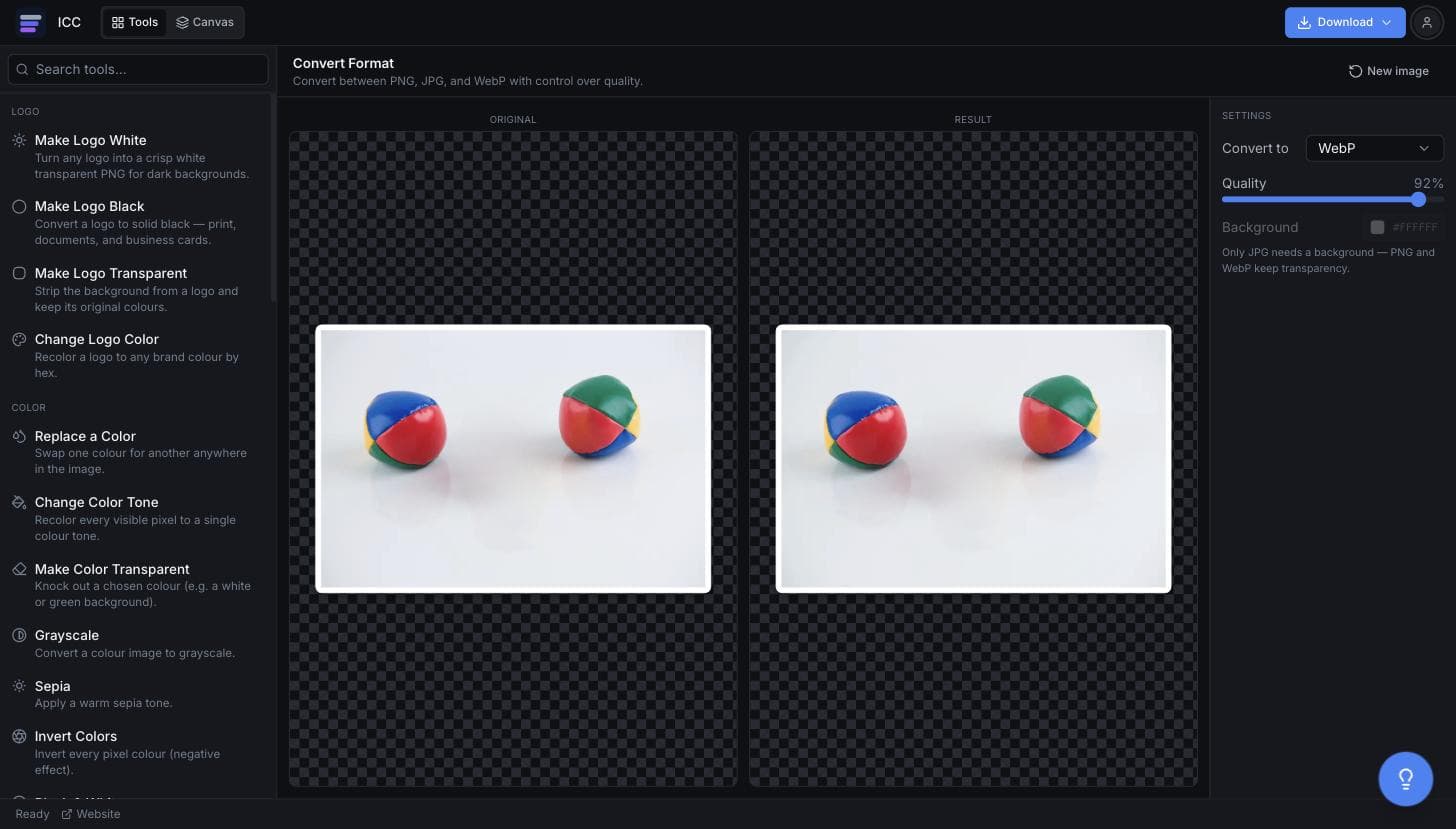
What the PNG to WebP converter looks like
When WebP is worth the switch
Page speed
The single biggest image win for most sites, with no visual cost.
Core Web Vitals
Lighthouse explicitly flags images not served in a modern format.
Transparent product shots
Keep the cutout and still get a small file.
CDN and hosting bills
Smaller files mean less bandwidth served.
Mobile users
Fewer bytes matters most on a slow connection.
Or just ask
Describe the edit in your own words
Type what you want changed and the assistant does it on the canvas — each step lands as a layer you can reopen, so nothing it does is baked in.
No edits yet.
Frequently Asked Questions
Related Tools
Guides worth reading
How to Fix Blurry or Fringed Edges on a Transparent PNG
Why your transparent PNG has a white halo, a grey fringe or soft edges — the four real causes, how to tell them apart in seconds, and the fix for each.
SVG vs PNG for Logos: Which File Do You Actually Need?
What SVG and PNG really are, where each one wins, why your developer keeps asking for the SVG, and the three files that cover almost every request.
Best Free Background Remover in 2026: 5 Tools Compared Honestly
remove.bg, Canva, Adobe Express, Photopea and Image Color Changer compared on what is actually free, output quality, privacy and price per image — including which one to use for logos.
Convert your PNG to WebP
Smaller files, transparency intact.