Design social posts, banners and slides in minutes
Start from 40+ formats and professional templates — or describe what you need and the AI Assistant builds it. Every layer stays editable, so next week’s version takes seconds.
- Free to design and preview
- 40+ formats
- AI Assistant included in Pro
Used by marketers and founders at












Made for the marketing work that never stops
The launch post, the webinar banner, the weekly sale. Fast to make, and just as fast to make again.
The right size for every placement
Instagram, LinkedIn, YouTube, X, Facebook, Pinterest, TikTok, slides and print — 40+ formats, each with templates drawn for that shape, not stretched to it.
Your brand, applied in one click
Drop in your logo and photos from “Use my assets” and switch any template to your brand colours. No re-typing hex codes into every design.
Real layers, not a locked preset
Edit the text, swap the photo, set an exact hex or padding. Every design stays editable, so next week’s version is a two-minute change, not a redo.
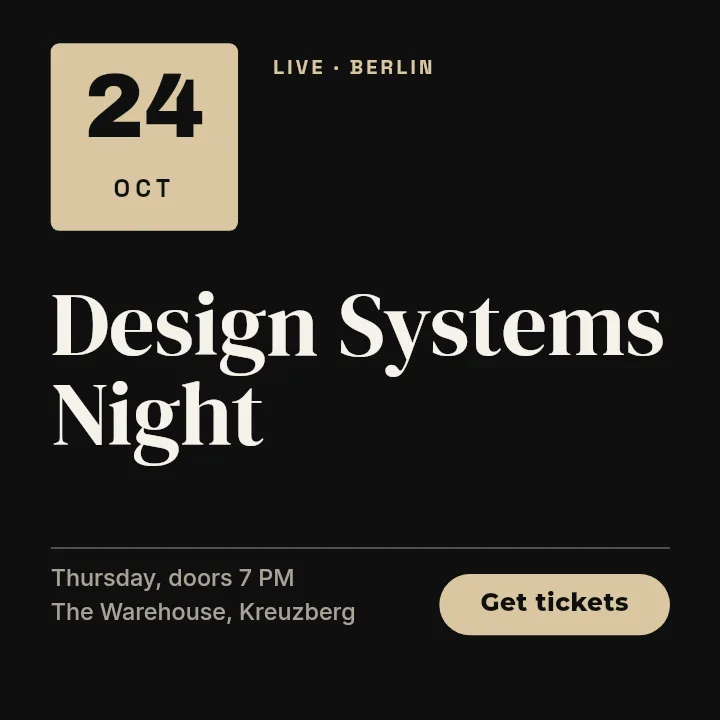
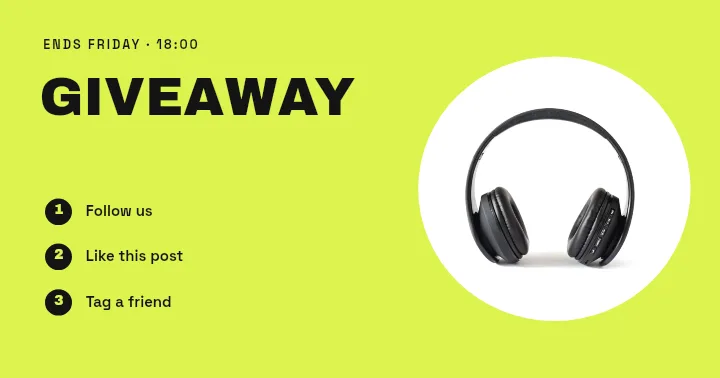
Templates for every channel, ready for your copy
Real designs from the editor — each one drawn for its format. Click any to open it.
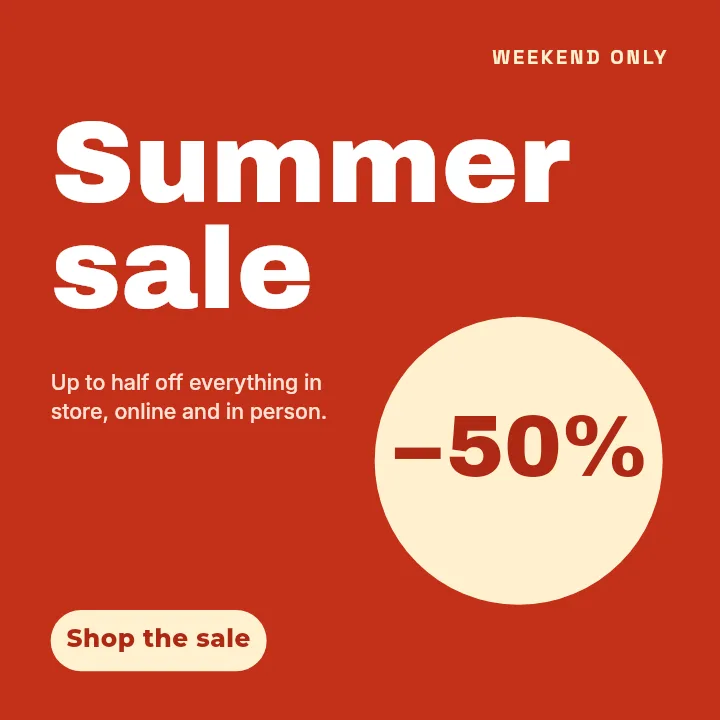
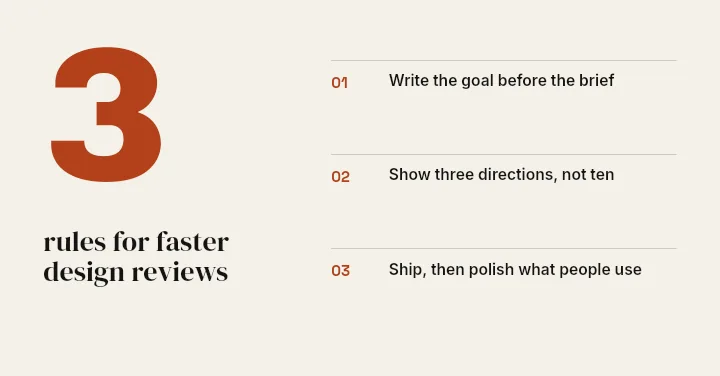
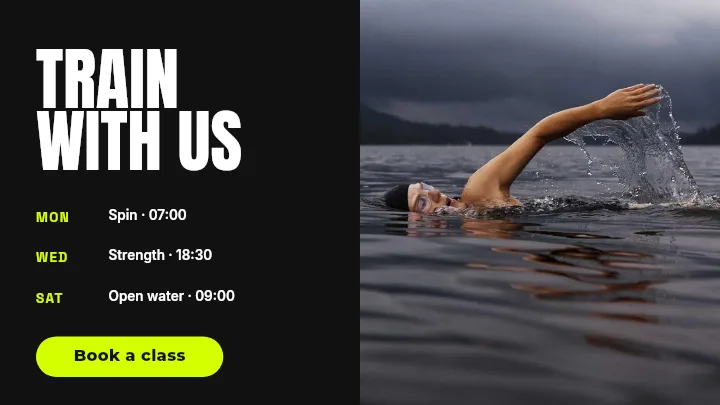
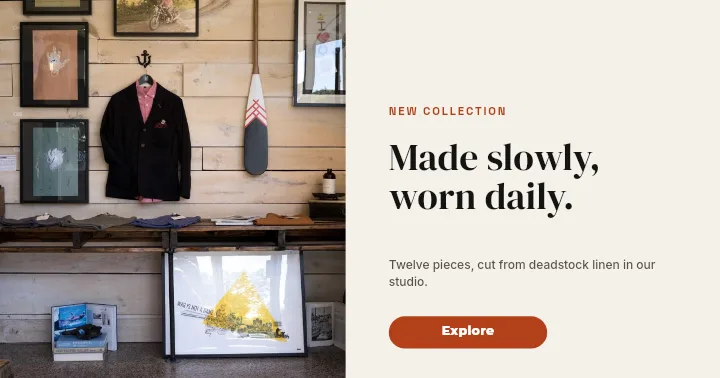
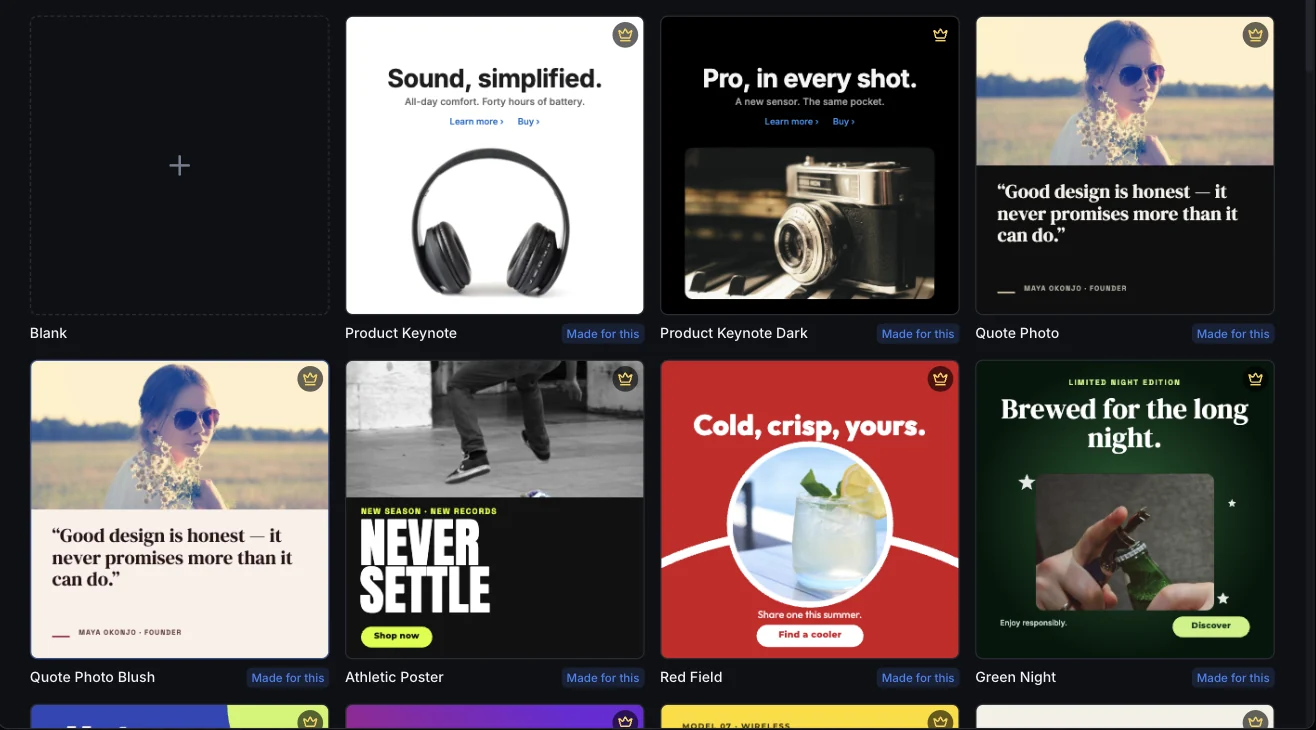
Our strongest designs, in every size
70+ premium designs — product launches, quotes, sales, events — each drawn for every format, so the Instagram post, the story and the LinkedIn banner match. Everyone can browse them; Pro unlocks them.
- Every premium design, in every size
- Unlimited full-quality downloads
- AI tools & AI Assistant included, within monthly fair-use limits
- Brand Hub for your logos, colours and files
Or just describe it
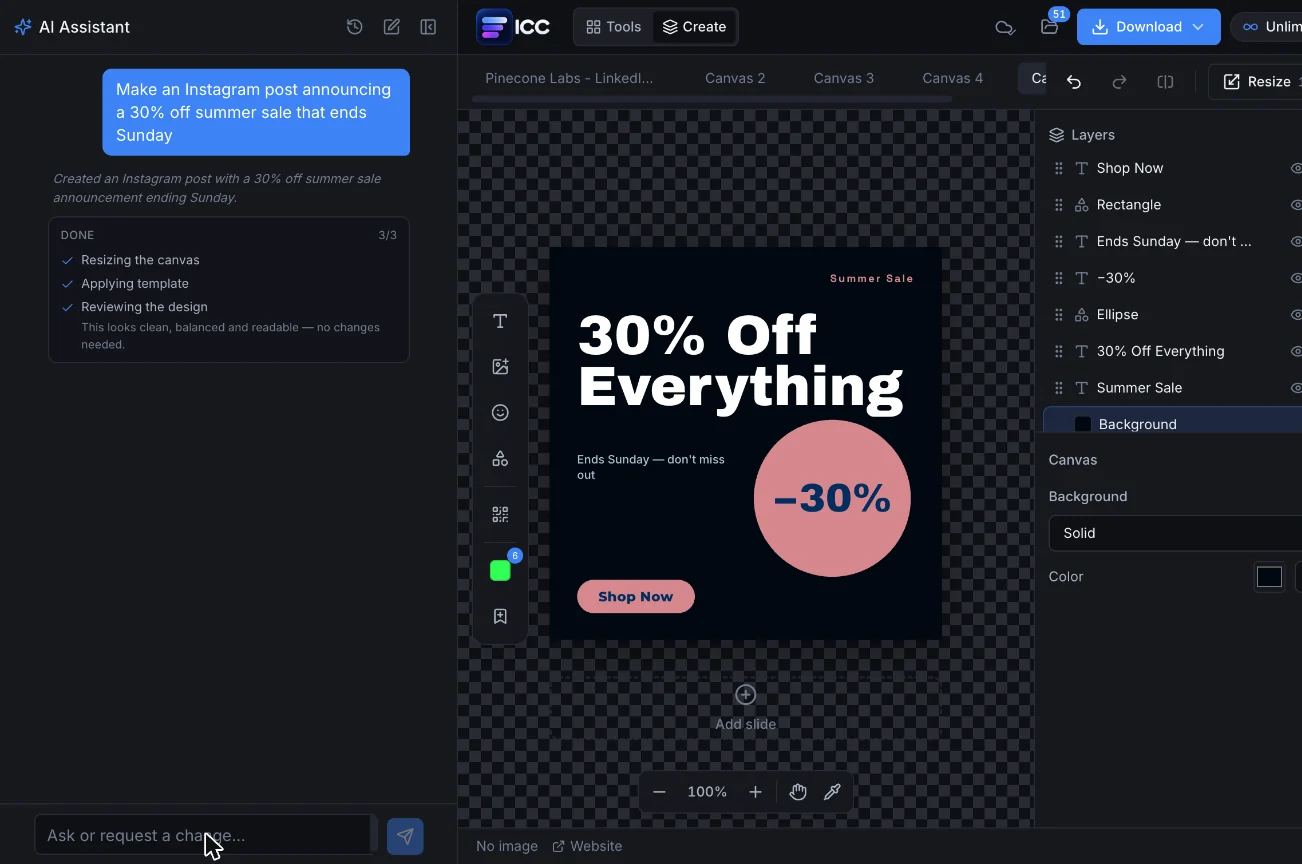
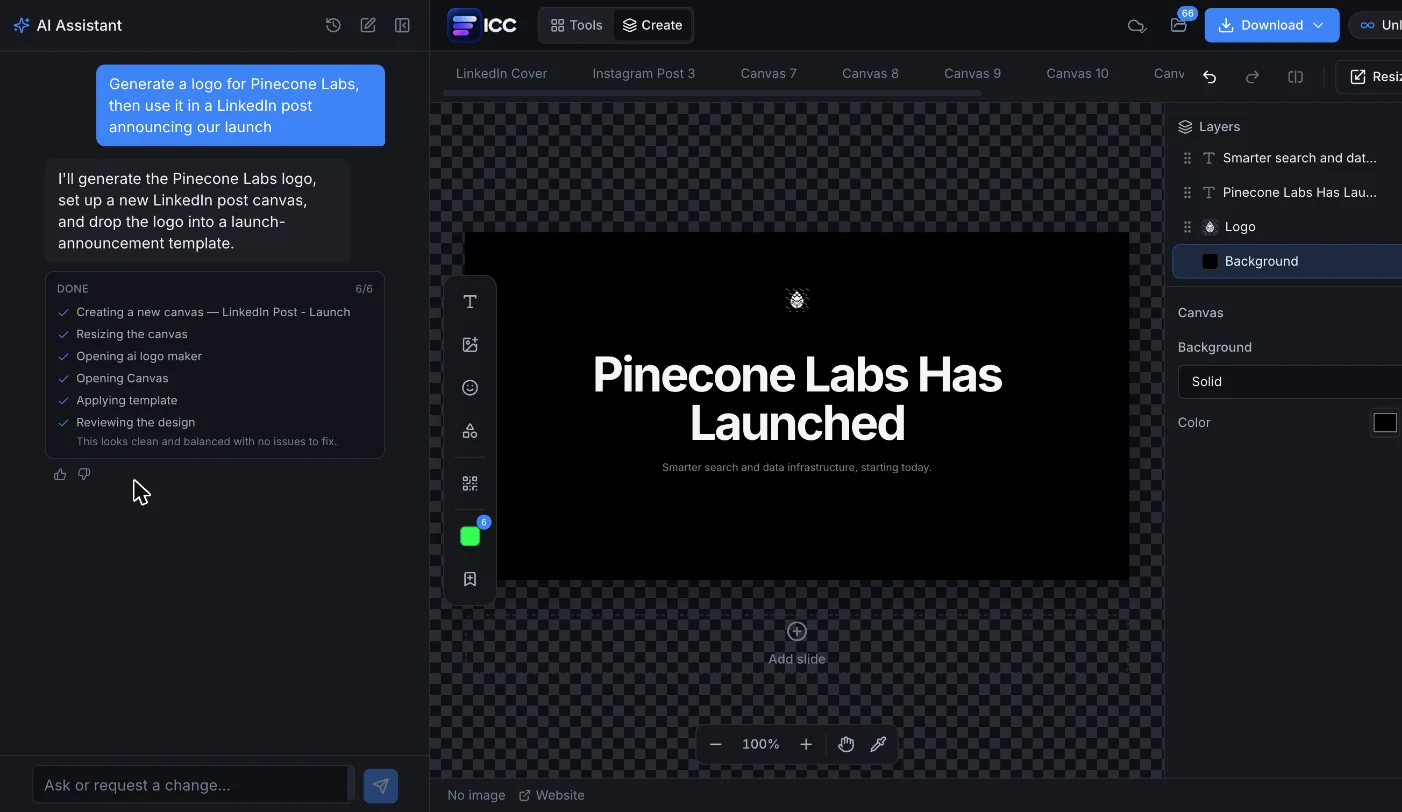
“Generate a logo for Pinecone Labs, then use it in a LinkedIn post announcing our launch.” One message — a new canvas, a logo, a template and a reviewed layout.
- Describe the post — it picks the format, applies a real template and fills in your copy
- Reviews its own layout and fixes spacing or contrast before handing it back
- Uses your logo and brand colours, and edits anything you ask: “make it more premium”
Fix it, design with it, keep it on-brand
Create sits between the tools you already use and the Brand Hub that keeps everything together.
What people make with Create
Start free. Go Pro when you’re making every week.
Designing and previewing are always free. You only pay to download — or not at all with Pro.
Pro
€8.99/month
or €69/year — about €5.75 a month
- Unlimited full-quality downloads
- 70+ premium template designs, every size
- AI tools & AI Assistant included, within monthly fair-use limits
- Brand Hub: logos, colours and files in one place
- Every one of our 110+ tools
Cancel anytime · 14-day money-back guarantee
Free
€0to start
downloads from €0.99 for 3, no subscription
- Every format and the free templates
- Unlimited editing and previews
- Your logo, photos and brand colours
- Pay per full-quality download, credits never expire
Questions about Create
Is Create free?
Yes. Designing, editing and previewing in Create are free and unlimited. A full-quality download uses one credit — packs start at €0.99 — or downloads are unlimited with Pro (€8.99/month or €69/year).
What do I get with Pro?
Unlimited full-quality downloads, the premium templates (70+ designs, each in every size), the AI Assistant within monthly fair-use limits, and every one of our 110+ tools. Pro also includes Brand Hub for your logos, colours and files.
Which formats can I make?
More than 40: Instagram posts, portrait posts, stories, reels covers and carousels; LinkedIn, X, Facebook, YouTube, Pinterest and TikTok sizes; ads; presentations; and print sizes such as flyers and US Letter documents. You can also set a custom size.
Can I use my own logo and brand colours?
Yes. Logos and photos you have used in the app appear under “Use my assets” in the template picker, and “Brand colours” recolours a template to your palette before you start editing.
How does the AI Assistant work?
Describe what you need — “an Instagram post announcing 30% off, ends Sunday”. It creates the right canvas, applies a real template, writes in your copy and reviews the layout. Everything it makes is ordinary layers you can keep editing by hand or by asking it again.
Can I cancel Pro at any time?
Yes. Pro renews monthly or yearly and you can cancel from Billing whenever you like; you keep Pro until the end of the period you paid for. Every plan also has a 14-day money-back guarantee.
Your next post is two minutes away
Join 16,000+ marketers, founders and small businesses — rated 4.8/5.