Convert Image to a Data URL
Turn any image into a complete `data:` URL you can paste straight into a CSS `background-image`, an HTML `src`, or an SVG. Includes the MIME prefix, so it works as-is. Runs entirely in your browser.
Free to edit and preview · HD download with a free account
Drop an image here
PNG, JPG, WebP or SVG — up to 20 MB
Runs entirely in your browser. Your image is never uploaded.
What a data URL is and what it costs
A data URL, not just the payload
This gives you the whole thing — data:image/png;base64, followed by the encoded bytes. That distinction matters: a bare Base64 string will not render if you drop it into a CSS url() or an img src, because the browser has no idea what it is looking at. The prefix is what makes it a usable URL.
Nothing leaves your machine
The encoding runs locally in your browser using the canvas API. Your file is never uploaded to a server just to be converted, which matters when the asset is an unreleased logo, a client mockup, or anything under NDA. Close the tab and there is nothing left behind.
One fewer network request
An inlined image is part of the stylesheet or document, so the browser never opens a second connection to fetch it. For a 1 KB icon that round trip often costs more than the bytes themselves, which is why small UI assets and email templates are the classic use case.
Where inlining stops paying off
Base64 inflates binary data by roughly a third, and an inlined image cannot be cached separately from the file that contains it. So a large hero image inlined into your CSS gets re-downloaded on every cache miss of that CSS. Inline the small and rarely-changing; host the rest.
What happens to each format
PNG, JPG, WebP, and SVG all work as input. The output is normalised to a PNG data URL, so transparency is preserved and the result is predictable across browsers. If you need the original format kept byte-for-byte, use a hosted file rather than an inline URL.
Data URI, raw Base64, or a hosted file?
Data URI
data:image/png;base64,…
- Includes the MIME prefix, so it is a valid URL
- Drops straight into CSS url() and img src
- About 33% larger than the source file
Small icons, CSS backgrounds, HTML email, single-file demos
Photos and any image reused across many pages
Raw Base64
iVBORw0KGgo…
- Payload only — no prefix
- Will not render if pasted into CSS as-is
- Same 33% size overhead
JSON payloads, API request bodies, config files
Anywhere a URL is expected
Hosted file
/images/logo.png
- No encoding overhead at all
- Cached independently and reused across pages
- Costs one extra network request
Photos, shared assets, anything over a few KB
Contexts where external requests are blocked
How to convert image to a data url
Drop in your image
Add a PNG, JPG, WebP, or SVG. The file is read locally by your browser and never sent anywhere.
Read the data URL
The complete `data:` URL appears in the result panel as soon as the image loads — prefix included, ready to use.
Copy or save it
Copy it straight into your CSS or HTML, or download it as a plain .txt file to keep for later.
What the data URL encoder looks like
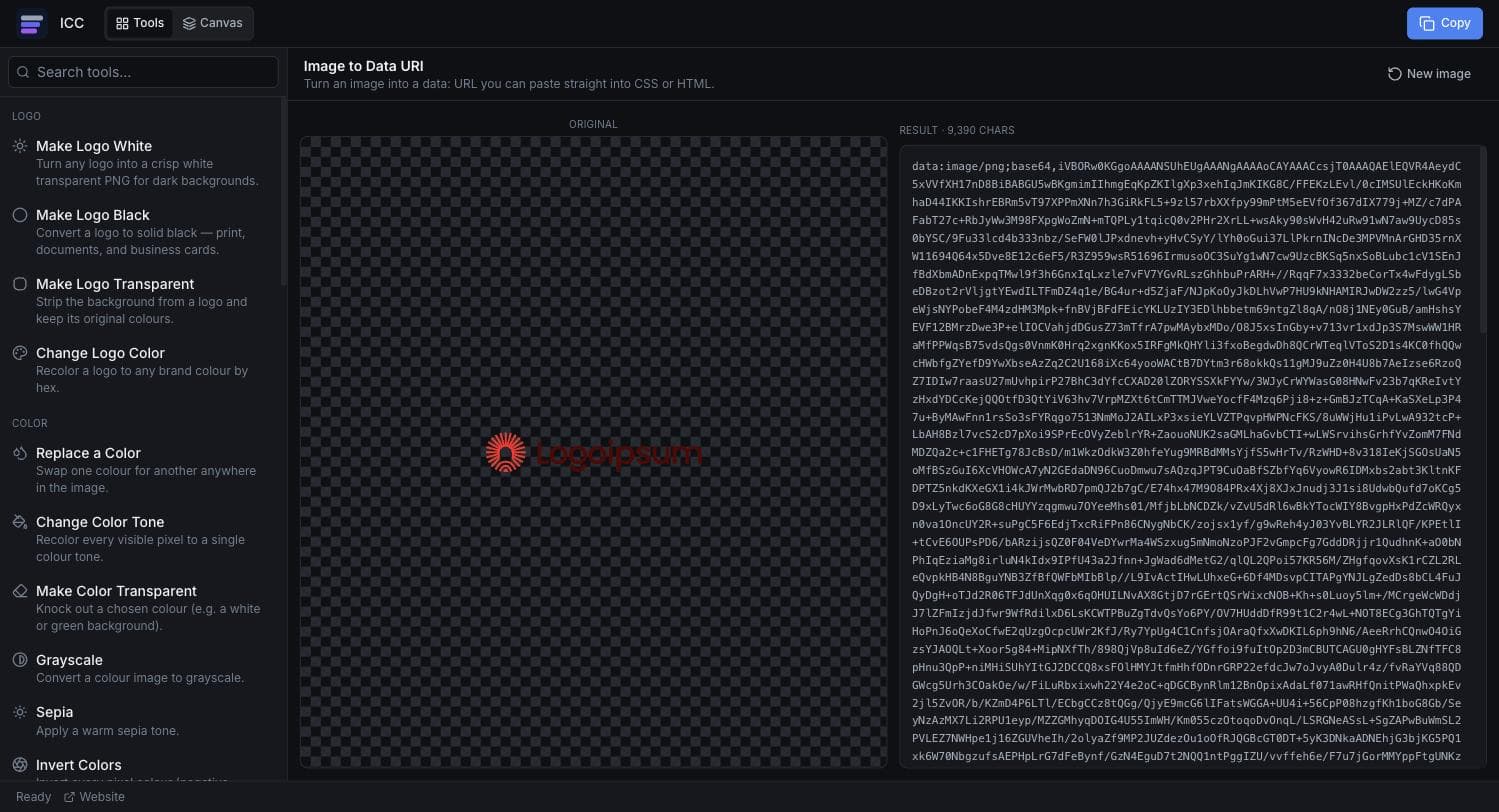
Where data URLs make sense
CSS backgrounds
Inline a small icon or pattern into a `background-image` with no extra file.
HTML email
Some email builds require images inlined rather than linked from a CDN.
SVG and markup
Embed a raster image inside an SVG `<image>` or a single-file HTML document.
Prototypes and demos
Ship a self-contained page with no asset folder to keep in sync.
Bundled extensions
Browser extensions and userscripts often ship icons inline to avoid packaging files.
Or just ask
Describe the edit in your own words
Type what you want changed and the assistant does it on the canvas — each step lands as a layer you can reopen, so nothing it does is baked in.
No edits yet.
Frequently Asked Questions
Related Tools
Guides worth reading
How to Fix Blurry or Fringed Edges on a Transparent PNG
Why your transparent PNG has a white halo, a grey fringe or soft edges — the four real causes, how to tell them apart in seconds, and the fix for each.
SVG vs PNG for Logos: Which File Do You Actually Need?
What SVG and PNG really are, where each one wins, why your developer keeps asking for the SVG, and the three files that cover almost every request.
Best Free Background Remover in 2026: 5 Tools Compared Honestly
remove.bg, Canva, Adobe Express, Photopea and Image Color Changer compared on what is actually free, output quality, privacy and price per image — including which one to use for logos.
Get a paste-ready data URL
Upload an image and copy the complete `data:` URL.