LinkedIn Templates for Profiles and Pages
Feed posts, company updates, a personal banner, a company page cover, and ad creatives, in the measured, readable style LinkedIn audiences respond to. Edit everything, then download.
Free preview · No signup · ~10 seconds
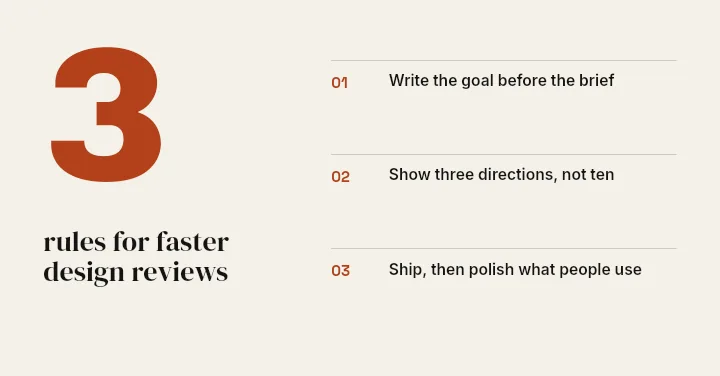
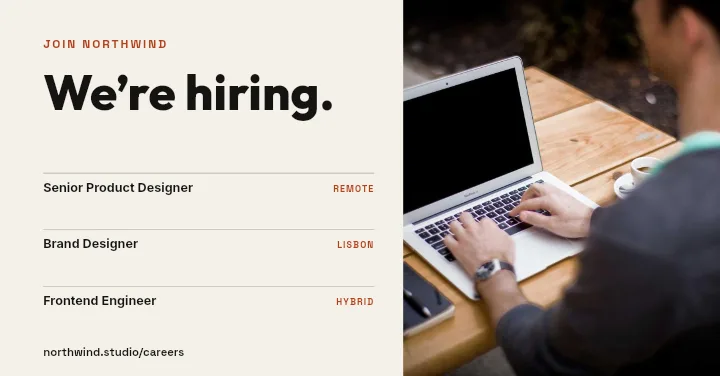
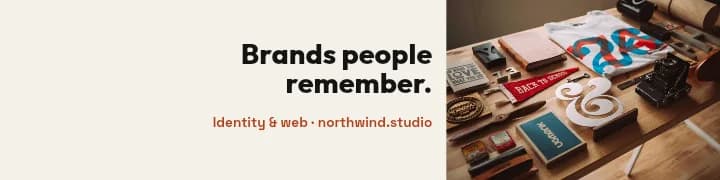

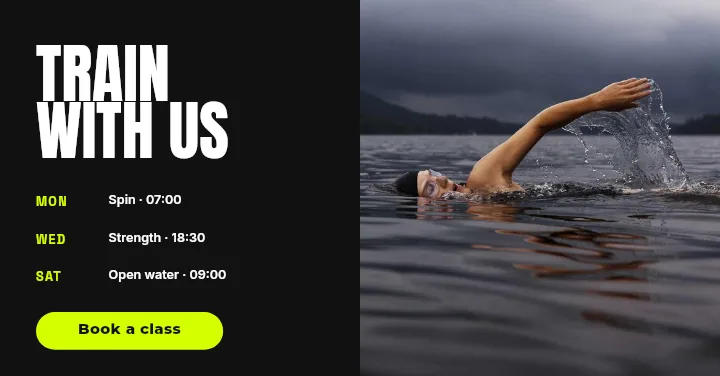
LinkedIn Templates for Profiles and Pages — in the editor
The real editor, start to finish — no signup needed to try it yourself.
Free preview · No signup · ~10 seconds
Personal Profile and Company Page, Covered
For your own profile
A personal banner at 1584×396 and feed posts at 1200×627 cover what a consultant, recruiter, or founder posts week to week. The Profile Banner layout leaves the lower left clear for your photo.
For a company page
Company posts, a page cover at 2256×382, and sponsored ad creatives share one visual system, so hiring posts, product news, and paid campaigns look like they come from the same team.
A professional register
Layouts such as Tips List, Feature Trio, and Spec Strip favour structure over decoration: clear hierarchy, room for a figure or a short list, and type that stays readable in a busy feed.
Every element stays editable
Swap the stock text for your numbers, drop in a headshot or a product screenshot, and recolour the shapes. Each part of the layout is its own layer in the layer tree.
LinkedIn Canvas Sizes in the App
Post / Company Post
1200 × 627
Shows uncropped in the feed. Use the whole frame.
Personal Banner
1584 × 396
Your profile photo covers part of the lower left.
Company Page Cover
2256 × 382
Twice LinkedIn's 1128×191 spec, for sharp text on large screens.
Single-Image Ad
1200 × 627
The standard landscape sponsored-content shape.
How to Make LinkedIn Graphics From a Template
Open the LinkedIn templates
The button opens Create on the LinkedIn formats. Choose a post, company post, personal banner, company cover, or ad, then pick a template or Blank.
Put in your content
Replace the headline and supporting text, add a headshot, logo, or screenshot, and set the colours to your brand.
Arrange the layers
Drag, resize, and restack layers so the key message stays clear of the profile photo and the edges.
Export the image
Download a free low-resolution preview first, then the full-resolution file for LinkedIn.
LinkedIn Graphics Worth Templating
Thought Leadership
Turn one insight into a quote or list card that stands out in the feed.
Hiring Posts
A We're Hiring layout for open roles, repeated in your company colours.
Product Updates
Feature Trio and Product Split layouts for launches and release notes.
Sponsored Content
Ad creatives for webinars, downloads, and demos aimed at a B2B audience.
Or just ask
Describe the edit in your own words
Type what you want changed and the assistant does it on the canvas — each step lands as a layer you can reopen, so nothing it does is baked in.
No edits yet.
Frequently Asked Questions
Related Tools
Guides worth reading
How to Make a Duotone Image in Figma (Building One From Blend Modes)
Figma has no duotone effect. You assemble one from a desaturated image and two blended rectangles — here is the layer stack, the order that matters, and an honest account of what it costs to maintain.
How to Make a Logo White in Photoshop (3 Methods, One of Them Non-Destructive)
Color Overlay, Lock Transparent Pixels, and why Hue/Saturation is the wrong tool even though Lightness looks like it works — plus the fringe that makes a white logo look dirty on a dark background, and how to remove it.
How to Replace a Color in Canva (What's Possible on Elements, and What Isn't on Uploads)
Canva can swap colors on vector elements one swatch at a time. On an uploaded photo or PNG there is no per-color control at all — here is the full picture, including the Duotone approximation and its limits.
Make LinkedIn Graphics That Look Considered
Profile, page, post, and ad formats in one place, with layouts you can rework to your brand.