Make Social Media Banners in Minutes
A simple layered editor for every platform. Choose a preset size, set a background, stack text and images as layers, then export a crisp, ready-to-post banner.
Free preview · No signup · ~10 seconds
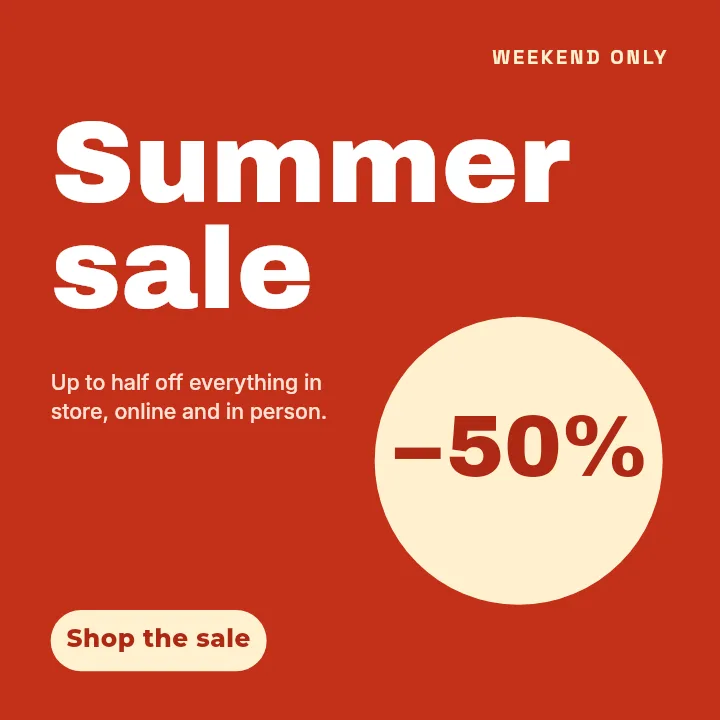
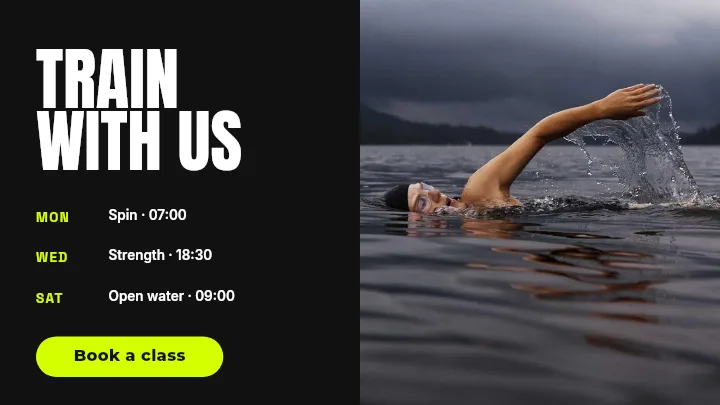
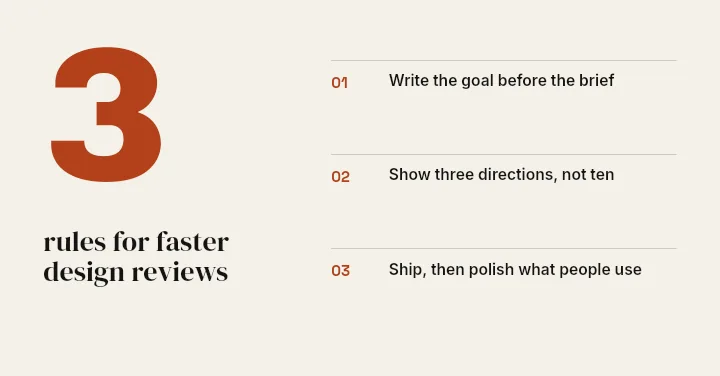
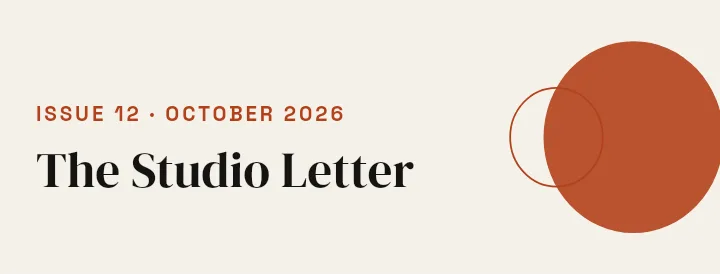
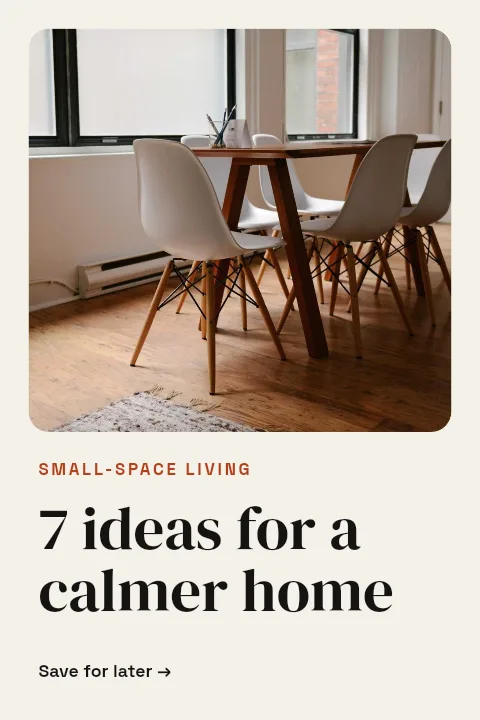
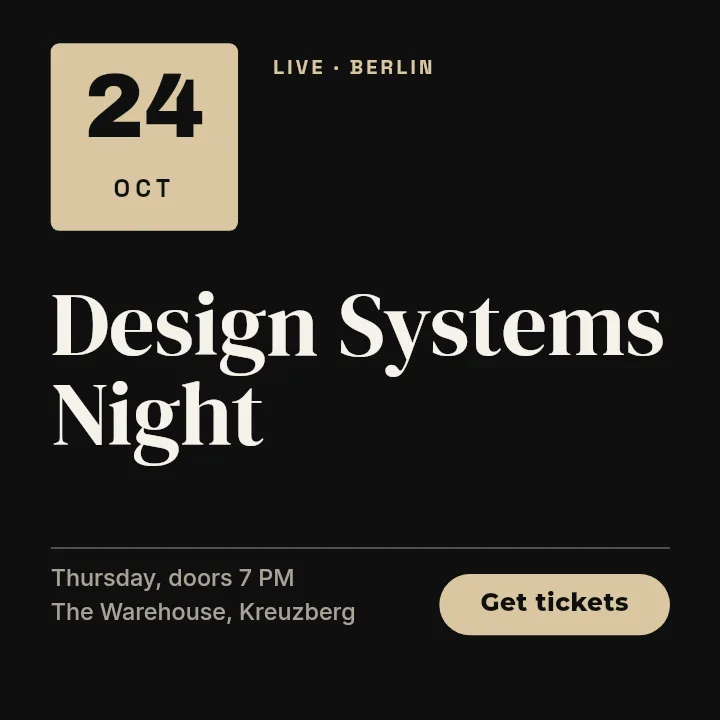
Make Social Media Banners in Minutes — in the editor
The real editor, start to finish — no signup needed to try it yourself.
Free preview · No signup · ~10 seconds
One Editor for Every Platform
Presets for every platform
Instagram, YouTube, Facebook, X, LinkedIn, TikTok, Google Ads, and more — all built in. Or enter any custom size. No hunting for the right dimensions before you can start.
Full layered editor
Background, text blocks with font and style controls, image and logo layers you can move, resize, and rotate. A layer tree lets you reorder, lock, or hide anything.
Live preview, auto-saved
Design with an instant live preview and export high-quality when ready. Work is saved automatically — switch tools or refresh without losing a thing, and sign in to pick it up again later.
One campaign, every size
Set up at the largest dimension, then duplicate and resize. Text and logo layers scale proportionally and stay sharp — background photos don't, so keep those as a base layer.
Keep text legible on every feed
Type shrinks in the feed, so size for the smallest view: keep headlines above roughly 60px, leave breathing room around edges, and favor high contrast between text and background. Export PNG for flat colors and sharp text, JPG only for photo-heavy designs. A common mistake is placing words near the crop edges where platforms trim them.
Platform Dimensions Reference
Instagram Post (Square)
1080 × 1080
Default feed format. Works in grid and feed views without cropping.
Instagram Portrait Post
1080 × 1350
Takes up more screen real estate than square — higher chance of stopping the scroll.
Instagram Story / Reel
1080 × 1920
Full-screen vertical. Keep key content in the middle 60% — top and bottom get UI overlays.
YouTube Thumbnail
1280 × 720
Standard 16:9. Bold readable text and a clear focal point — thumbnails display at ~200px wide in search.
YouTube Channel Art
2560 × 1440
Only the center 1546×423 shows on all devices. Design within that safe zone.
Facebook Cover
820 × 312
Mobile crops to 640×360 — keep key content within the center 640px.
Facebook Post
1200 × 630
Link preview images use this size. Works as a standalone post image too.
X / Twitter Header
1500 × 500
Profile photo clips the lower-left corner. Keep branding to the right half.
X / Twitter Post
1200 × 675
16:9. Twitter crops previews to this ratio — design to fill it or add white space.
LinkedIn Banner
1584 × 396
Wide and short. Profile photo overlaps lower-left — keep text centered or right-aligned.
LinkedIn Post
1200 × 627
Slightly wider than 16:9. Displays full-width in the feed without cropping.
TikTok Video Cover
1080 × 1920
Full-screen vertical. Bottom 20% covered by caption and buttons — keep main content higher.
Pinterest Pin
1000 × 1500
2:3 ratio. Taller pins take up more feed space. Avoid text-heavy designs — Pinterest compresses aggressively.
Google Leaderboard Ad
728 × 90
Very little room. Headline + logo only — no supporting copy.
Google Medium Rectangle
300 × 250
Most common ad unit. Works embedded in content and sidebars.
Google Large Rectangle
336 × 280
Slightly more space than 300×250. Headline + CTA + logo works well.
Google Half Page Ad
300 × 600
Premium tall unit. Room for a proper visual — treat it like a mini poster.
Google Billboard Ad
970 × 250
Wide banner above content. High visibility but very limited vertical space.
How to Make a Social Media Banner
Pick your format
Open Create and choose your platform format, or enter a custom width and height. Start from one of the templates drawn for that size, or from a blank canvas.
Set a background
Choose a solid color, a linear or radial gradient, or one of the preset textured backgrounds. Tune the colors to match your brand.
Add text and images
Add text layers and type directly on the canvas, then pick fonts, sizes, and styles. Drop in images or logos and drag the handles to resize and rotate.
Arrange and export
Reorder layers in the layer tree to control stacking, then download a free low-resolution preview or export the full-resolution banner in high quality.
What You Can Design
Promo Banners
Announce sales, launches, and events with bold text over a branded background.
Feed Posts
Create square and portrait posts sized exactly for each social feed.
Video Covers
Build thumbnails and channel art that make people click.
Profile Headers
Design cover and header images that fit every platform perfectly.
Or just ask
Describe the edit in your own words
Type what you want changed and the assistant does it on the canvas — each step lands as a layer you can reopen, so nothing it does is baked in.
No edits yet.
Frequently Asked Questions
Related Tools
Guides worth reading
What to DIY and What to Pay a Designer For
Where design money actually earns its return at pre-seed, where it doesn't, and the honest line between the work worth commissioning and the work worth doing yourself.
Making Your Pitch Deck Look Consistent (Logos, Screenshots, Charts)
Why a deck looks amateur even when every slide is fine on its own — and the four mechanical fixes that make forty slides read as one document.
What Your Developer Actually Needs From Your Logo
The handoff spec nobody writes down: which logo file goes in which slot, why the 4 MB PNG breaks the header, what an OG image is, and the five files that end the back-and-forth.
Ready to Design Your Banner?
Pick a size, drop in your text and images, and export a polished social banner in minutes. Start from a template or a blank canvas: every element stays an editable layer.