Create Instagram Posts That Stand Out
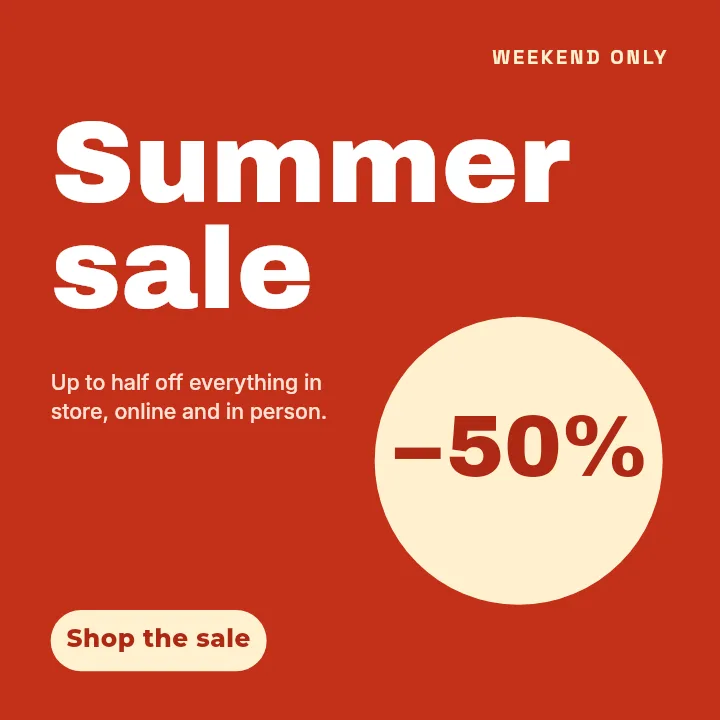
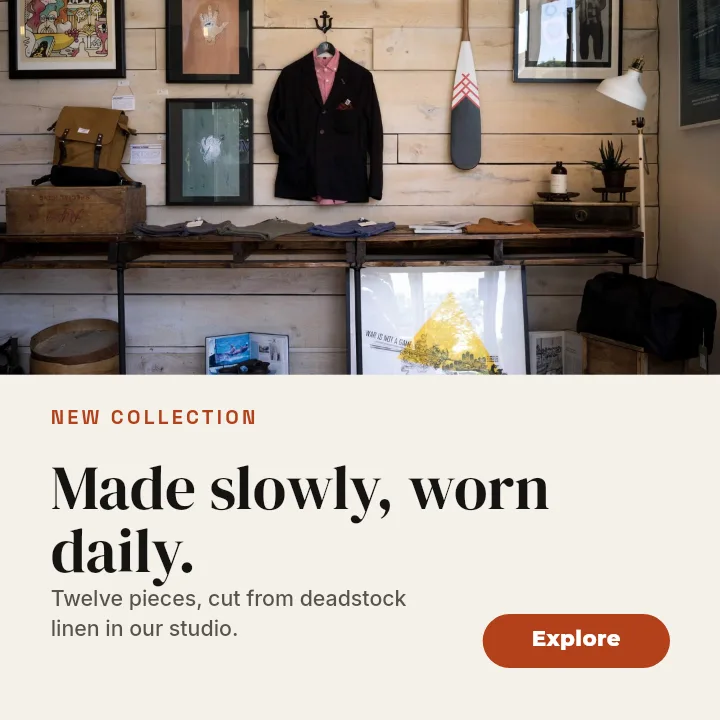
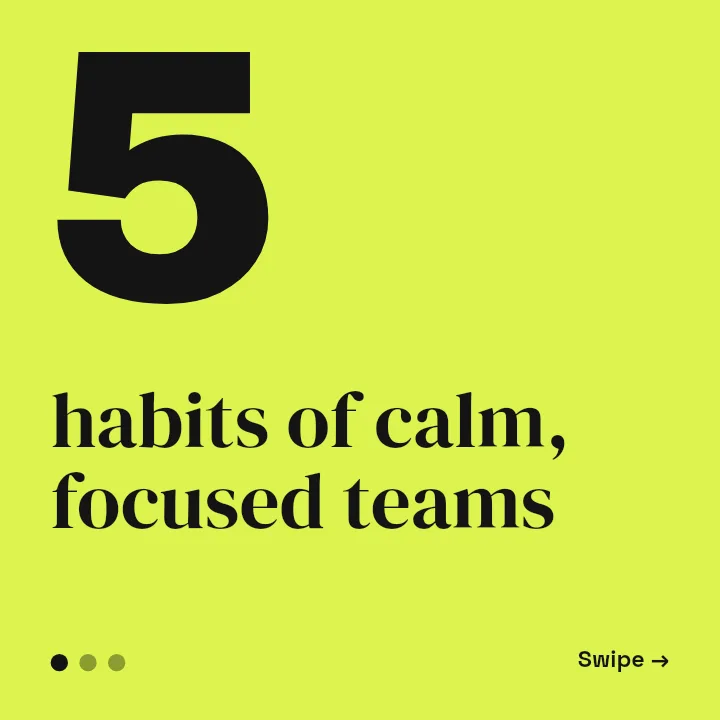
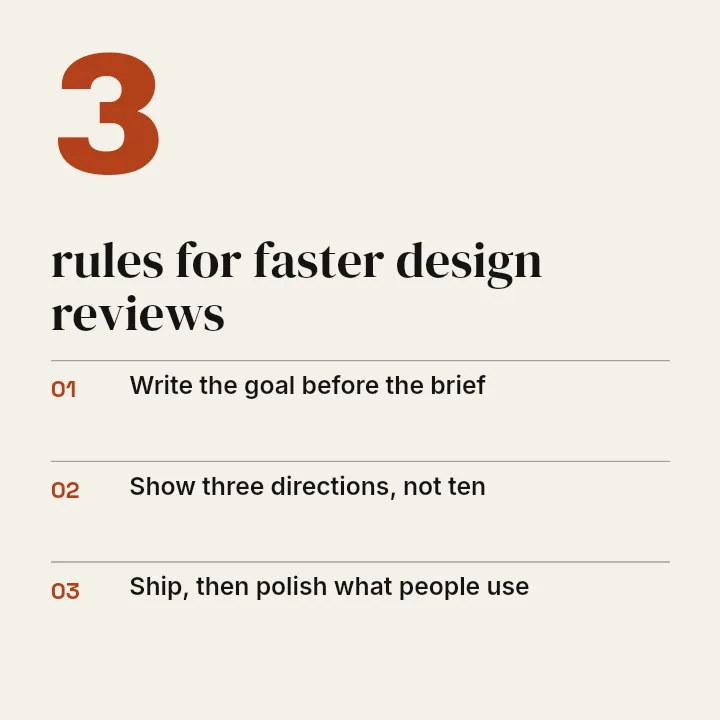
Square feed posts at the exact 1080 by 1080 size. Start from a post template, swap in your words, photos, and colours, then download a sharp image ready to upload.
Free preview · No signup · ~10 seconds

Create Instagram Posts That Stand Out — in the editor
The real editor, start to finish — no signup needed to try it yourself.
Free preview · No signup · ~10 seconds
Built for the Square Feed Post
Opens at 1080 by 1080
The button above opens the editor on the Instagram Post templates at the square size, so there is no canvas to set up and nothing to resize before you start.
A template is only the first draft
Every headline, photo, shape, and logo in a template is its own layer. Move it, recolour it, swap the font, or delete it. Nothing is locked in place.
Square still rules the profile grid
Your profile grid crops every post toward a tall rectangle, but a square post loses the least when it does. Keep the subject and headline in the middle of the frame and the grid will show the part that matters.
Type that survives compression
Instagram recompresses uploads, which softens thin strokes and small text first. Bold weights, high contrast, and a margin of around 60 pixels from each edge keep the message readable in the feed.
Instagram Post Sizes
Square Post
1080 × 1080
The size this page opens. Safe in the feed and in the profile grid.
Portrait Post
1080 × 1350
Taller and more screen in the feed. Has its own page and templates.
Carousel Slide
1080 × 1080
Square carousels use the same size; the first slide is the one the feed shows.
How to Make an Instagram Post
Open the post templates
Click the button to open Create on Instagram Post. Pick a template, or Blank for an empty 1080 by 1080 canvas.
Make it yours
Click any text to rewrite it, drop in your own photo or logo, and change the colours to match your brand.
Check it at feed size
Zoom out until the post is about the size of a phone feed and make sure the headline still reads.
Download
Download a free preview to check it, then export the full-resolution post for Instagram.
Square Posts You Can Make
Product Spotlights
One product, one line of copy, and a price or offer that reads at a glance.
Announcements
Launch dates, opening hours, and news, set large enough to stop a scroll.
Quotes and Tips
Text-led posts with a clear hierarchy that still look designed in a grid.
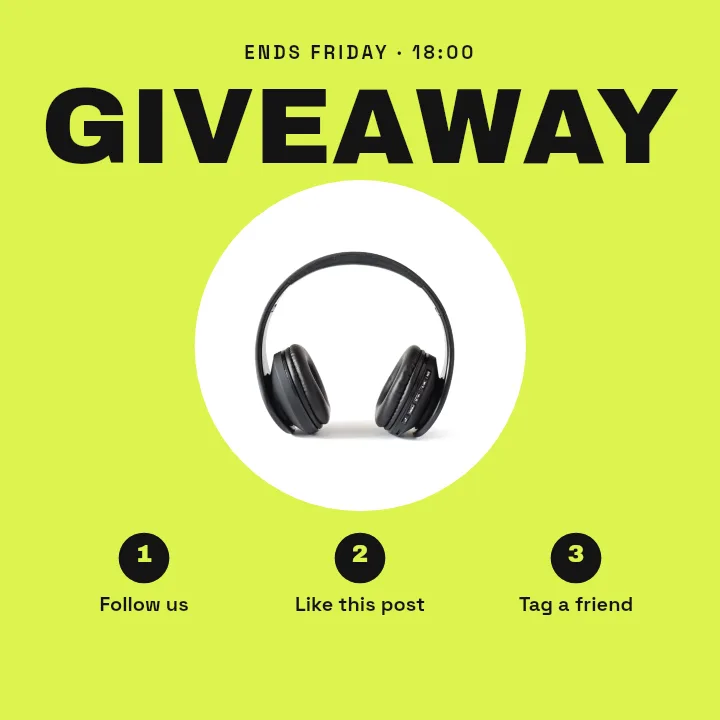
Giveaways
Steps to enter and a deadline, laid out so nobody has to read the caption.
Or just ask
Describe the edit in your own words
Type what you want changed and the assistant does it on the canvas — each step lands as a layer you can reopen, so nothing it does is baked in.
No edits yet.
Frequently Asked Questions
Related Tools
Guides worth reading
What to DIY and What to Pay a Designer For
Where design money actually earns its return at pre-seed, where it doesn't, and the honest line between the work worth commissioning and the work worth doing yourself.
Making Your Pitch Deck Look Consistent (Logos, Screenshots, Charts)
Why a deck looks amateur even when every slide is fine on its own — and the four mechanical fixes that make forty slides read as one document.
What Your Developer Actually Needs From Your Logo
The handoff spec nobody writes down: which logo file goes in which slot, why the 4 MB PNG breaks the header, what an OG image is, and the five files that end the back-and-forth.
Ready to Post?
Pick an Instagram post template, make it yours, and download a feed-ready square image. Free to design.