Design YouTube Thumbnails That Get Clicks
Create thumbnails at the exact 1280 by 720 size. Layer bold text, cut-out images, and high-contrast backgrounds, then export a crisp thumbnail ready to upload.
Free preview · No signup · ~10 seconds
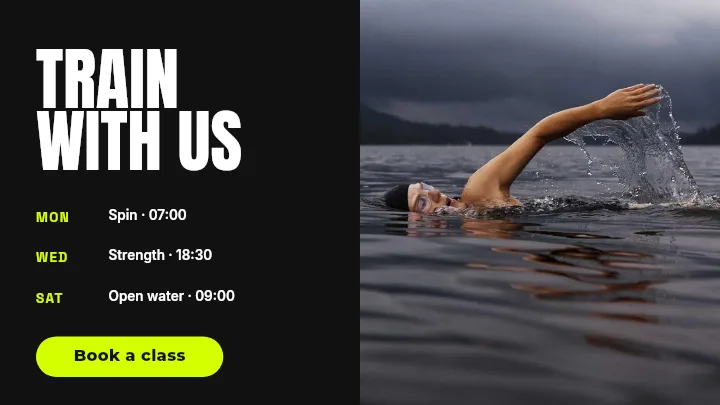

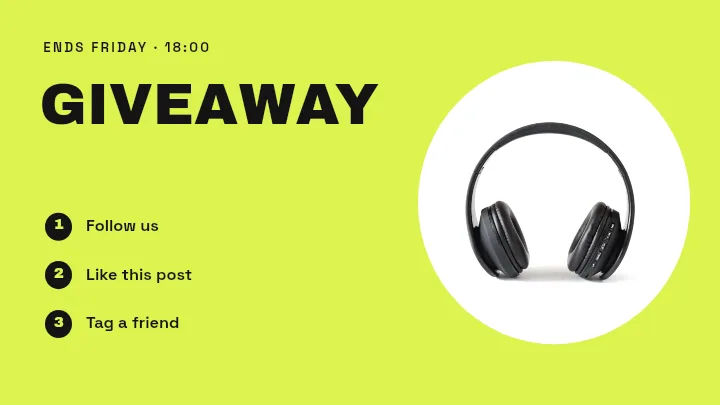
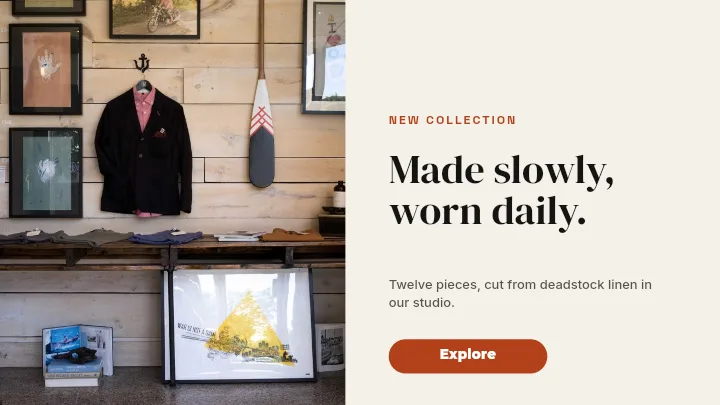
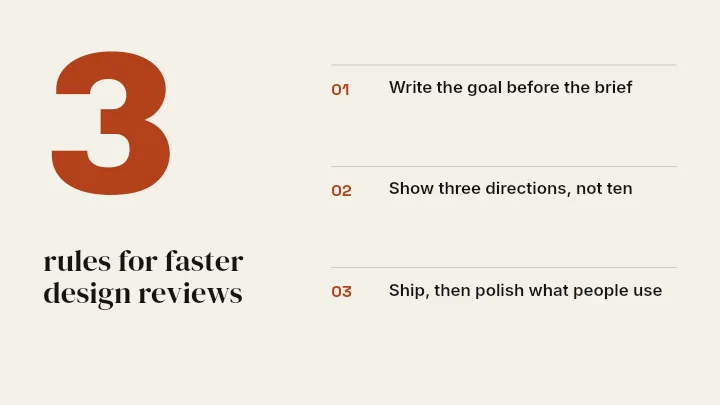

Design YouTube Thumbnails That Get Clicks — in the editor
The real editor, start to finish — no signup needed to try it yourself.
Free preview · No signup · ~10 seconds
Thumbnails Win or Lose the Click
Exact size, zero setup
Opens at 1280×720 — the correct YouTube thumbnail size. Your design fits perfectly and stays sharp with no manual canvas setup.
Bold layers, fast composition
Stack text over a high-contrast background, add a cut-out of your subject, drop in a logo or badge. Every element is a layer you can move, scale, rotate, and reorder.
CTR is driven by three things
High contrast between subject and background. Text large enough to read on a phone. A visible face expression when there's a person. Channels that grow follow this pattern consistently.
Design for 200px, not 1280px
YouTube shows thumbnails at ~200px wide on mobile. Fine details disappear. Zoom out before committing — what looks balanced at full size often looks cluttered at display size.
Mind the timestamp corner
YouTube stamps a video duration badge over the bottom-right corner of every thumbnail. Keep faces, logos, and key words out of that area so nothing gets covered. It also helps to leave a small margin all around — some surfaces round the corners or crop the edges slightly.
How Thumbnails Display Across YouTube
Upload Size
1280 × 720
The only size you need to produce. YouTube recommends this 16:9 format for all videos.
Homepage Feed (Desktop)
~320 × 180
How thumbnails appear in the YouTube homepage on desktop. Bold text should read clearly at this size.
Search Result
~246 × 138
Slightly smaller display in search results. High contrast between subject and background is essential.
Mobile Feed
~168 × 94
The smallest display context. If your text isn't readable here, it needs to be bigger or simpler.
How to Make a YouTube Thumbnail
Open the thumbnail templates
Open Create on YouTube Thumbnail (1280 by 720) and start from a thumbnail template, or from a blank canvas.
Build a bold background
Use a high-contrast solid, gradient, or preset background, or place a screenshot as the base layer.
Add punchy text
Add a short, large headline. Pick a heavy font and add a stroke or shadow so it reads at small sizes.
Add subject and export
Drop in a cut-out image or logo, arrange the layers, then export the full-resolution thumbnail in high quality.
Thumbnails for Every Video
Tutorials
Clear, labeled thumbnails that tell viewers exactly what they will learn.
Vlogs and Reactions
Expressive cut-outs with bold text that drive curiosity.
Reviews
Side-by-side product shots with a verdict in big type.
Series Branding
Consistent thumbnail templates that make your channel recognizable.
Or just ask
Describe the edit in your own words
Type what you want changed and the assistant does it on the canvas — each step lands as a layer you can reopen, so nothing it does is baked in.
No edits yet.
Frequently Asked Questions
Related Tools
Guides worth reading
What to DIY and What to Pay a Designer For
Where design money actually earns its return at pre-seed, where it doesn't, and the honest line between the work worth commissioning and the work worth doing yourself.
Making Your Pitch Deck Look Consistent (Logos, Screenshots, Charts)
Why a deck looks amateur even when every slide is fine on its own — and the four mechanical fixes that make forty slides read as one document.
What Your Developer Actually Needs From Your Logo
The handoff spec nobody writes down: which logo file goes in which slot, why the 4 MB PNG breaks the header, what an OG image is, and the five files that end the back-and-forth.
Ready for More Clicks?
Design a bold, high-contrast YouTube thumbnail at the perfect size and export it in high quality. Start free.