LinkedIn Posts With a Point of View
Post images at 1200×627 for the ideas, lessons, and milestones you share on your profile. Pick a layout, write your point, and download.
Free preview · No signup · ~10 seconds
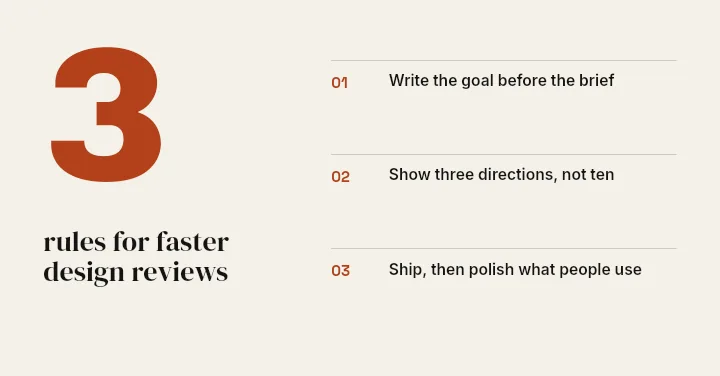
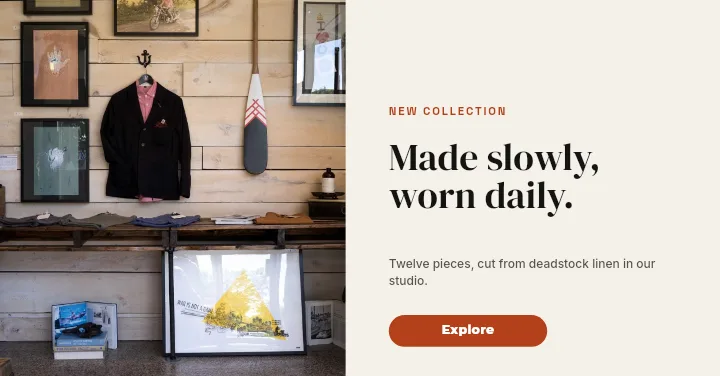
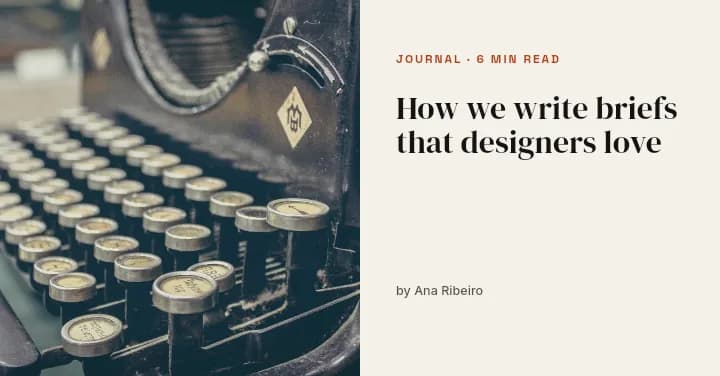
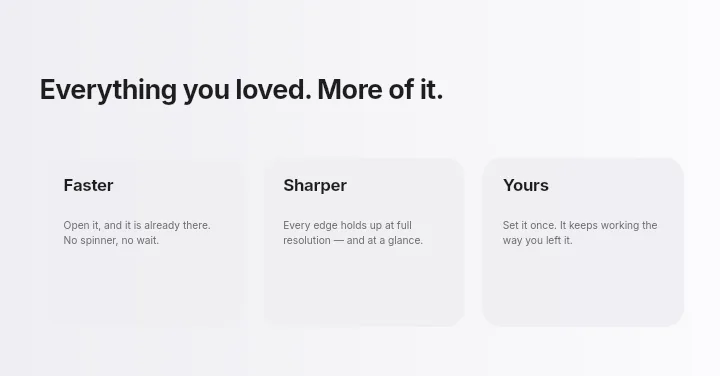
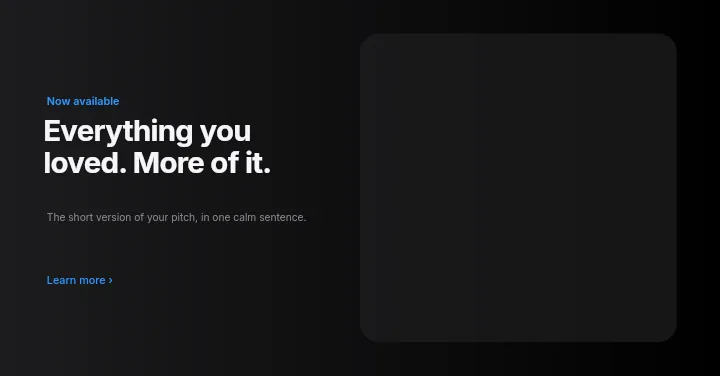
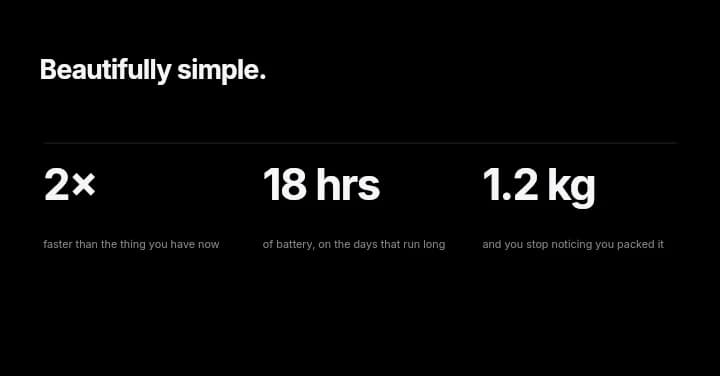
LinkedIn Posts With a Point of View — in the editor
The real editor, start to finish — no signup needed to try it yourself.
Free preview · No signup · ~10 seconds
An Image That Carries the Idea
Shown in full
A 1200×627 image displays uncropped in the LinkedIn feed on desktop and mobile, so you can use the whole frame without worrying about edges.
Structure beats decoration
LinkedIn readers respond to clear takeaways. Tips List and Spec Strip lay out three or four points in a grid that can be read in a few seconds.
Your voice, your face
Add your headshot as an image layer next to a quote or lesson and the post reads as yours rather than a generic graphic.
A repeatable format
Keep one layout for weekly posts and swap the words. Followers start to recognise your posts before they read the name.
LinkedIn Feed Image Sizes
Post Image
1200 × 627
The app's LinkedIn post canvas; uncropped in the feed.
Personal Banner
1584 × 396
For your profile header, not the feed.
How to Make a LinkedIn Post Image
Open the post templates
The button opens Create on LinkedIn Post templates at 1200×627. Choose one, or start Blank.
Write your point
Replace the placeholder headline and list with your own, add your headshot or a screenshot, and pick colours.
Tidy the hierarchy
Make the main line the largest element, align the supporting points, and remove anything that does not help.
Download and publish
Look at a free low-resolution preview, then export the full-resolution image and attach it to your LinkedIn post.
Posts That Benefit From an Image
Lessons Learned
Three takeaways from a project, laid out as a list.
Milestones
A new role, certification, or anniversary.
Talk Recaps
Key slides condensed into one shareable image.
Article Promotion
A Blog Header image for your newsletter or article.
Or just ask
Describe the edit in your own words
Type what you want changed and the assistant does it on the canvas — each step lands as a layer you can reopen, so nothing it does is baked in.
No edits yet.
Frequently Asked Questions
Related Tools
Guides worth reading
How to Make a Duotone Image in Figma (Building One From Blend Modes)
Figma has no duotone effect. You assemble one from a desaturated image and two blended rectangles — here is the layer stack, the order that matters, and an honest account of what it costs to maintain.
How to Make a Logo White in Photoshop (3 Methods, One of Them Non-Destructive)
Color Overlay, Lock Transparent Pixels, and why Hue/Saturation is the wrong tool even though Lightness looks like it works — plus the fringe that makes a white logo look dirty on a dark background, and how to remove it.
How to Replace a Color in Canva (What's Possible on Elements, and What Isn't on Uploads)
Canva can swap colors on vector elements one swatch at a time. On an uploaded photo or PNG there is no per-color control at all — here is the full picture, including the Duotone approximation and its limits.
Share Your Next Idea With an Image
Professional 1200×627 layouts for the posts you write on your own profile.